A Laravel Nova field for spatie/laravel-translatable.
xxc/nova-translatable is a Laravel package for a laravel nova field for spatie/laravel-translatable..
It currently has 1 GitHub stars and 3 downloads on Packagist (latest version 1.0).
Install it with composer require xxc/nova-translatable.
Discover more Laravel packages by xxc
or browse all Laravel packages to compare alternatives.
Last updated

Adds the ability to show and edit translated fields created with spatie/laravel-translatable package.
It will show up in the detail view like this:
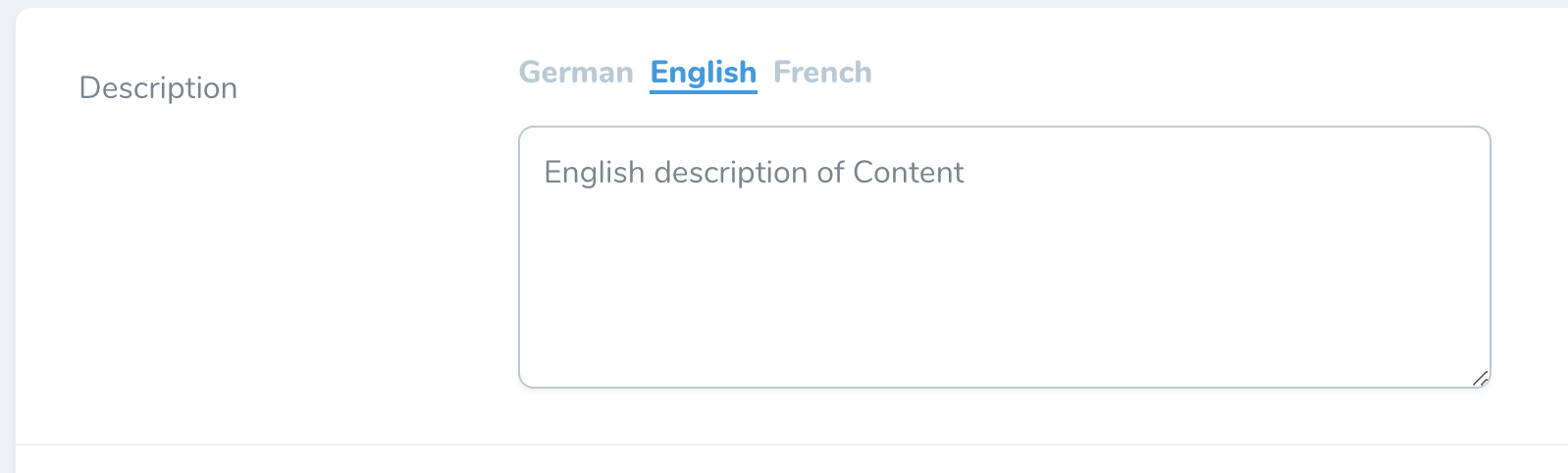
And in the edit view like this:

You can require this package using composer:
composer require xxc/nova-translatable
You can add the field follows:
use xXc\Translatable\Translatable;

Translatable::make('Description'),
Make sure, that you have your Eloquent model setup correct:
Spatie\Translatable\HasTranslations-trait.$translatable which holds an array with all the names of attributes you wish to make translatable.text-datatype in your database. If your database supports json-columns, use that.Here's an example of a prepared model:
use Illuminate\Database\Eloquent\Model;
use Spatie\Translatable\HasTranslations;

class NewsItem extends Model
{
    use HasTranslations;

    public $translatable = ['name'];
}
Locales can be defined via config file config/translatable.php (config file can be created via spatie/laravel-translatable package) by adding a locales array:
// config/translatable.php
return [
    ...
    'locales' => [
        'en' => 'English',
        'de' => 'German',
        'fr' => 'French',
    ],
];
Alternatively you can "override" the config locales with the locales(...) method:
Translatable::make('Description')->locales([
    'en' => 'English',
    'de' => 'German',
]),
By default the input field on the edit view is a textarea. If you want to change it to a single line input field you can add the singleLine() option:
Translatable::make('Description')->locales([...])->singleLine(),
You can use the trix editor for your translated fields by using the trix() option:
Translatable::make('Description')->trix(),
By default the locale used when displaying the field on the index view is determined by app()->getLocale(). To override this you can use the indexLocale($locale) option:
Translatable::make('Description')->indexLocale('de'),
By default the tabs of the languages change on all displayed fields when you click on one of them
Added a readonly option for a field
Translatable::make('Description')->readOnly(),
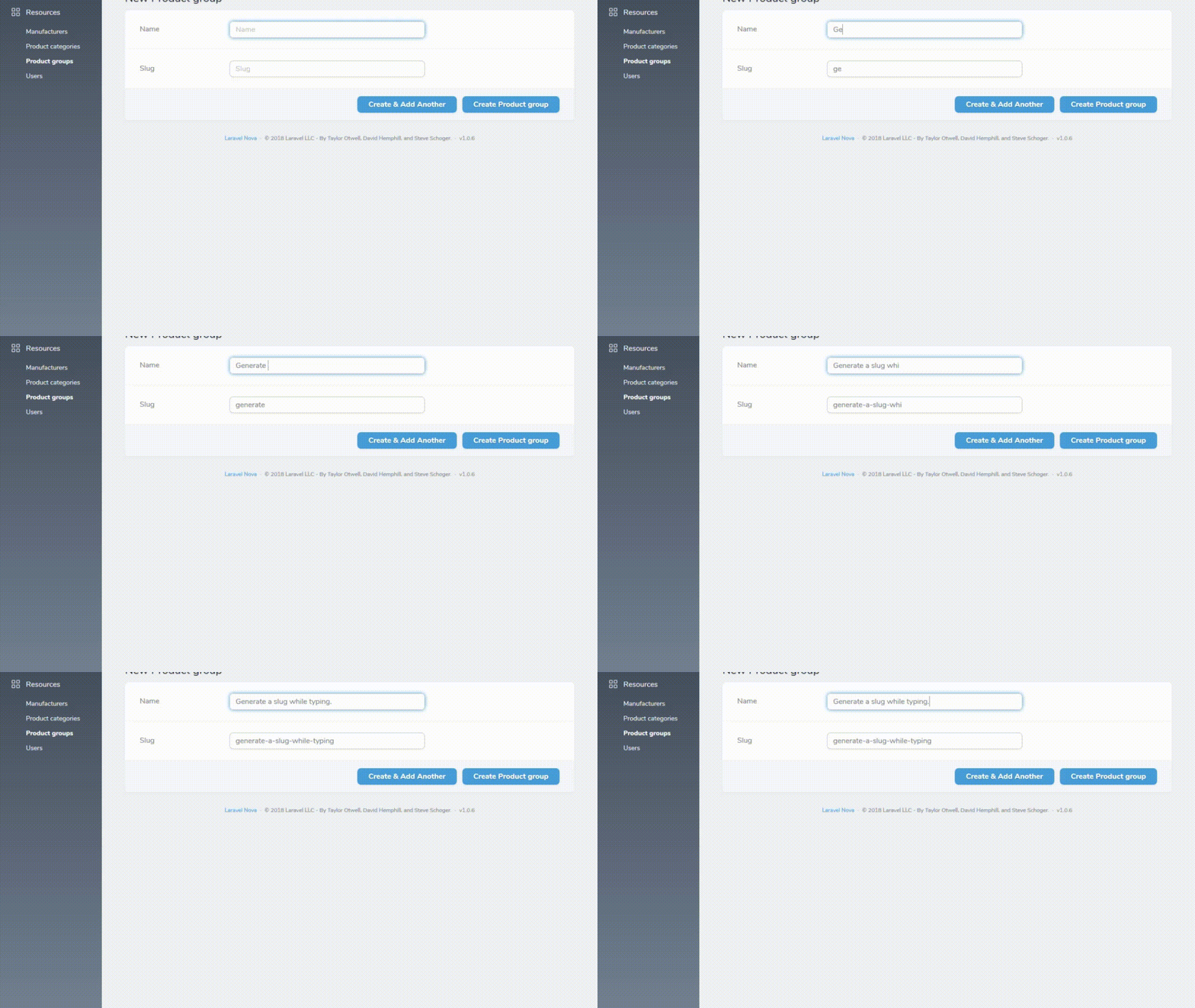
Using fieldHookup() method will trigger the inputted value of one field to be transferred to another. This helps a lot when generating slugs for sef urls. Also - this can be used with a combination with resolveUsing() in order to modify the inputted value of a field