Vectorify package for Laravel. The fastest way to ask AI about your data.
vectorifyai/vectorify-laravel is a Laravel package for vectorify package for laravel. the fastest way to ask ai about your data..
It currently has 19 GitHub stars and 6.120 downloads on Packagist (latest version 1.0.7).
Install it with composer require vectorifyai/vectorify-laravel.
Discover more Laravel packages by vectorifyai
or browse all Laravel packages to compare alternatives.
Last updated




Vectorify is the end-to-end AI connector for Laravel, letting you query and explore your data in natural language in seconds.
Laravel is famous for turning complex web app chores into elegant, artisan-friendly code. Vectorify brings that same spirit to AI-powered data exploration: with one composer install and a single config file, your Laravel app becomes a conversational knowledge base you (and your customers) can query in natural language.
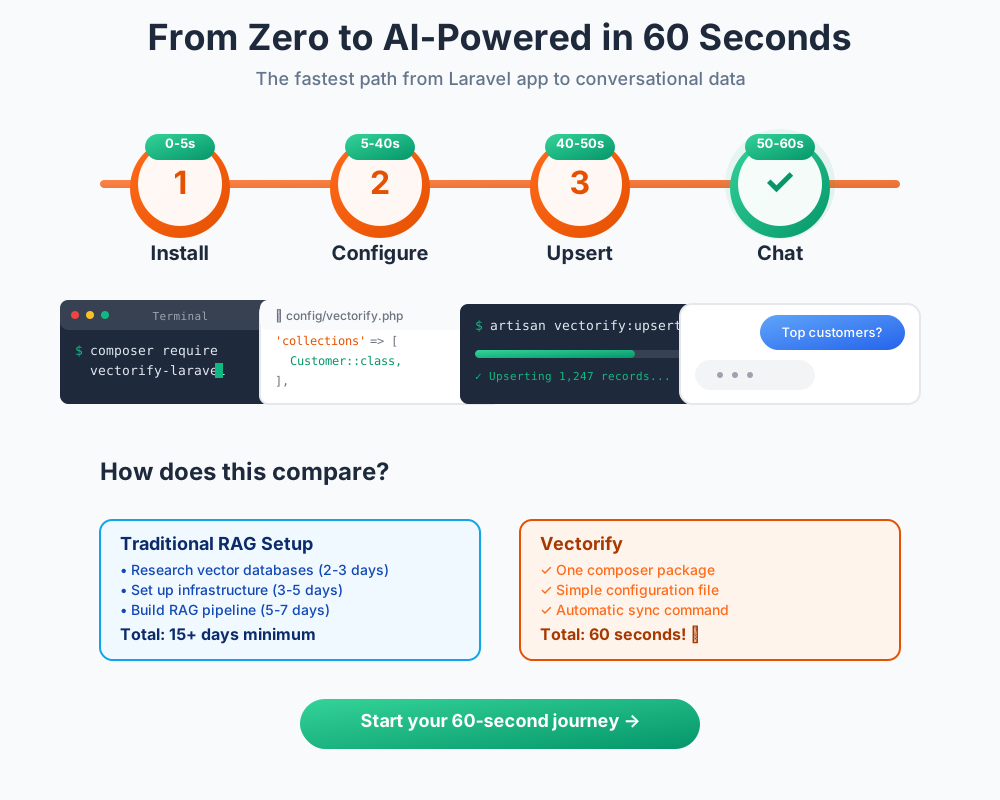
To interact with your data, you have four primary methods to choose from:
Unlike text-to-SQL tools that expose your entire database and take 30+ seconds per query, Vectorify uses proven RAG technology to deliver accurate answers in <4 seconds while keeping your database secure. Head to our blog to learn more about Vectorify.
This package provides seamless integration to automatically extract, transform, and upsert your Laravel application data to Vectorify.
Install the package via Composer:
composer require vectorifyai/vectorify-laravel
The package automatically registers itself with Laravel through package auto-discovery.
Publish the configuration file to define your collections:
php artisan vendor:publish --tag=vectorify
This will create a config/vectorify.php file in your application.
Add the API Key to your .env file:
VECTORIFY_API_KEY=your_api_key_here
You can get your API Key from Vectorify's dashboard.
Edit the config/vectorify.php file to define which models (collections) and columns you want to upsert. The simplest collection configuration references a model class:
'collections' => [
    \App\Models\Invoice::class,
]
This approach uses the model's $fillable or a custom $vectorify property as the column list. Read the documentation to learn more about defining the collections.
Run the upsert command manually to sync your data:
php artisan vectorify:upsert
The package automatically schedules the upsert command to run every 6 hours.
Please see Releases for more information on what has changed recently.
Pull requests are more than welcome. You must follow the PSR coding standards.
Please review our security policy on how to report security vulnerabilities.
The MIT License (MIT). Please see LICENSE for more information.