Tenancy multi-database integration for FilamentPHP
tomatophp/filament-tenancy is a Laravel package for tenancy multi-database integration for filamentphp.
It currently has 62 GitHub stars and 4.909 downloads on Packagist (latest version 5.0.0).
Install it with composer require tomatophp/filament-tenancy.
Discover more Laravel packages by tomatophp
or browse all Laravel packages to compare alternatives.
Last updated
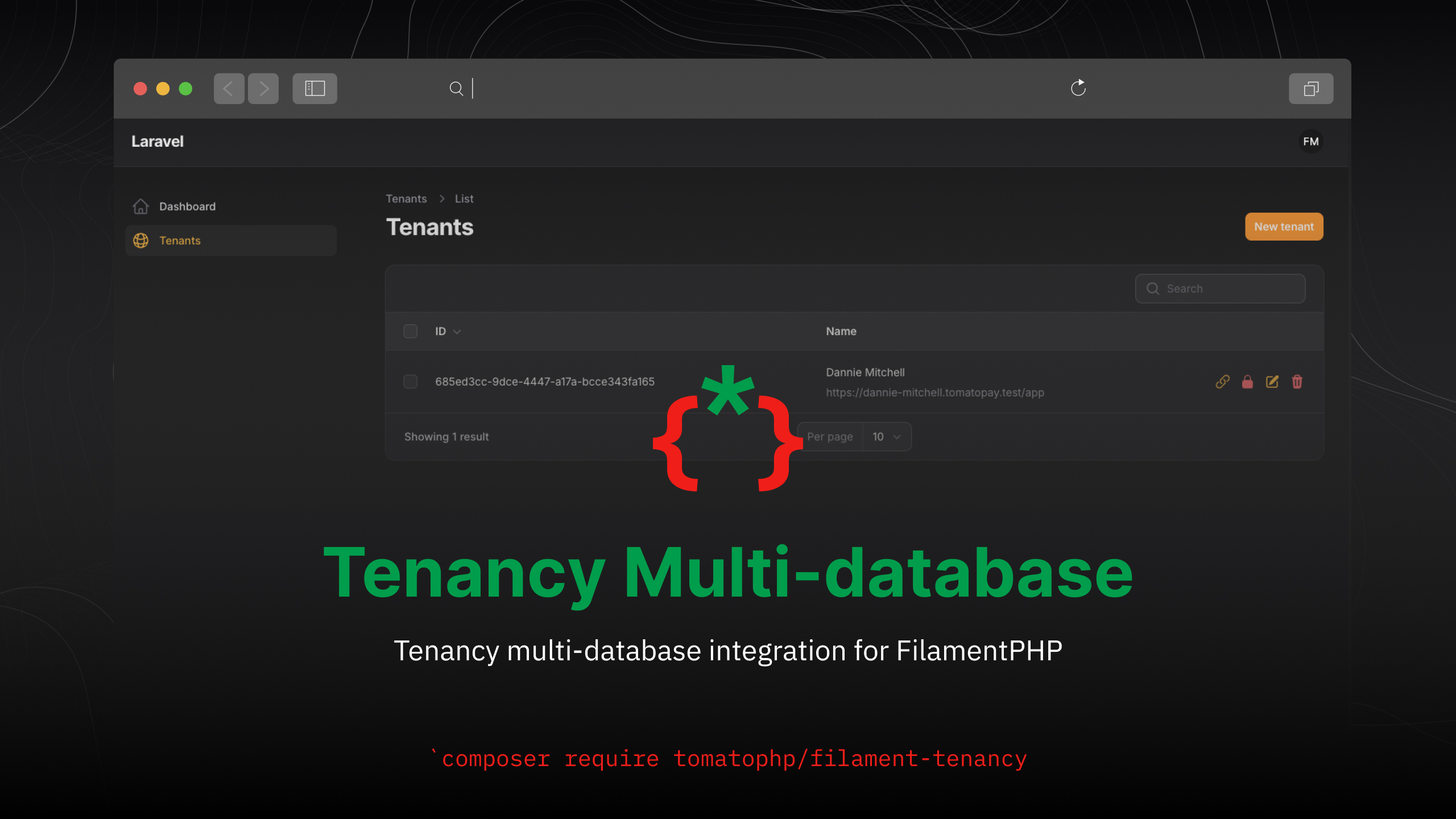



Tenancy multi-database integration for FilamentPHP
[!WARNING]
We have a known problem withroute:cacheif you find a problem with multi-database connection from your tenant side you may face this problem just usephp artisan route:clearand it will be fixed.
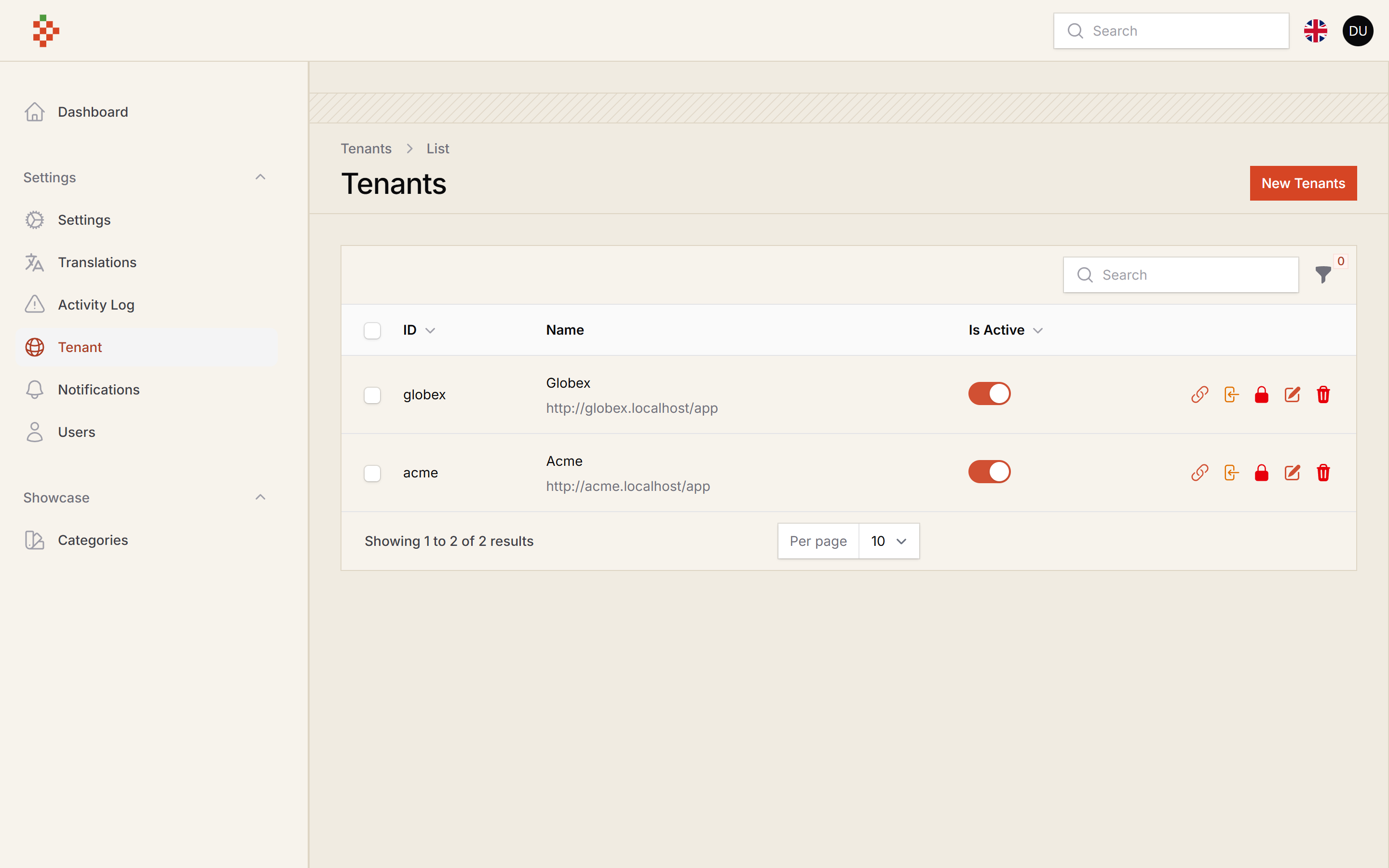
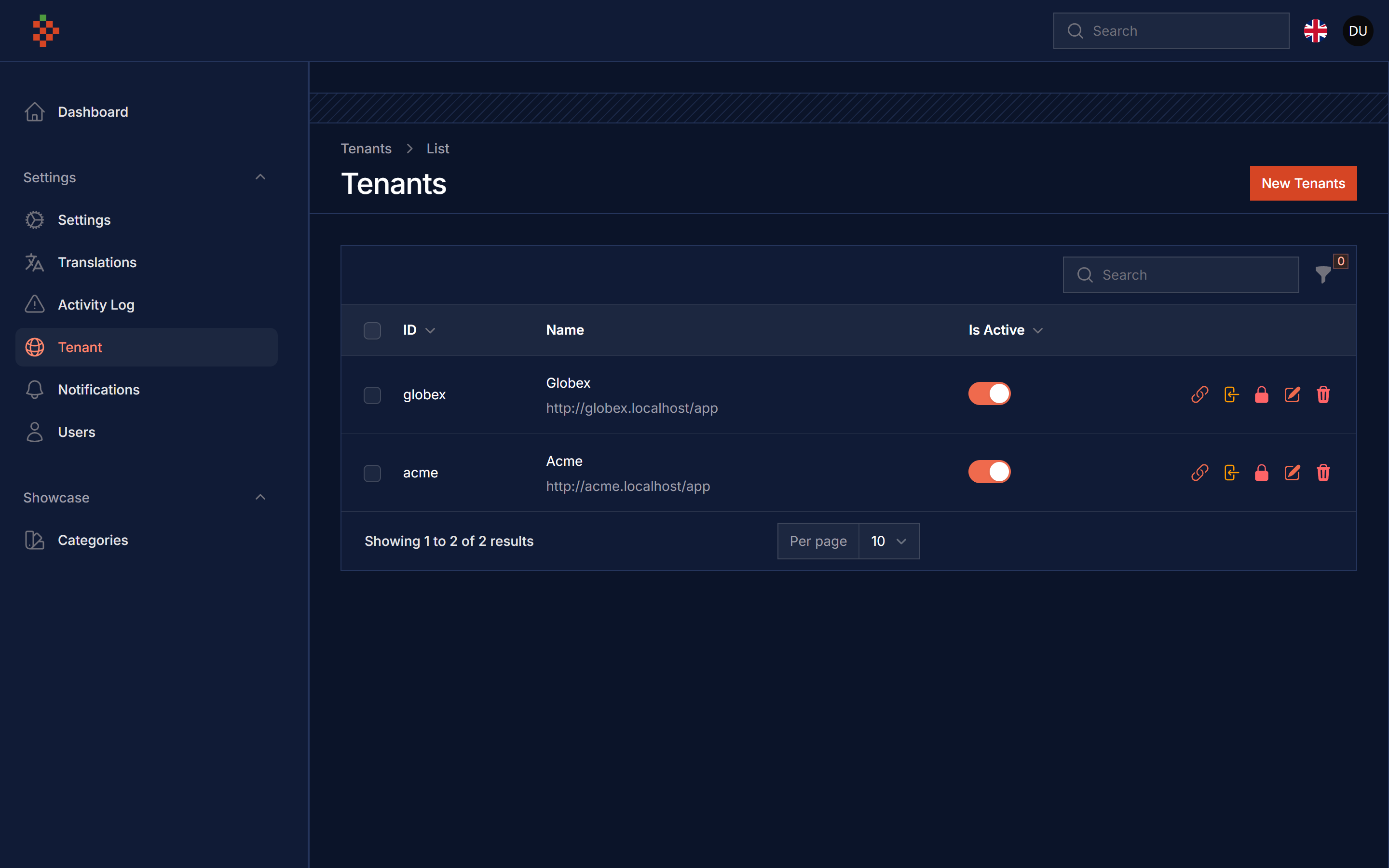
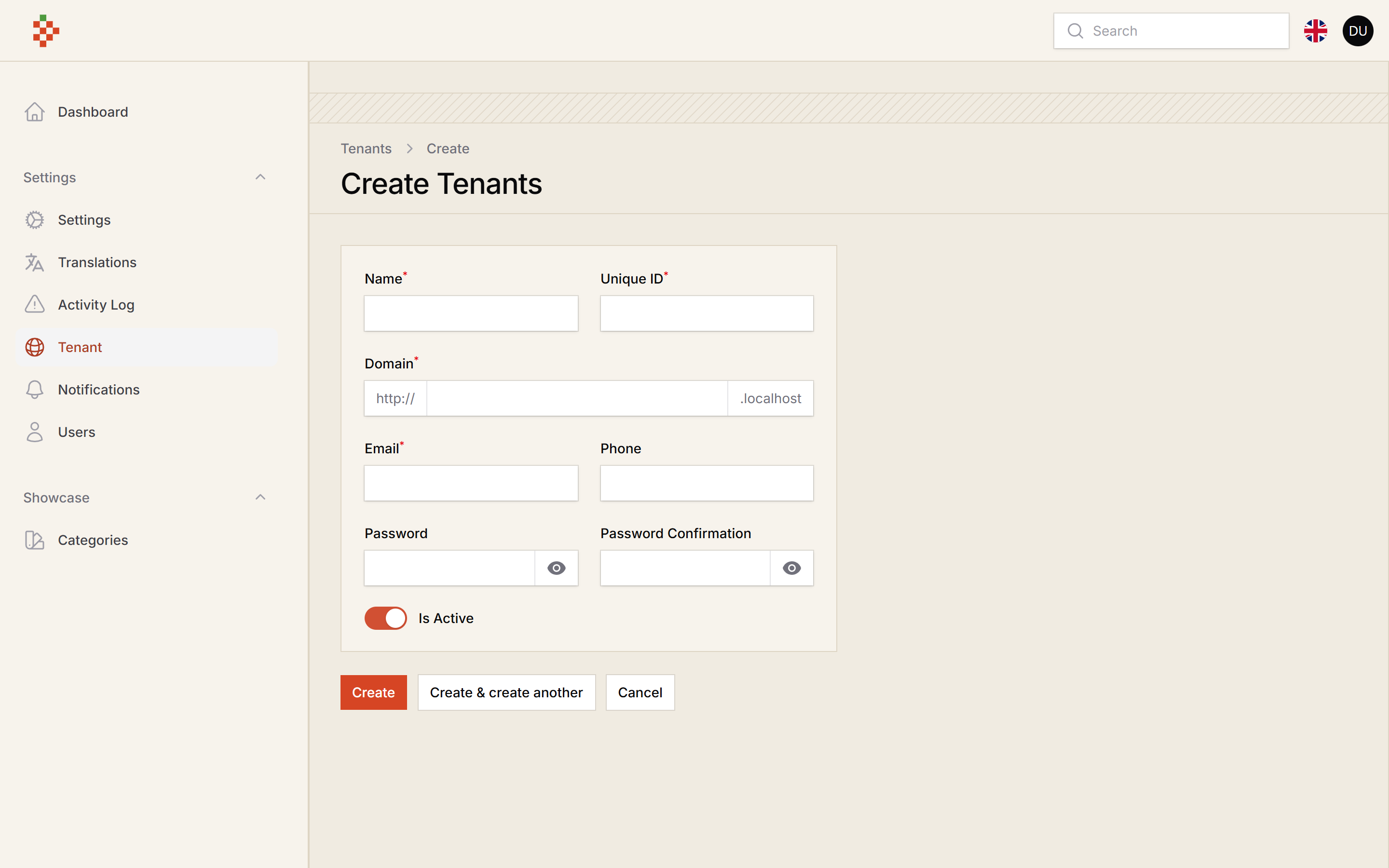
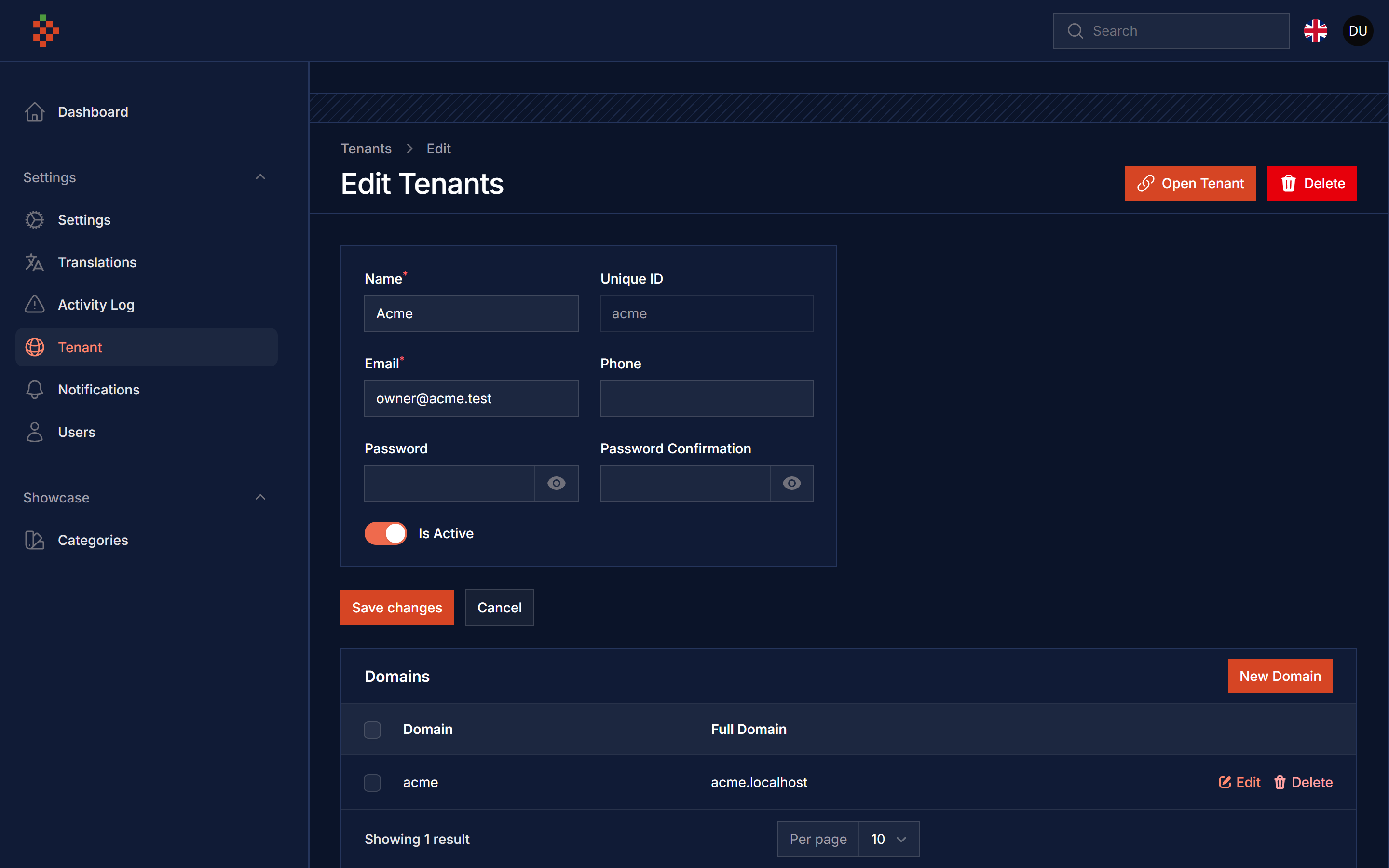
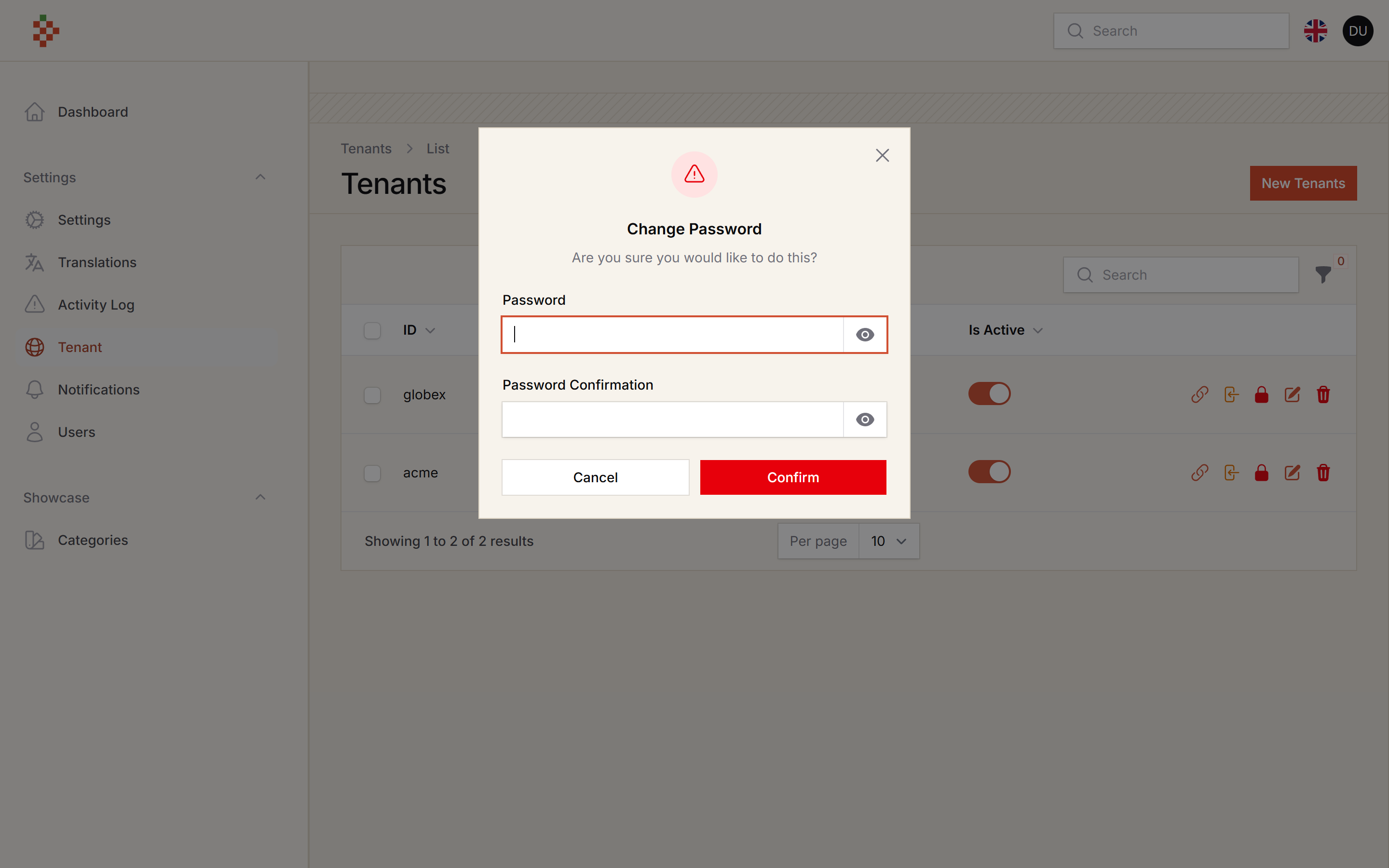
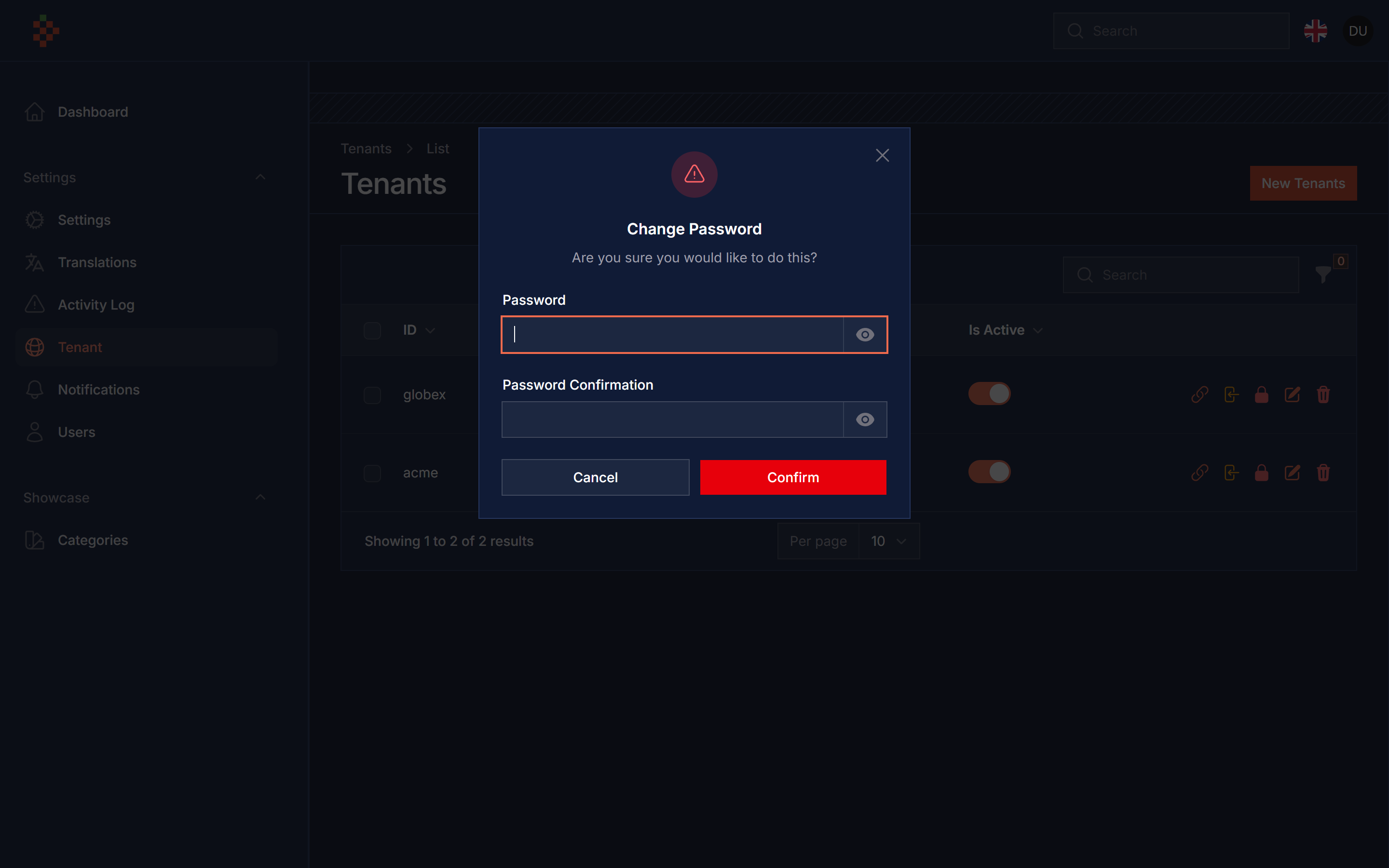
| Plugin | Filament | Laravel | PHP |
|--------|----------|---------|-----|
| 1.x (v3 branch) | 3.x | 10.x | 11.x | 8.1+ |
| 5.x | 5.x | 12.x | 13.x | 8.2+ |
composer require tomatophp/filament-tenancy
after install your package please run this command
php artisan filament-tenancy:install
in your .env add this
CENTRAL_DOMAIN=tomatophp.test
where tomatophp.test is your central domain, and make sure you add a root user or a user have a permission to create database, then in your main central panel add this plugin
use TomatoPHP\FilamentTenancy\FilamentTenancyPlugin;

->plugin(FilamentTenancyPlugin::make()->panel('app'))
now you need to create a panel for tenancy app
php artisan filament:panel
and make the name same as ->panel('app'), in your tenancy app panel add this plugin
use TomatoPHP\FilamentTenancy\FilamentTenancyAppPlugin;

->plugin(FilamentTenancyAppPlugin::make())
tenant databases are resolved by stancl/tenancy from config/tenancy.php (published by the install command), so you do not need an extra database connection. In multi-database mode the database user must be allowed to create databases.
[!NOTE] Upgrading from 1.x: the
dynamicconnection inconfig/database.phpis no longer used, you can remove it.
new tenant databases are created and migrated with the migrations in database/migrations/tenant. To seed them, set a tenant seeder in config/tenancy.php (your application DatabaseSeeder is not run inside tenants)
'seeder_parameters' => [
    '--class' => \Database\Seeders\TenantSeeder::class,
    '--force' => true,
],
on your bootstrap\app.php add this middleware
use Stancl\Tenancy\Middleware\InitializeTenancyByDomain;
use Stancl\Tenancy\Middleware\InitializeTenancyBySubdomain;

->withMiddleware(function (Middleware $middleware) {
    $middleware->group('universal', [
        InitializeTenancyByDomain::class,
        InitializeTenancyBySubdomain::class,
    ]);
})
you can allow impersonate to tanent panel with 1 click by use this method on your plugin
use TomatoPHP\FilamentTenancy\FilamentTenancyPlugin;

->plugin(
    FilamentTenancyPlugin::make()
        ->panel('app')
        ->allowImpersonate()
)
you can publish config file by use this command
php artisan vendor:publish --tag="filament-tenancy-config"
you can publish views file by use this command
php artisan vendor:publish --tag="filament-tenancy-views"
you can publish languages file by use this command
php artisan vendor:publish --tag="filament-tenancy-lang"
you can publish migrations file by use this command
php artisan vendor:publish --tag="filament-tenancy-migrations"
Checkout our Awesome TomatoPHP