Manage and generate SEO tags and integrate your website with Google SEO services
tomatophp/filament-seo is a Laravel package for manage and generate seo tags and integrate your website with google seo services.
It currently has 15 GitHub stars and 4.316 downloads on Packagist (latest version 5.0.0).
Install it with composer require tomatophp/filament-seo.
Discover more Laravel packages by tomatophp
or browse all Laravel packages to compare alternatives.
Last updated
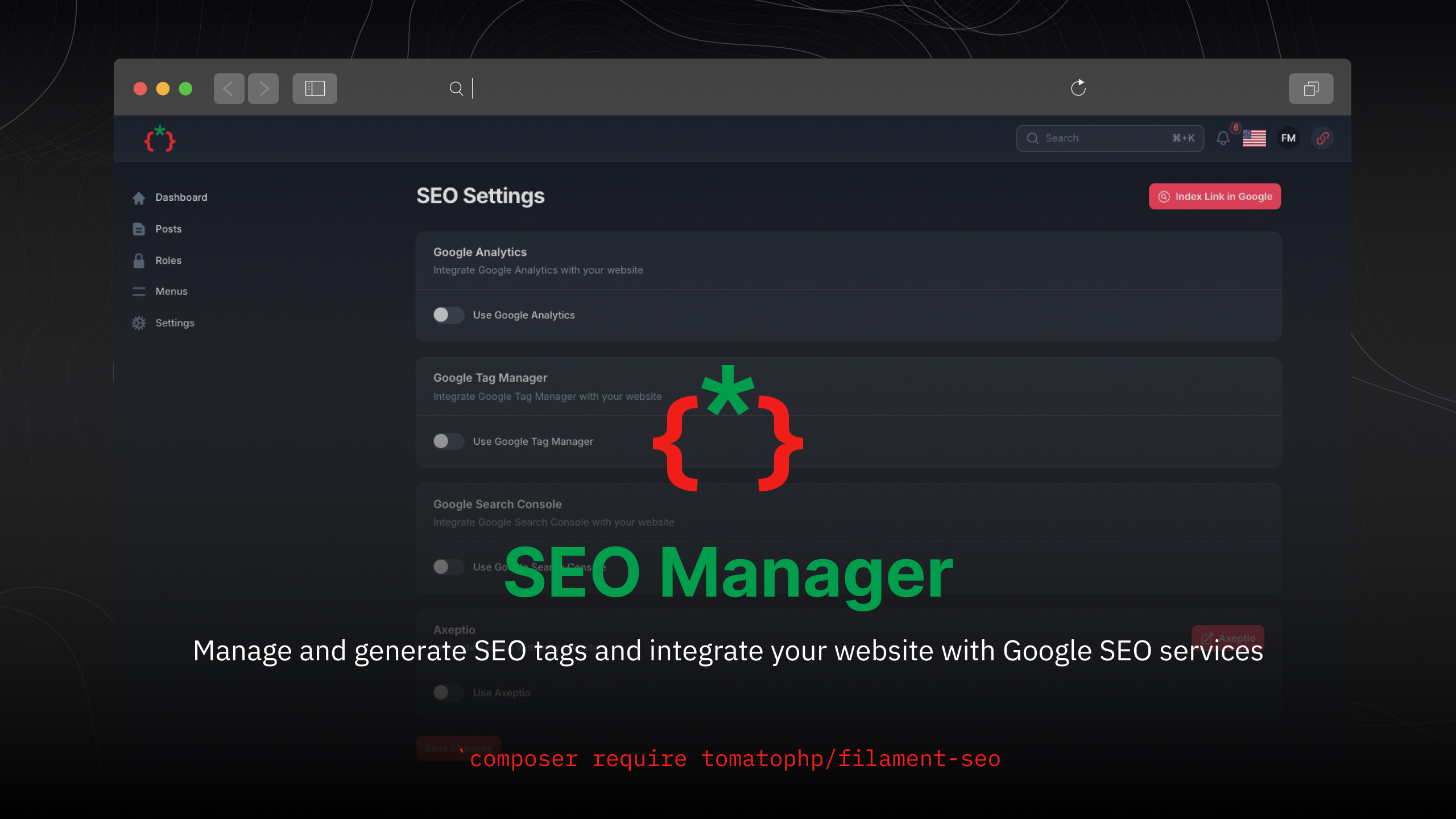


Manage and generate SEO tags and integrate your website with Google SEO services
| Plugin | Filament | Laravel | PHP | |--------|----------|---------|-----| | 5.x | 5.x | 12.x - 13.x | 8.2+ | | 1.x | 3.x | 10.x - 11.x | 8.1+ |
composer require tomatophp/filament-seo
The settings are stored with Filament Settings Hub, which creates the settings table, so you do not need to publish the spatie/laravel-settings migration yourself.
after install your package please run this command
php artisan filament-seo:install
finally register the plugin on /app/Providers/Filament/AdminPanelProvider.php
->plugin(
    \TomatoPHP\FilamentSeo\FilamentSeoPlugin::make()
)
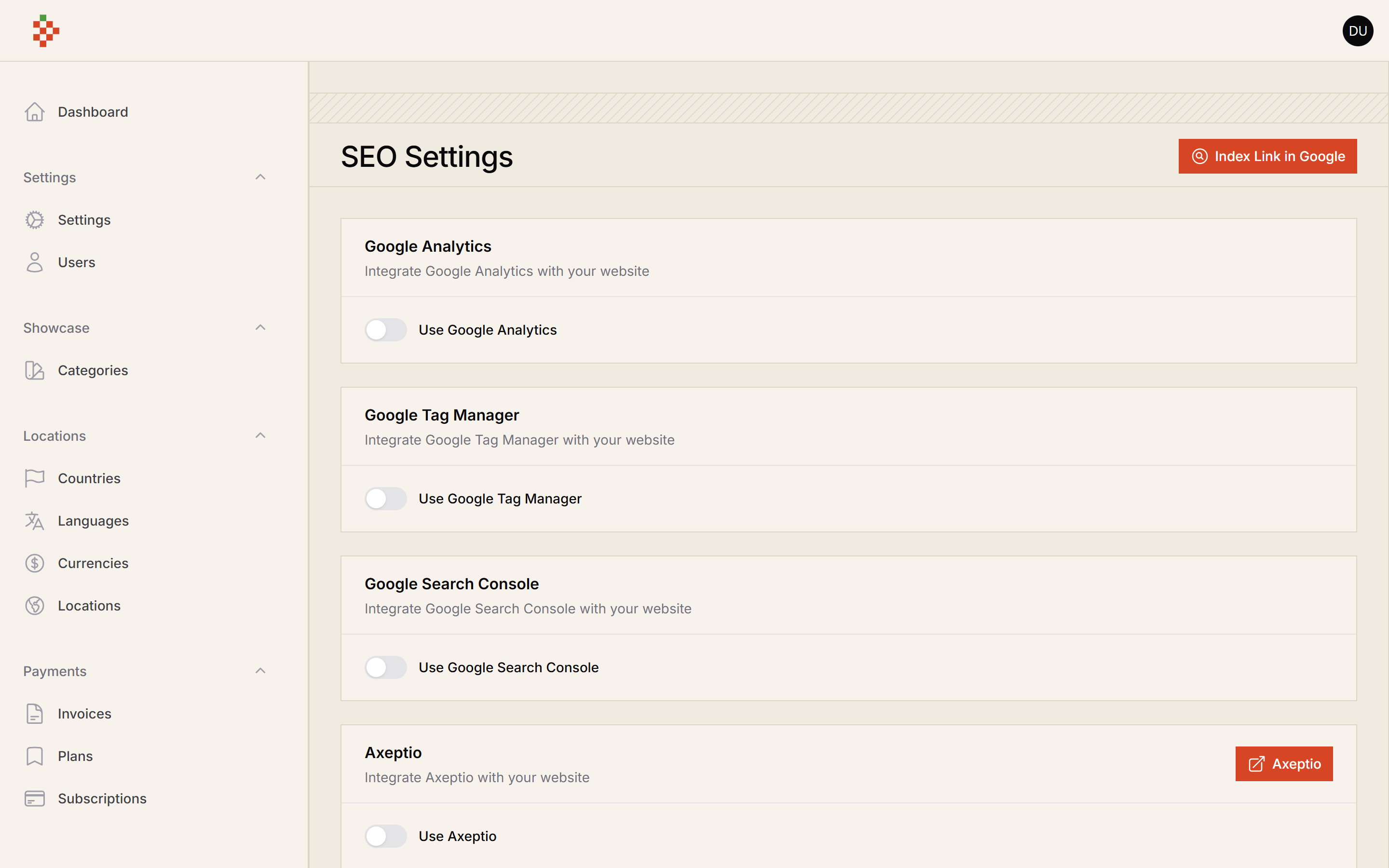
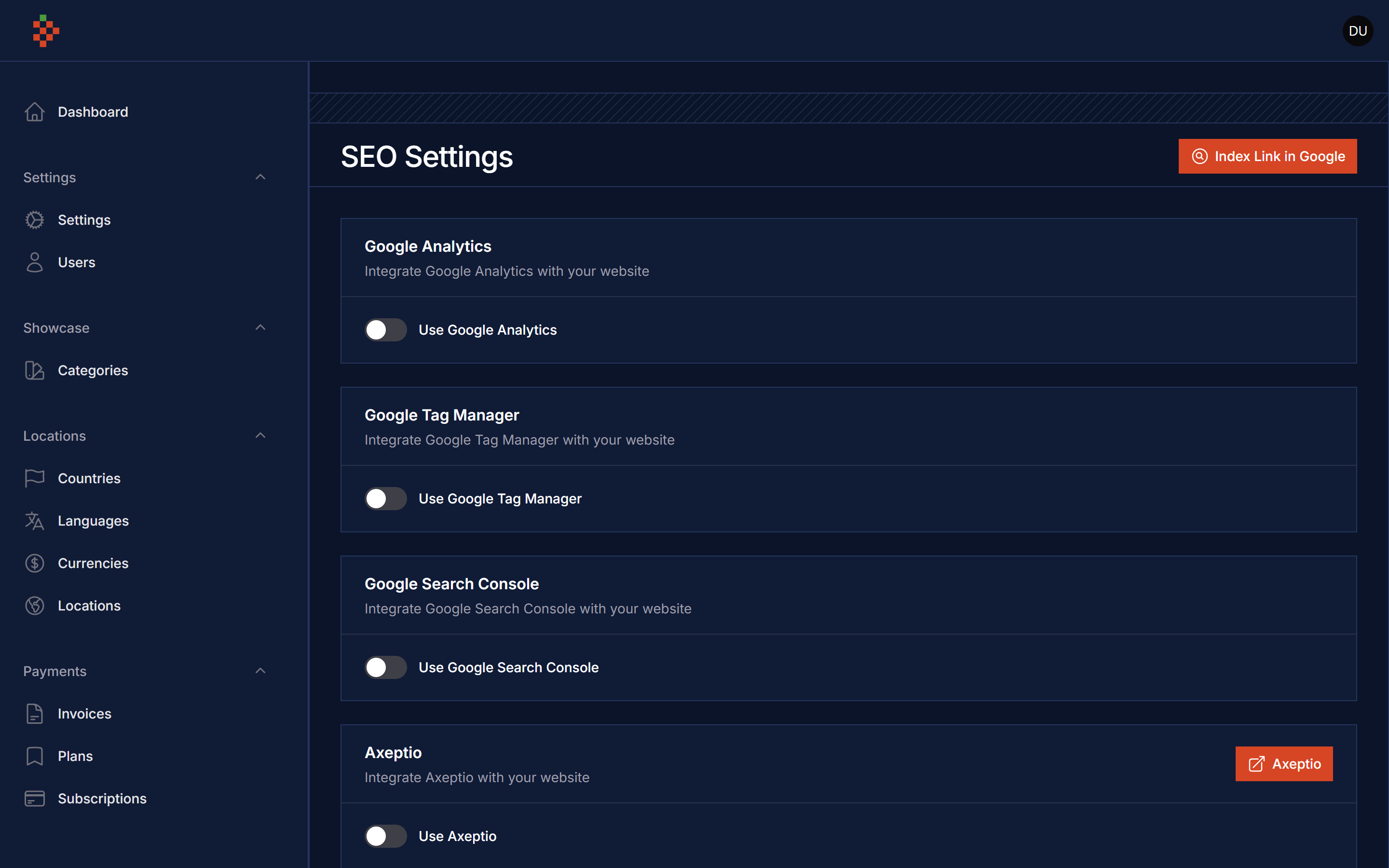
on your .env add GOOGLE_CREDENTIALS to the path of your google admin service credentials file, please make sure that the account has access to Indexing API and Search Console API
GOOGLE_CREDENTIALS=
you can just add this blade directive to your head of your layout
@filamentSeo
and for Meta tags use
<x-filament-meta />
it will integrate everything for you and when you extend this layout you can use this sections
@section('title', 'PAGE TITLE')
@section('description', 'PAGE DESCRIPTION')
@section('keywords', 'PAGE KEYWORDS')
@section('image', 'PAGE IMAGE')
@section('author', 'PAGE AUTHOR')
@section('type', 'PAGE TYPE')
@section('category', 'PAGE CATEGORY')
@section('date', 'PAGE PUBLISHING DATE')
we are integrate with CMS Builder to allow auto indexing for your pages, to allow this feature make sure you install filament-cms then allow this feature by use this method
->plugin(
    \TomatoPHP\FilamentSeo\FilamentSeoPlugin::make()
        ->allowAutoPostsIndexing()
        ->postUrl('/blog') // your post url
        ->postSlug('slug') // your post slug or id
)
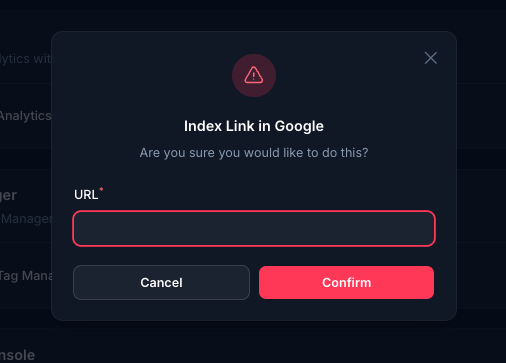
we have a jobs to make it easy to integrate google indexing API on your Site like this
dispatch(new \TomatoPHP\FilamentSeo\Jobs\GoogleIndexURLJob([
    'url' => 'https://example.com'
]));

dispatch(new \TomatoPHP\FilamentSeo\Jobs\GoogleRemoveIndexURLJob([
    'url' => 'https://example.com'
]));
you can use the shield to protect your resource and allow user roles by install it first
composer require bezhansalleh/filament-shield
Add the Spatie\Permission\Traits\HasRoles trait to your User model(s):
use Illuminate\Foundation\Auth\User as Authenticatable;
use Spatie\Permission\Traits\HasRoles;

class User extends Authenticatable
{
    use HasRoles;

    // ...
}
Publish the config file then setup your configuration:
->plugin(\BezhanSalleh\FilamentShield\FilamentShieldPlugin::make())
Now run the following command to install shield:
php artisan shield:install
Now we can publish the package assets.
php artisan vendor:publish --tag="filament-users-config"
now you need to allow it on the plugin options
->plugin(\TomatoPHP\FilamentCms\FilamentCMSPlugin::make()->allowShield())
for more information check the Filament Shield
you can publish config file by use this command
php artisan vendor:publish --tag="filament-seo-config"
you can publish views file by use this command
php artisan vendor:publish --tag="filament-seo-views"
you can publish languages file by use this command
php artisan vendor:publish --tag="filament-seo-lang"
you can publish migrations file by use this command
php artisan vendor:publish --tag="filament-seo-migrations"
Checkout our Awesome TomatoPHP