get a PWA feature on your FilamentPHP app with settings from panel
tomatophp/filament-pwa is a Laravel package for get a pwa feature on your filamentphp app with settings from panel.
It currently has 96 GitHub stars and 29.487 downloads on Packagist (latest version 5.0.0).
Install it with composer require tomatophp/filament-pwa.
Discover more Laravel packages by tomatophp
or browse all Laravel packages to compare alternatives.
Last updated



get a PWA feature on your FilamentPHP app with settings from panel
| Plugin | Filament | Laravel | PHP | |--------|----------|---------|-----| | 5.x | 5.x | 12.x - 13.x | 8.2+ | | 4.x | 4.x | 11.x - 12.x | 8.2+ | | 1.x | 3.x | 10.x - 11.x | 8.1+ |
composer require tomatophp/filament-pwa
The settings are stored with Filament Settings Hub, which creates the settings table. If it is not installed yet, run its installer first:
php artisan filament-settings-hub:install
after install your package please run this command
php artisan filament-pwa:install
finally register the plugin on /app/Providers/Filament/AdminPanelProvider.php
->plugin(\TomatoPHP\FilamentPWA\FilamentPWAPlugin::make())
Icons, splash screens and shortcut icons are stored on the public disk. To use another disk (for example s3), set it in .env or in the published config:
FILAMENT_PWA_UPLOAD_DISK=s3
The URLs in the manifest then come from that disk's url().
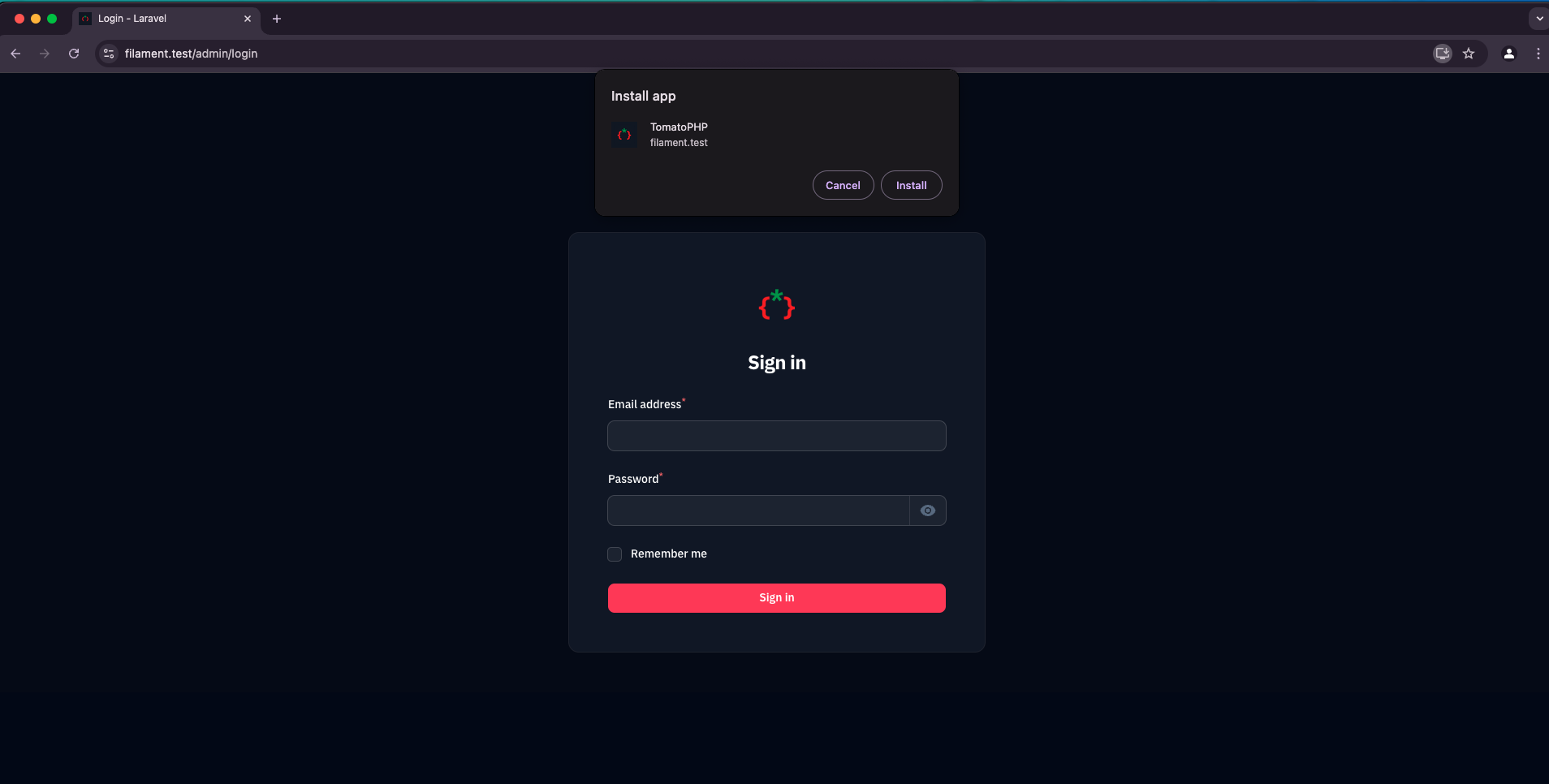
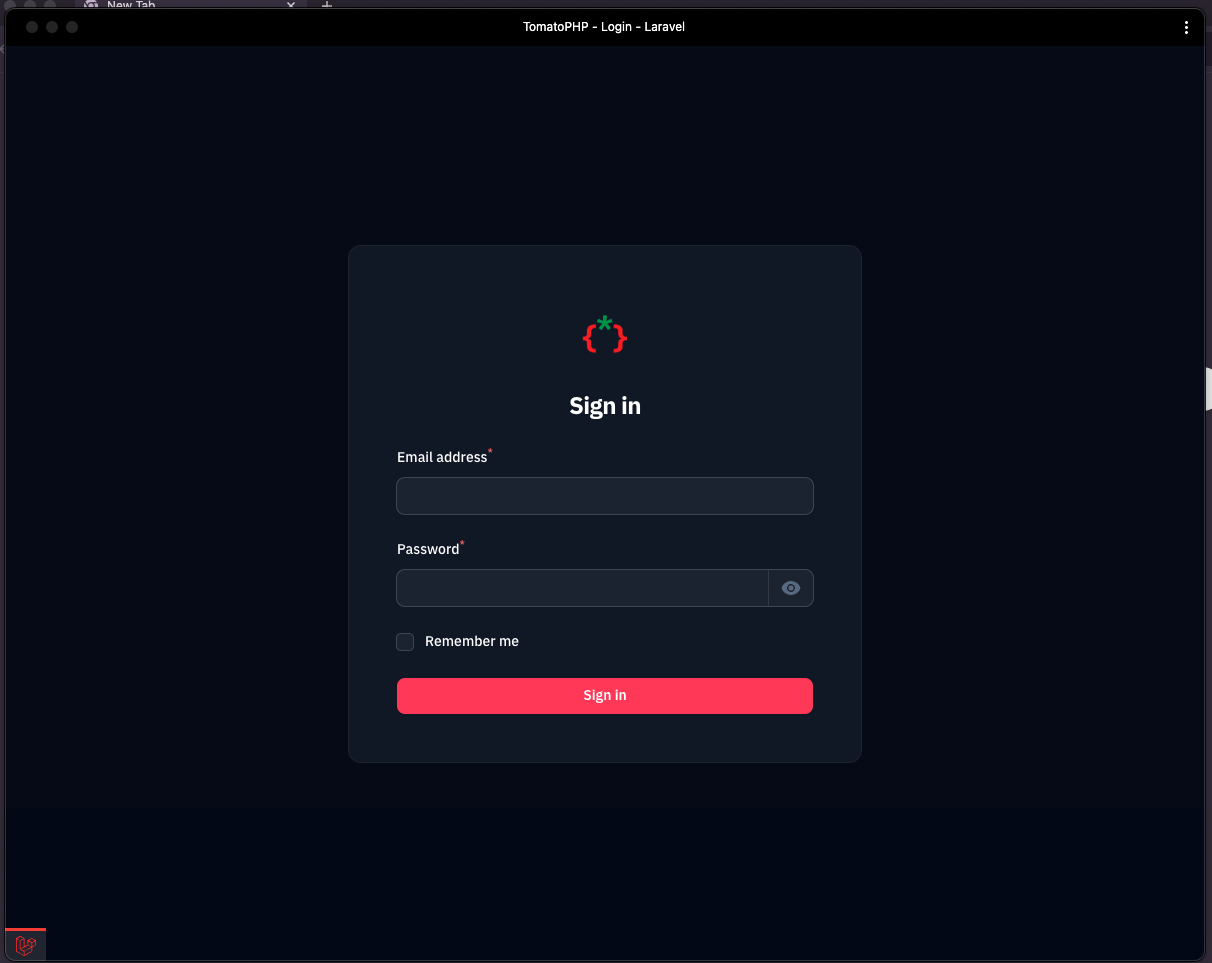
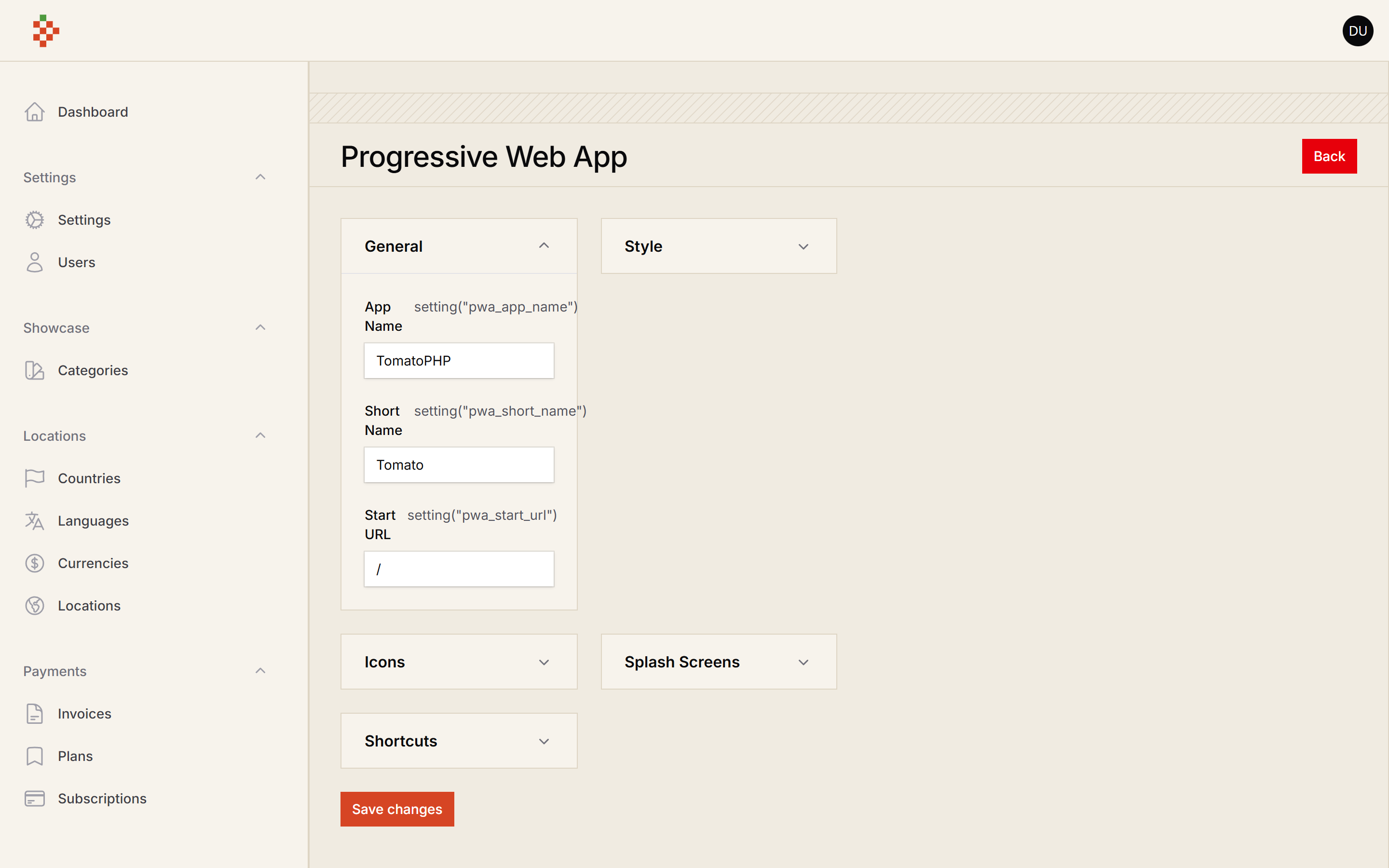
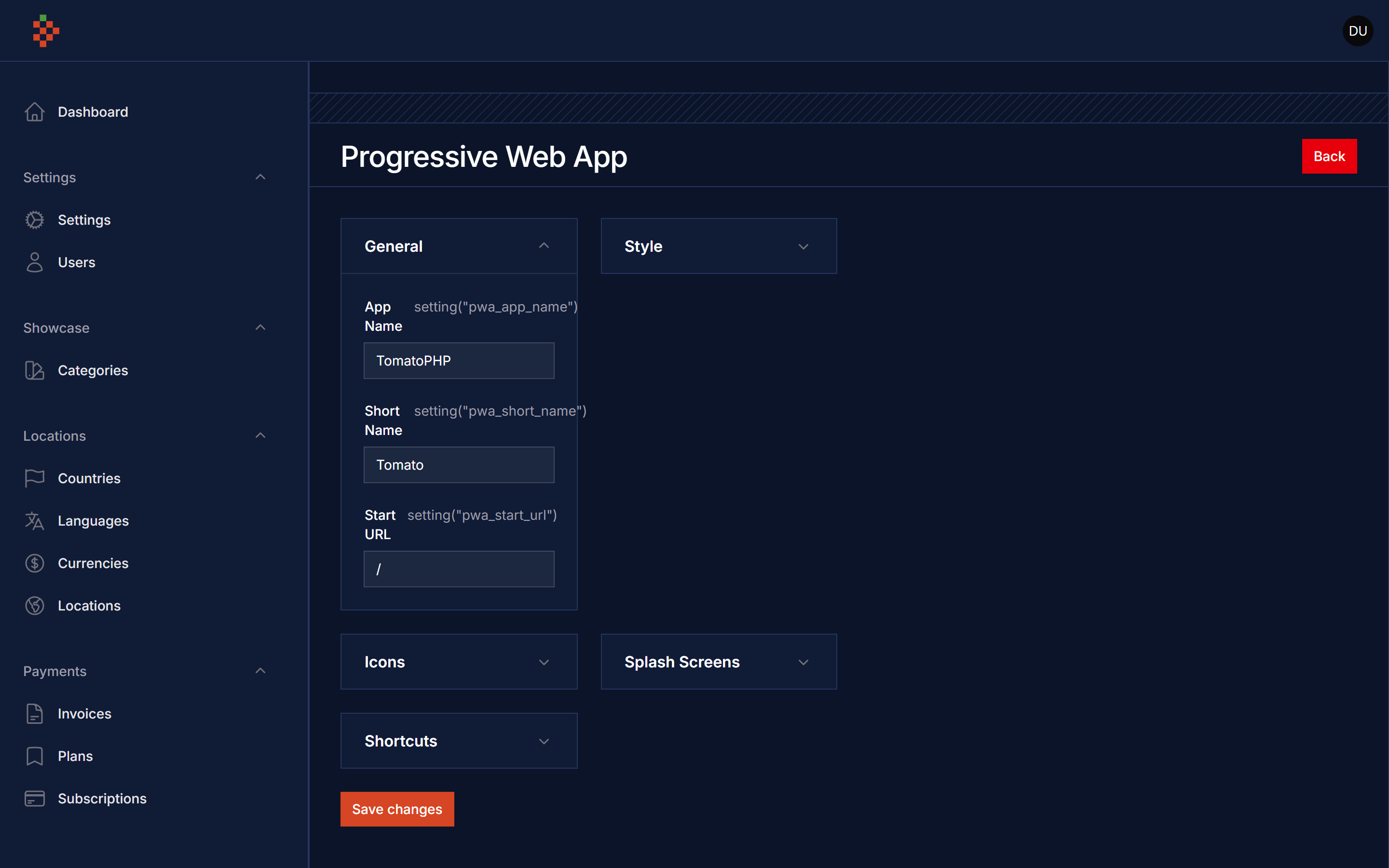
you can use directive to allow PWA on none-FilamentPHP pages, just add this directive to your blade file on top of </head>
@filamentPWA
you can publish config file by use this command
php artisan vendor:publish --tag="filament-pwa-config"
you can publish views file by use this command
php artisan vendor:publish --tag="filament-pwa-views"
you can publish languages file by use this command
php artisan vendor:publish --tag="filament-pwa-lang"
Checkout our Awesome TomatoPHP