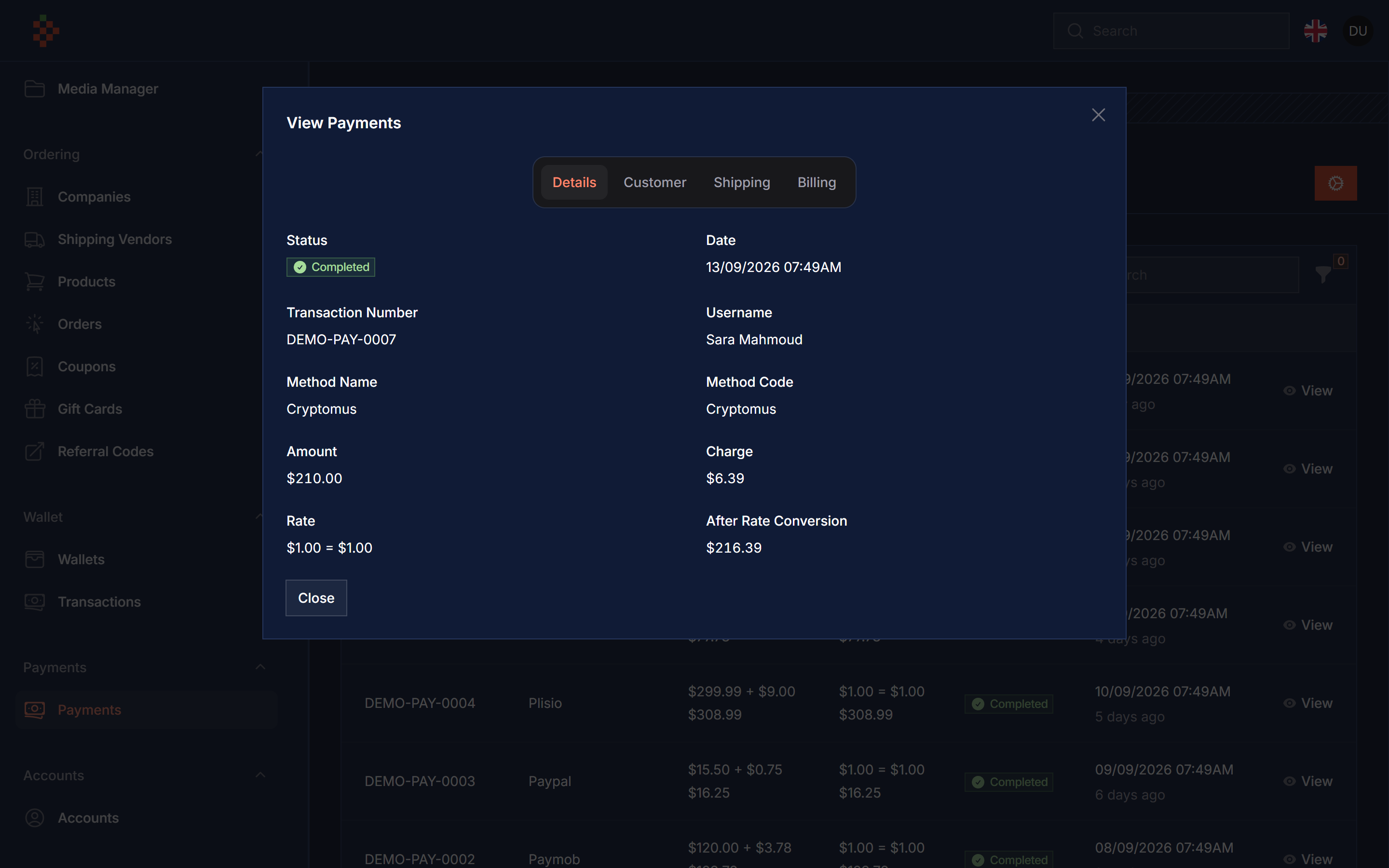
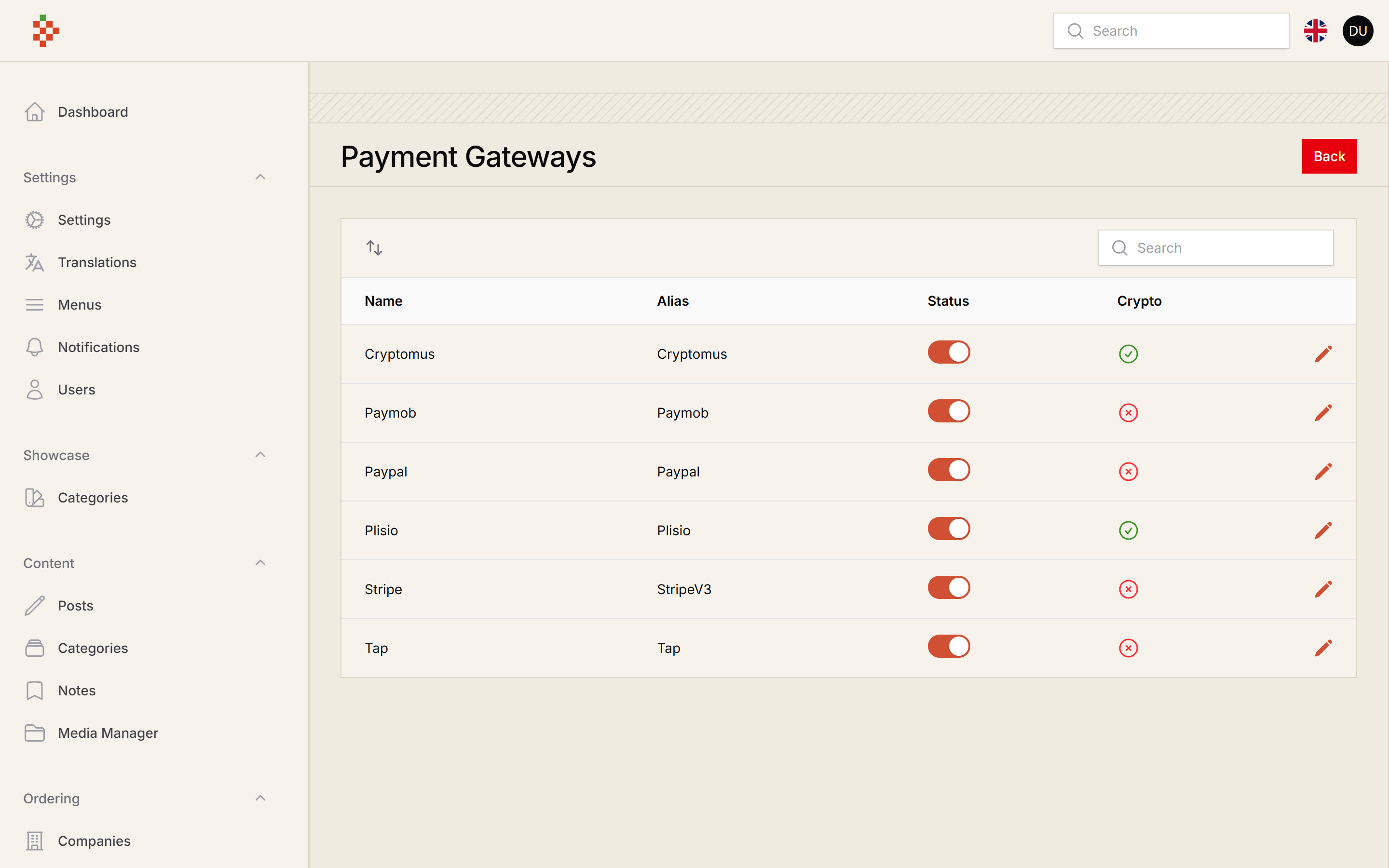
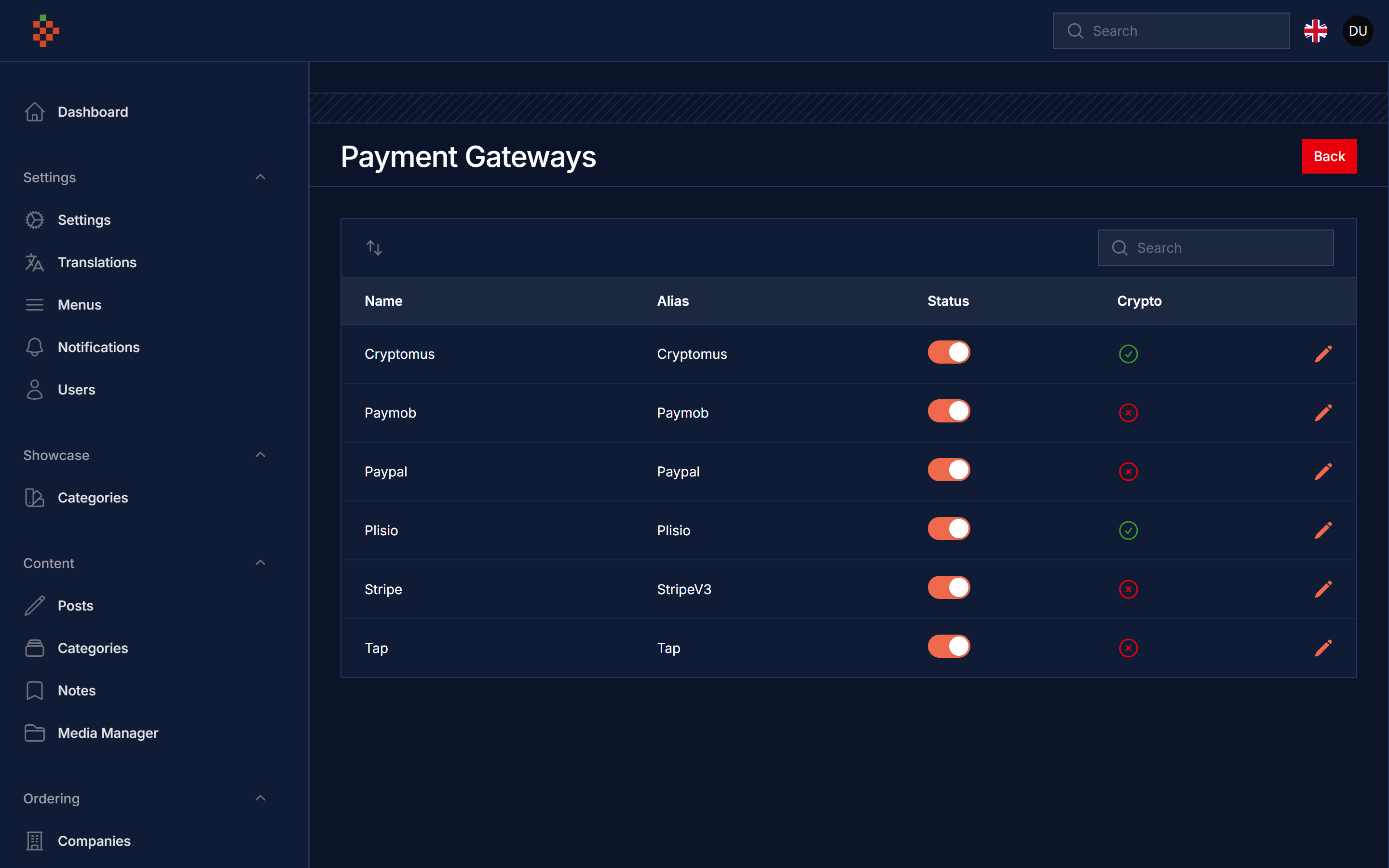
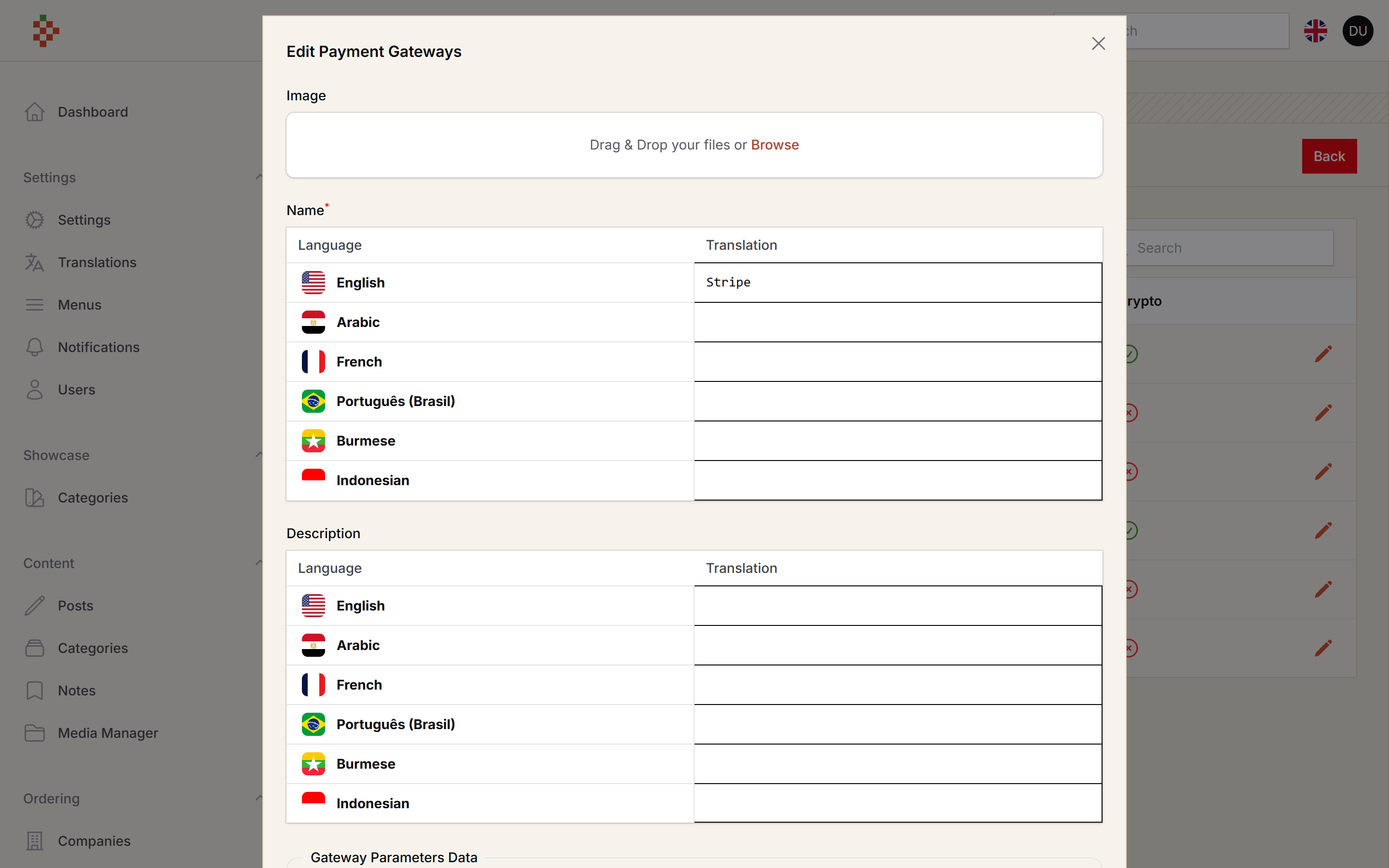
Manage your payments inside FilamentPHP app with multi payment gateway integration
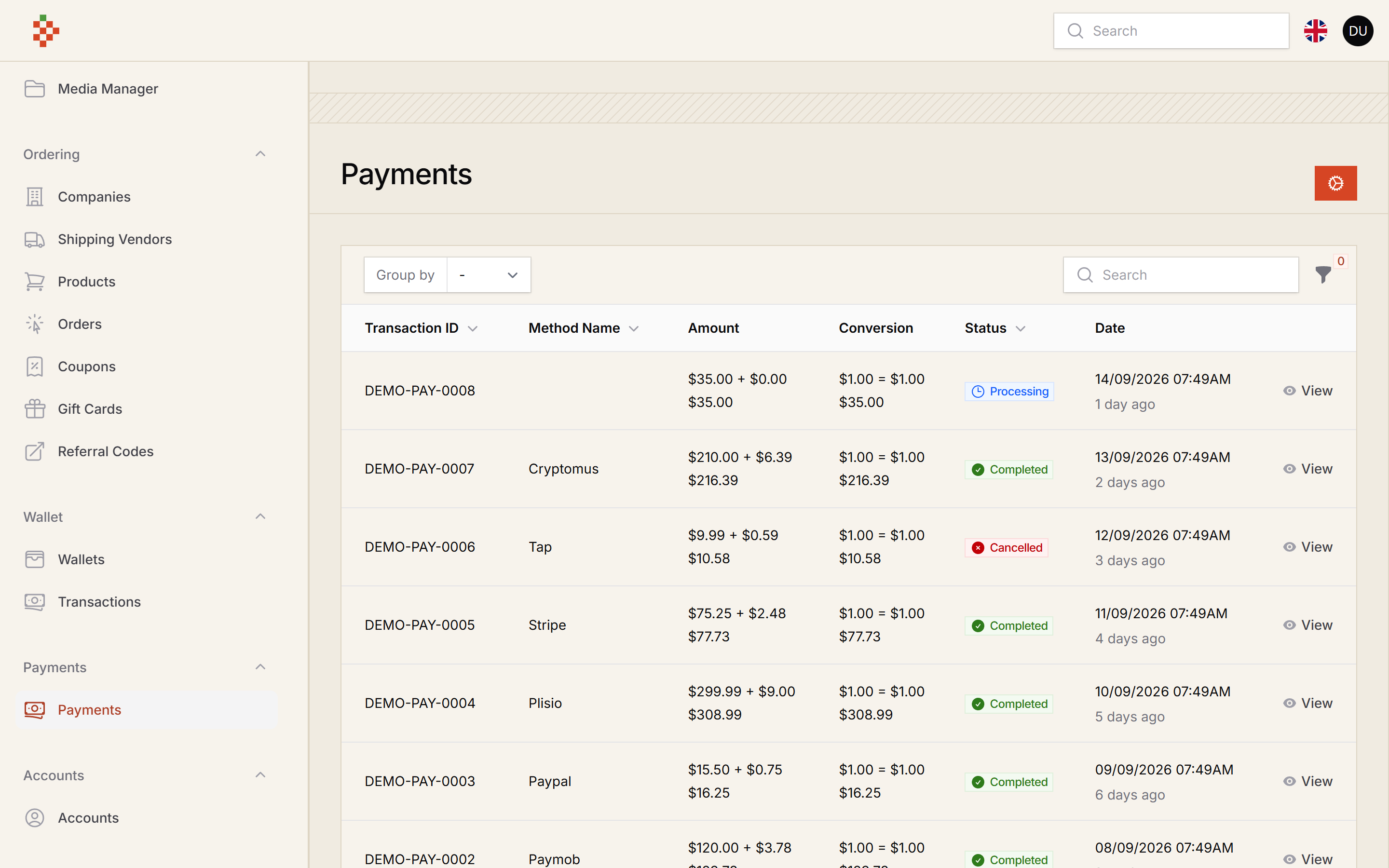
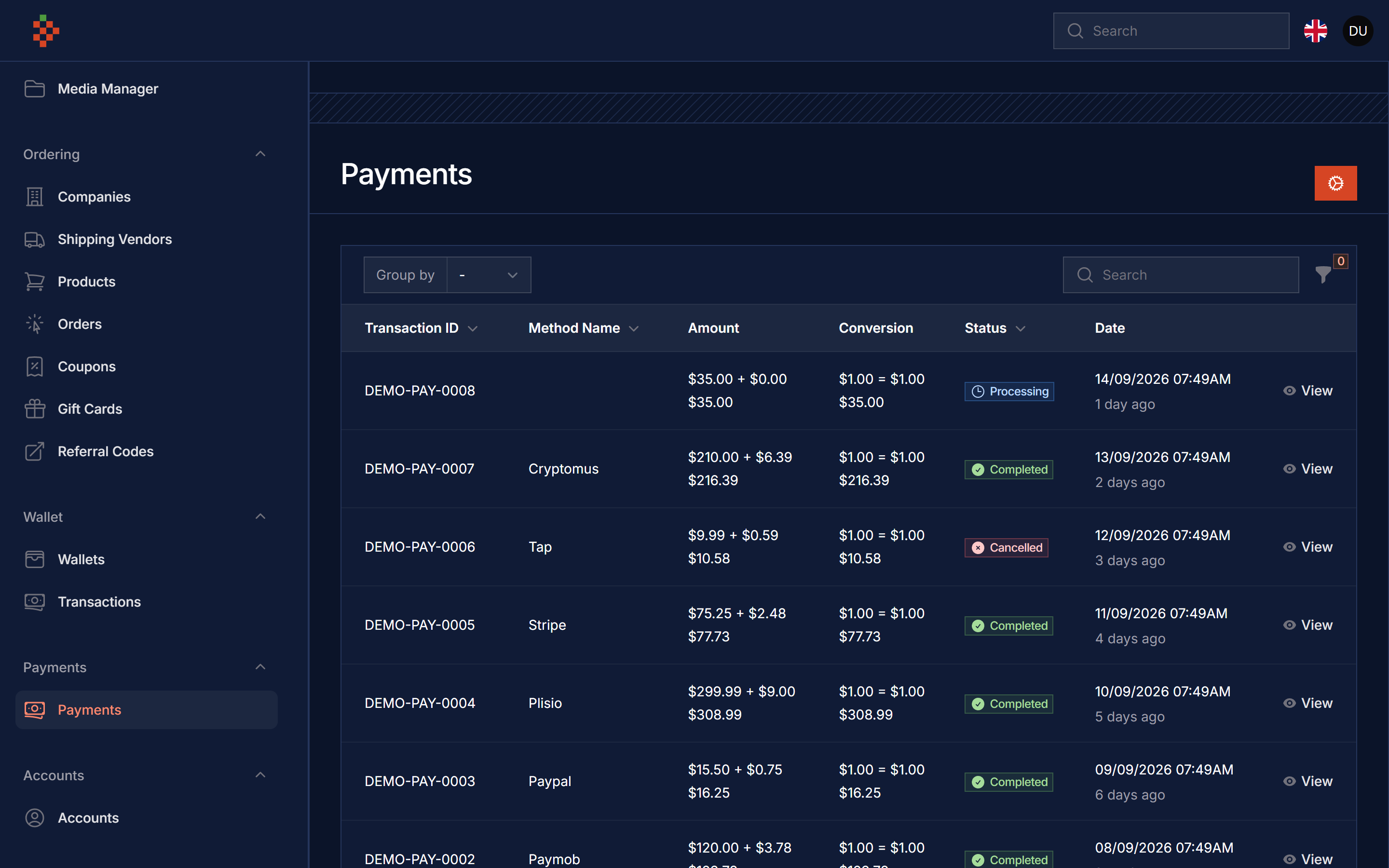
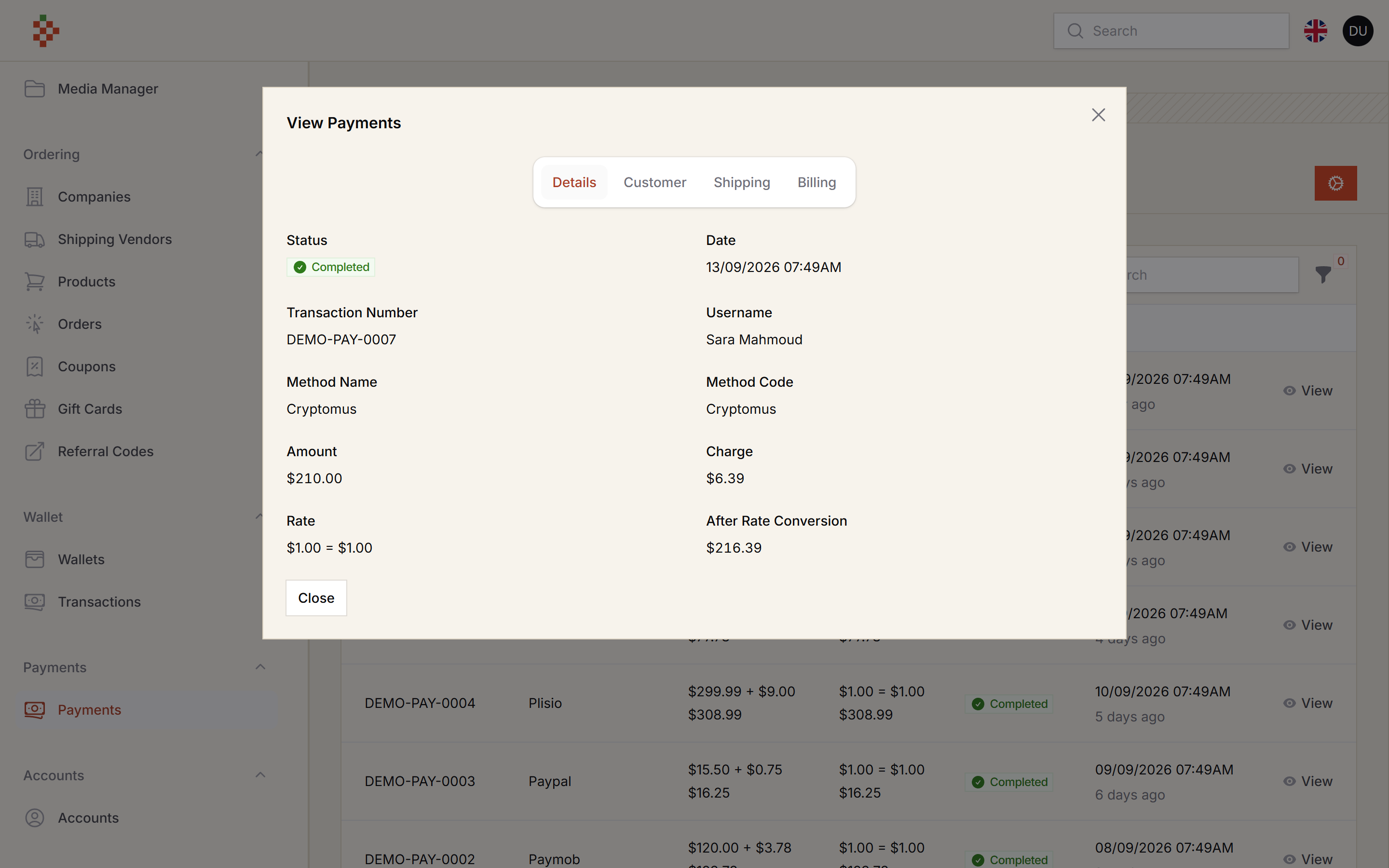
tomatophp/filament-payments is a Laravel package for manage your payments inside filamentphp app with multi payment gateway integration.
It currently has 54 GitHub stars and 2.609 downloads on Packagist (latest version 5.0.1).
Install it with composer require tomatophp/filament-payments.
Discover more Laravel packages by tomatophp
or browse all Laravel packages to compare alternatives.
Last updated
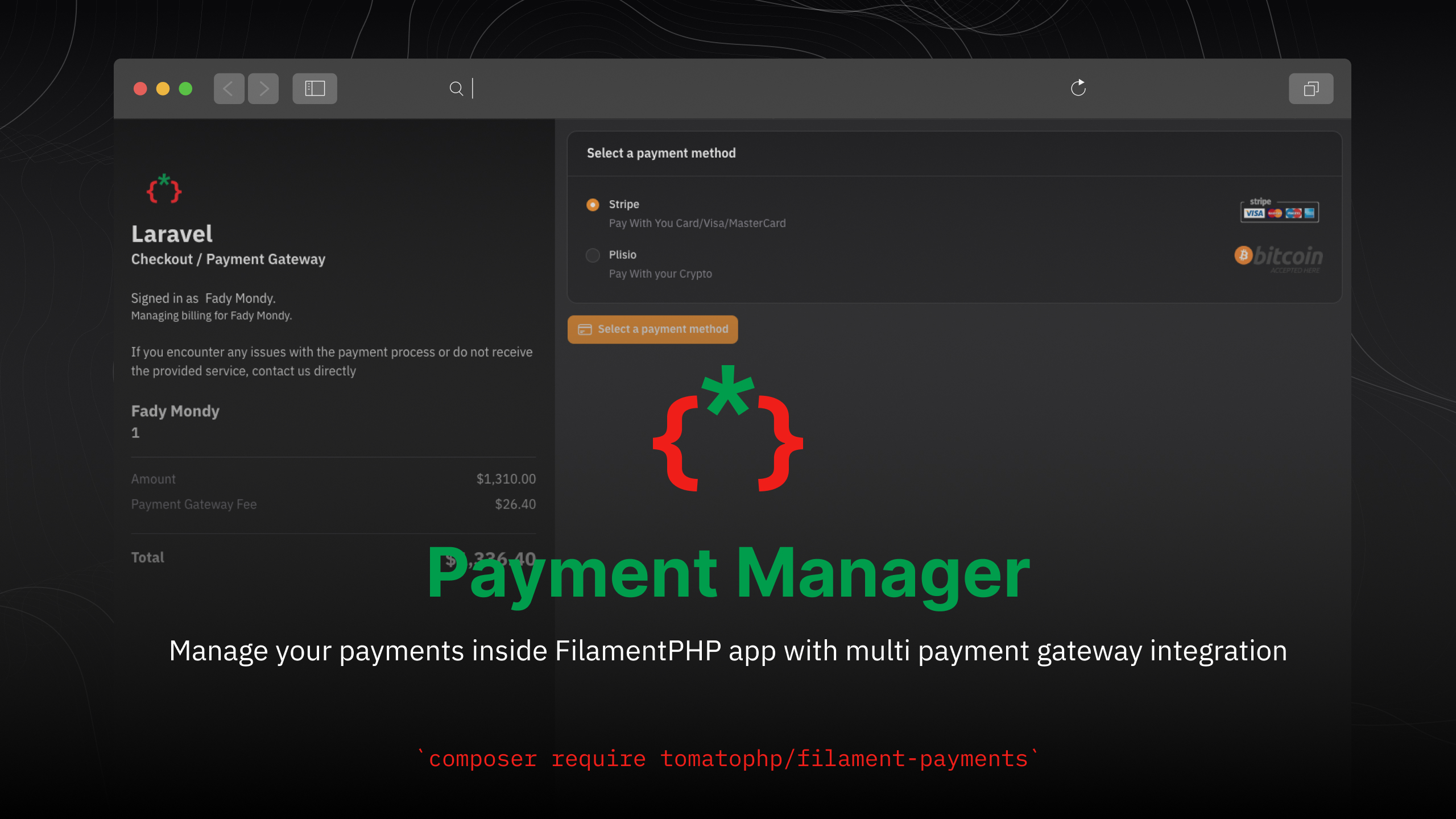


Manage your payments inside FilamentPHP app with multi payment gateway integration
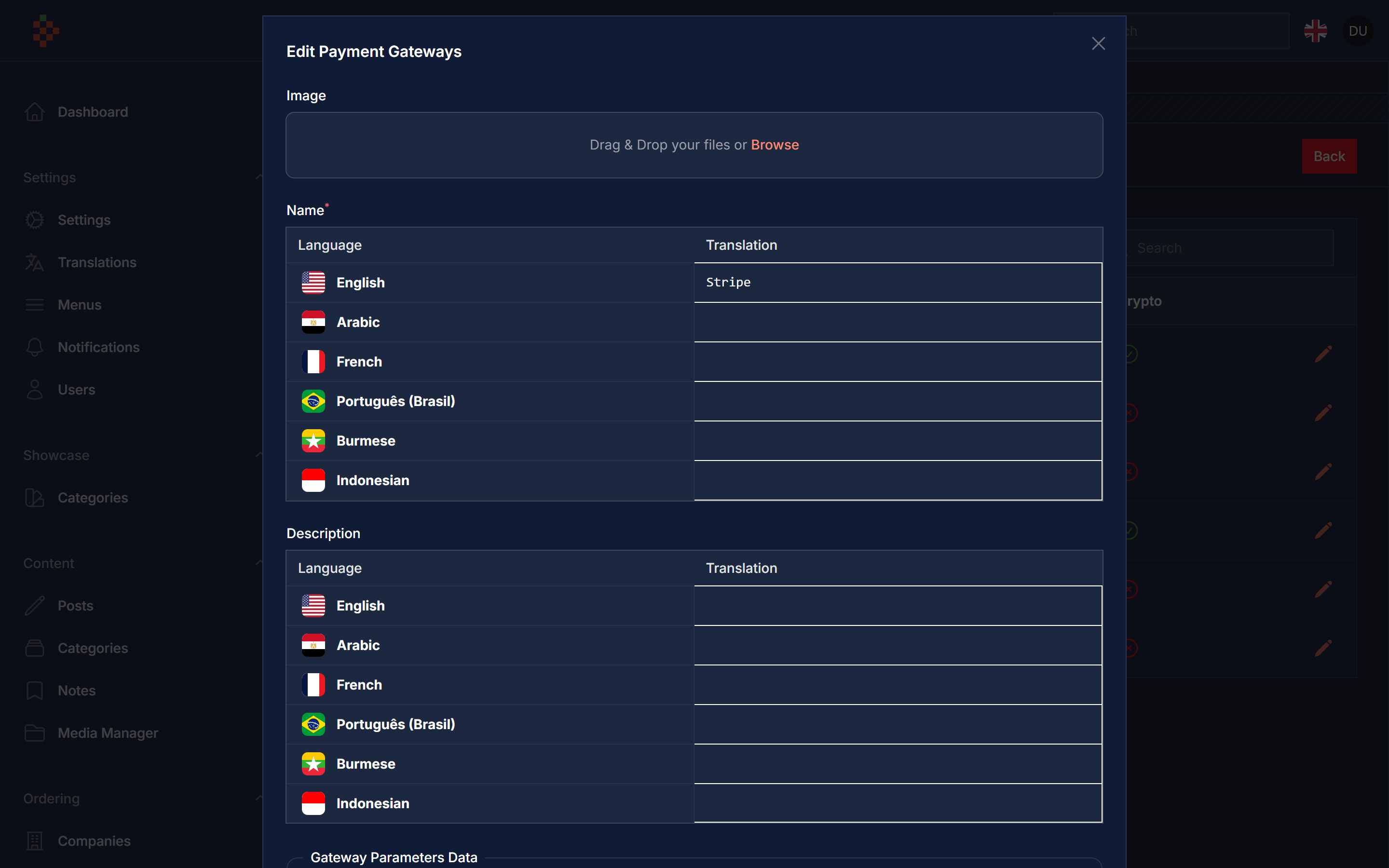
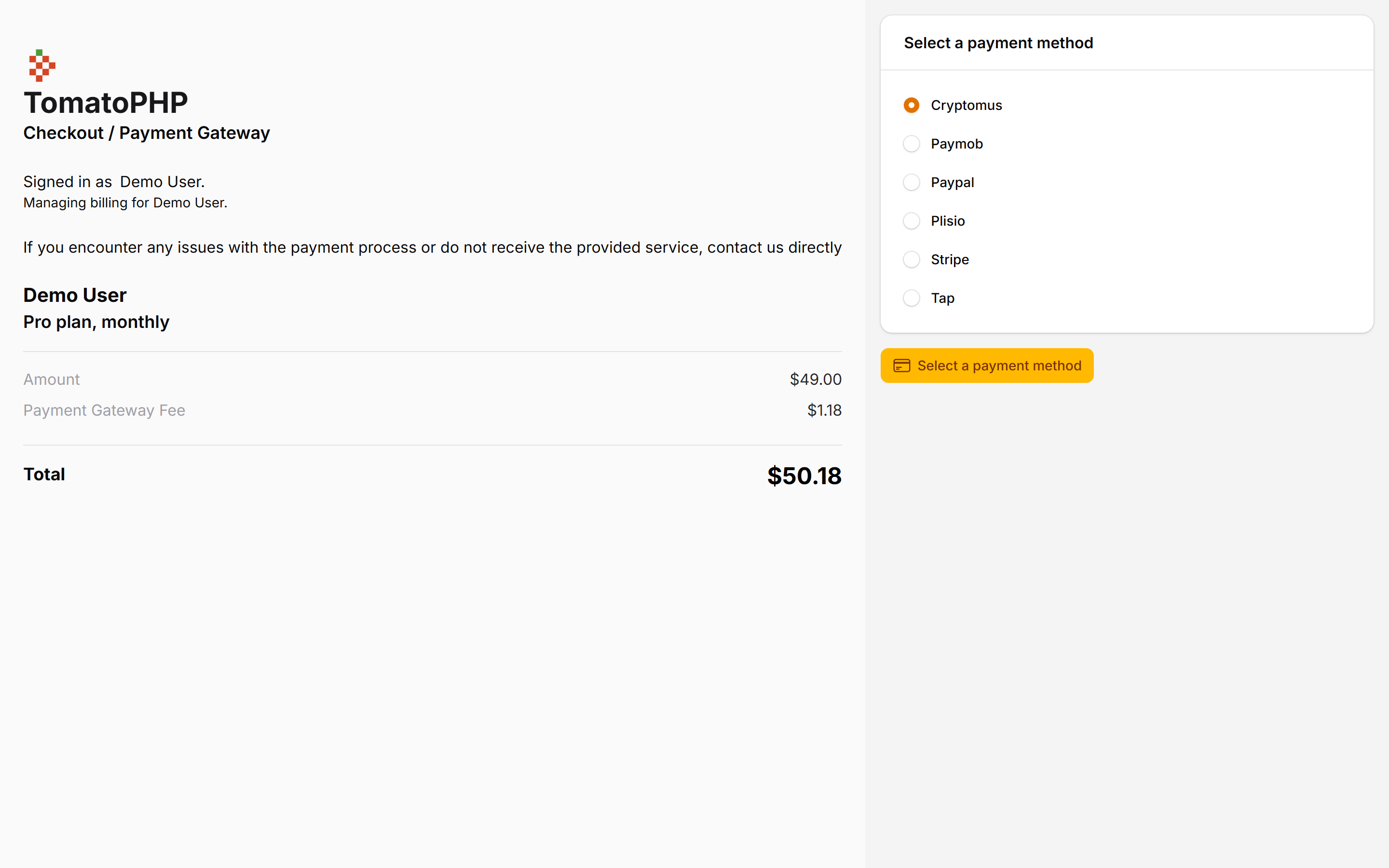
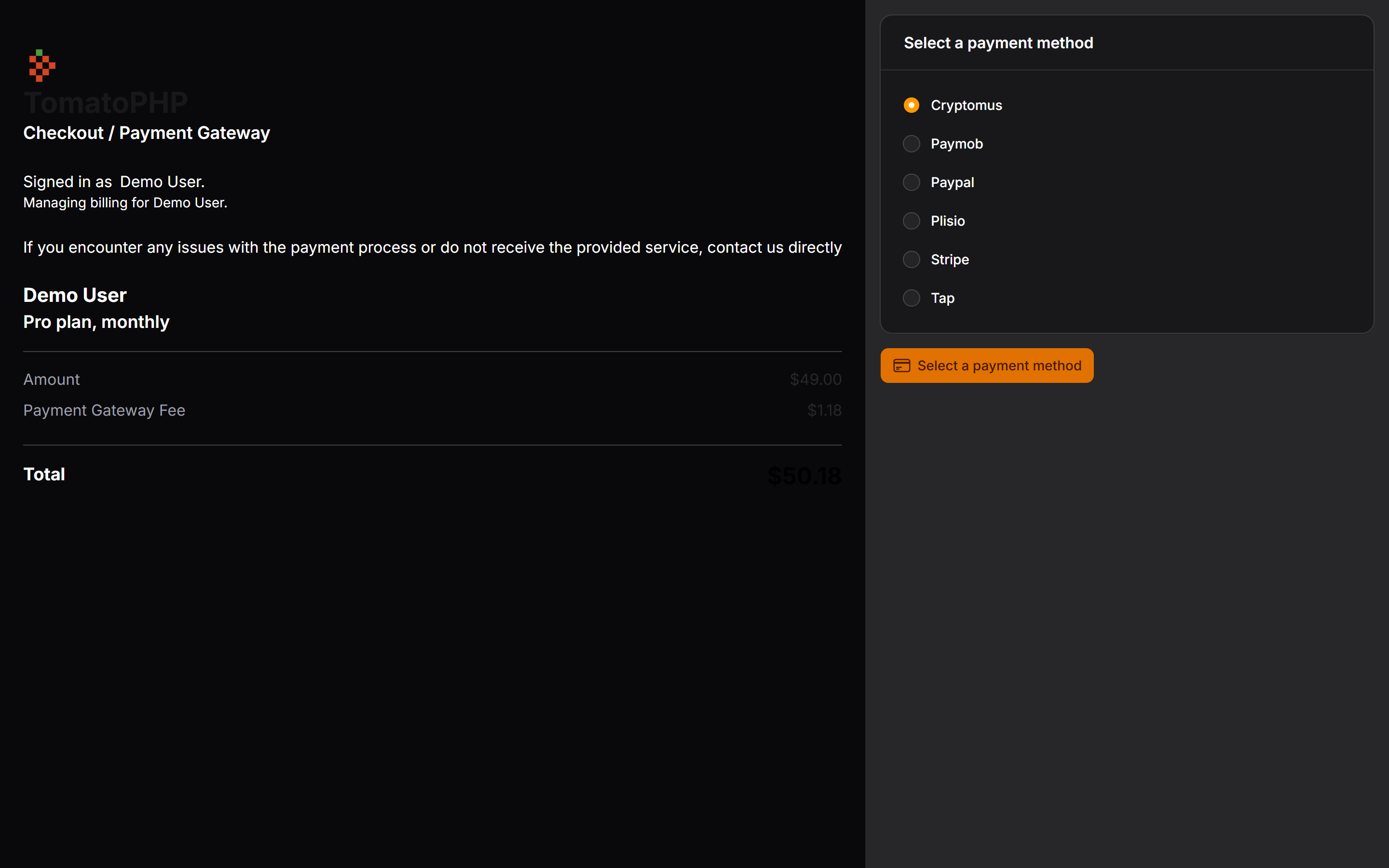
| Package version | Filament | Laravel | PHP |
|-----------------|----------|---------|------|
| 5.x | 5.x | 12 / 13 | 8.2+ |
| 1.x (v3 branch) | 3.x | 10 / 11 | 8.1+ |
composer require tomatophp/filament-payments
we need the Media Library plugin to be installed and migrated you can use this command to publish the migration
php artisan vendor:publish --provider="Spatie\MediaLibrary\MediaLibraryServiceProvider" --tag="medialibrary-migrations"
after install your package please run this command
php artisan filament-payments:install
finally register the plugin on /app/Providers/Filament/AdminPanelProvider.php
->plugin(\TomatoPHP\FilamentPayments\FilamentPaymentsPlugin::make())
you can use payment with the very easy way just use Facade FilamentPayments like this
use TomatoPHP\FilamentPayments\Facades\FilamentPayments;
use TomatoPHP\FilamentPayments\Services\Contracts\PaymentBillingInfo;
use TomatoPHP\FilamentPayments\Services\Contracts\PaymentCustomer;
use TomatoPHP\FilamentPayments\Services\Contracts\PaymentRequest;
use TomatoPHP\FilamentPayments\Services\Contracts\PaymentShippingInfo;
use TomatoPHP\FilamentSubscriptions\Facades\FilamentSubscriptions;

return redirect()->to(
        FilamentPayments::pay(
            data: PaymentRequest::make(Plan::class)
                ->model_id($data['new']->id)
                ->currency('USD')
                ->amount($data['new']->price)
                ->details('Subscription Payment')
                ->success_url(url('/success'))
                ->cancel_url(url('/cancel'))
                ->customer(
                    PaymentCustomer::make('John Doe')
                        ->email('[email protected]')
                        ->mobile('+201207860084')
                )
                ->billing_info(
                    PaymentBillingInfo::make('123 Main St')
                        ->area('Downtown')
                        ->city('Cairo')
                        ->state('Cairo')
                        ->postcode('12345')
                        ->country('EG')
                )
                ->shipping_info(
                    PaymentShippingInfo::make('123 Main St')
                        ->area('Downtown')
                        ->city('Cairo')
                        ->state('Cairo')
                        ->postcode('12345')
                        ->country('EG'
                        )
                )),
    );
if you want to return it as json you can just make json: true, this method return a URL for you with the payment, you can share this link with anyone to make the payment done.
you can use a Table Action to make it easy to link Payment with your table like this
use TomatoPHP\FilamentPayments\Filament\Actions\PaymentAction;

public function table(Table $table): $table
{
    return $table
        ->actions([
             PaymentAction::make('payment')
                ->request(function ($record){
                    return PaymentRequest::make(Order::class)
                        ->model_id($record->id)
                        ->currency('USD')
                        ->amount($record->total)
                        ->details($record->ordersItems()->pluck('product_id')->implode(', '))
                        ->success_url(url('/success'))
                        ->cancel_url(url('/cancel'))
                        ->customer(
                            PaymentCustomer::make($record->name)
                                ->email($record->account->email)
                                ->mobile($record->phone)
                        )
                        ->billing_info(
                            PaymentBillingInfo::make($record->address)
                                ->area($record->area->name)
                                ->city($record->city->name)
                                ->state($record->city->name)
                                ->postcode('12345')
                                ->country($record->country->iso3)
                        )
                        ->shipping_info(
                            PaymentShippingInfo::make($record->address)
                                ->area($record->area->name)
                                ->city($record->city->name)
                                ->state($record->city->name)
                                ->postcode('12345')
                                ->country($record->country->iso3)
                        );
                })
                ->pay(),
        ]);
}
if you like to use this package with Filament Subscription you can use this code
use TomatoPHP\FilamentPayments\Facades\FilamentPayments;
use TomatoPHP\FilamentPayments\Services\Contracts\PaymentBillingInfo;
use TomatoPHP\FilamentPayments\Services\Contracts\PaymentCustomer;
use TomatoPHP\FilamentPayments\Services\Contracts\PaymentRequest;
use TomatoPHP\FilamentPayments\Services\Contracts\PaymentShippingInfo;
use TomatoPHP\FilamentSubscriptions\Facades\FilamentSubscriptions;

public function boot(): void
    {
        FilamentSubscriptions::afterSubscription(function ($data) {
            //Payment Here
            return redirect()->to(FilamentPayments::pay(
                data: PaymentRequest::make(Plan::class)
                    ->model_id($data['new']->id)
                    ->currency('USD')
                    ->amount($data['new']->price)
                    ->details('Subscription Payment')
                    ->success_url(url('/success'))
                    ->cancel_url(url('/cancel'))
                    ->customer(
                        PaymentCustomer::make('John Doe')
                            ->email('[email protected]')
                            ->mobile('+201207860084')
                    )
                    ->billing_info(
                        PaymentBillingInfo::make('123 Main St')
                            ->area('Downtown')
                            ->city('Cairo')
                            ->state('Cairo')
                            ->postcode('12345')
                            ->country('EG')
                    )
                    ->shipping_info(
                        PaymentShippingInfo::make('123 Main St')
                            ->area('Downtown')
                            ->city('Cairo')
                            ->state('Cairo')
                            ->postcode('12345')
                            ->country('EG')
                    )
            ));
        });
    }
it will redirect you to payment after the hook is called.
The payment page (/pay/{trx}) requires an authenticated user. Since v5 it uses config('filament-payments.guard'), which defaults to your app's default guard (before v5 it was hard-coded to auth:accounts). To use another guard, or to get the old behaviour back, publish the config and set:
// config/filament-payments.php
'guard' => 'accounts',
Gateway parameters are stored encrypted with your APP_KEY, and secret parameters are never sent to the browser: in the gateway edit modal they are empty password inputs, and leaving one blank keeps the current value. Each driver declares its secret keys; a custom driver opts in like this:
public static function secretKeys(): array
{
    return ['secret_key'];
}
If you rotate APP_KEY, re-enter your gateway keys.
you can publish config file by use this command
php artisan vendor:publish --tag="filament-payments-config"
you can publish views file by use this command
php artisan vendor:publish --tag="filament-payments-views"
you can publish languages file by use this command
php artisan vendor:publish --tag="filament-payments-lang"
you can publish migrations file by use this command
php artisan vendor:publish --tag="filament-payments-migrations"
Checkout our Awesome TomatoPHP