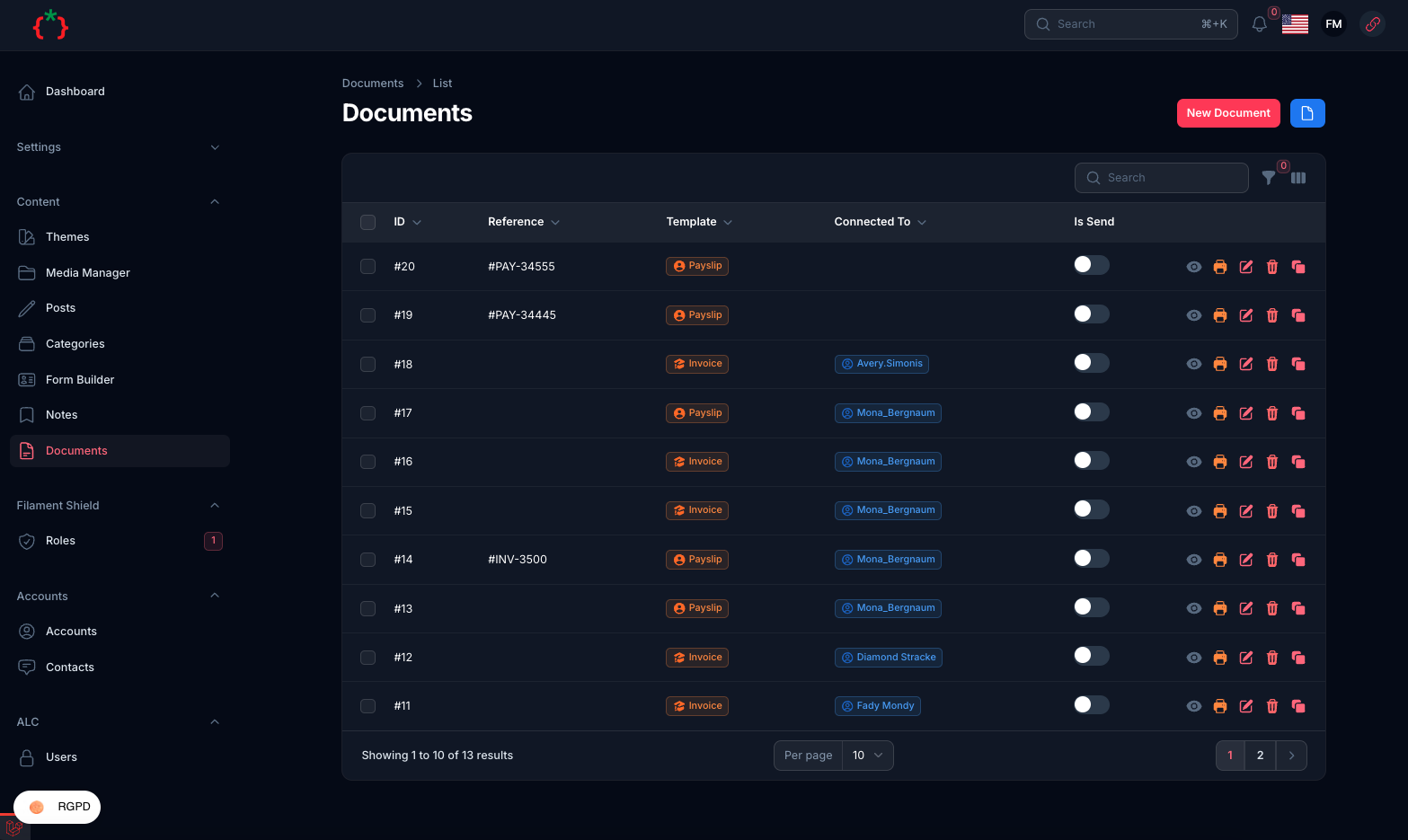
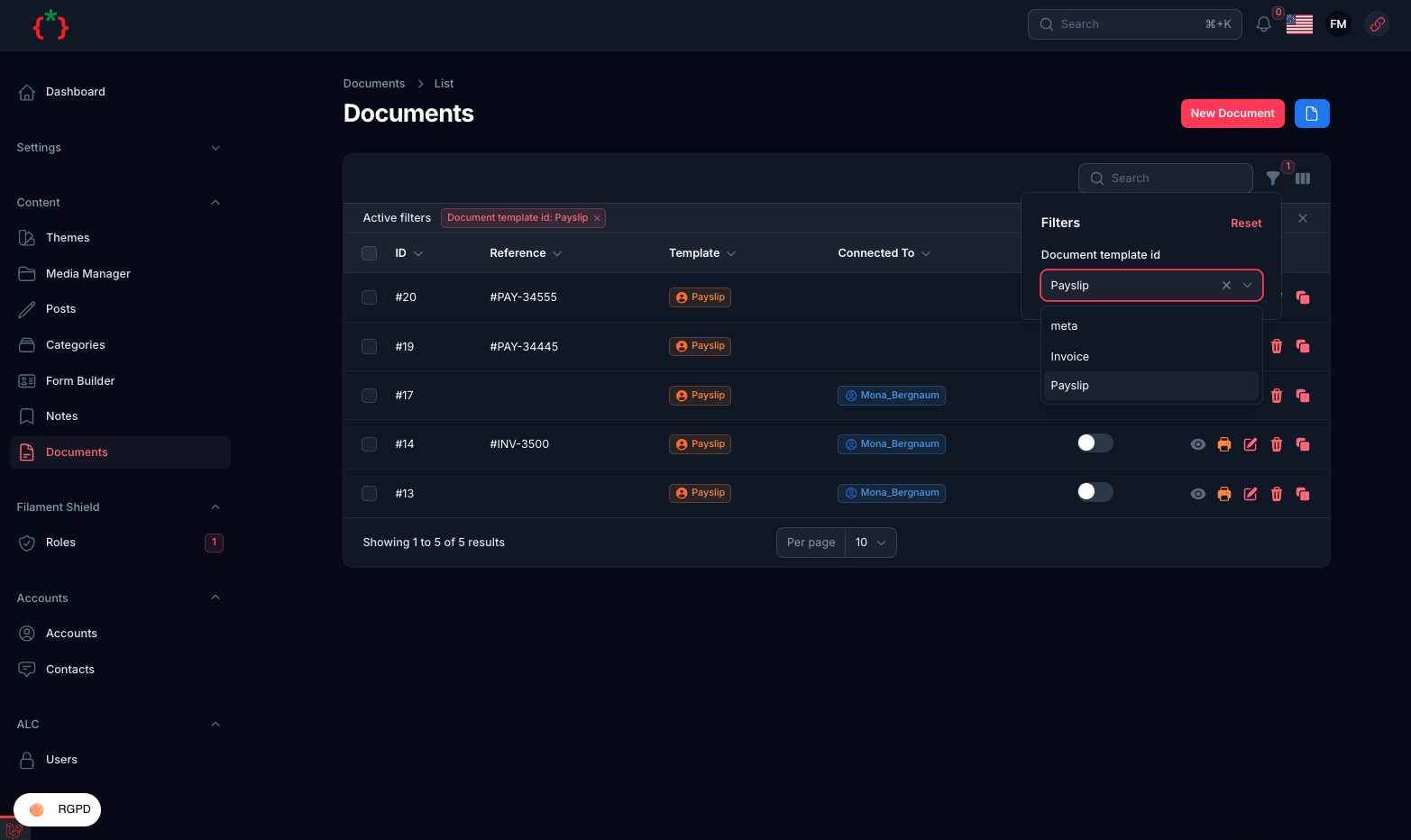
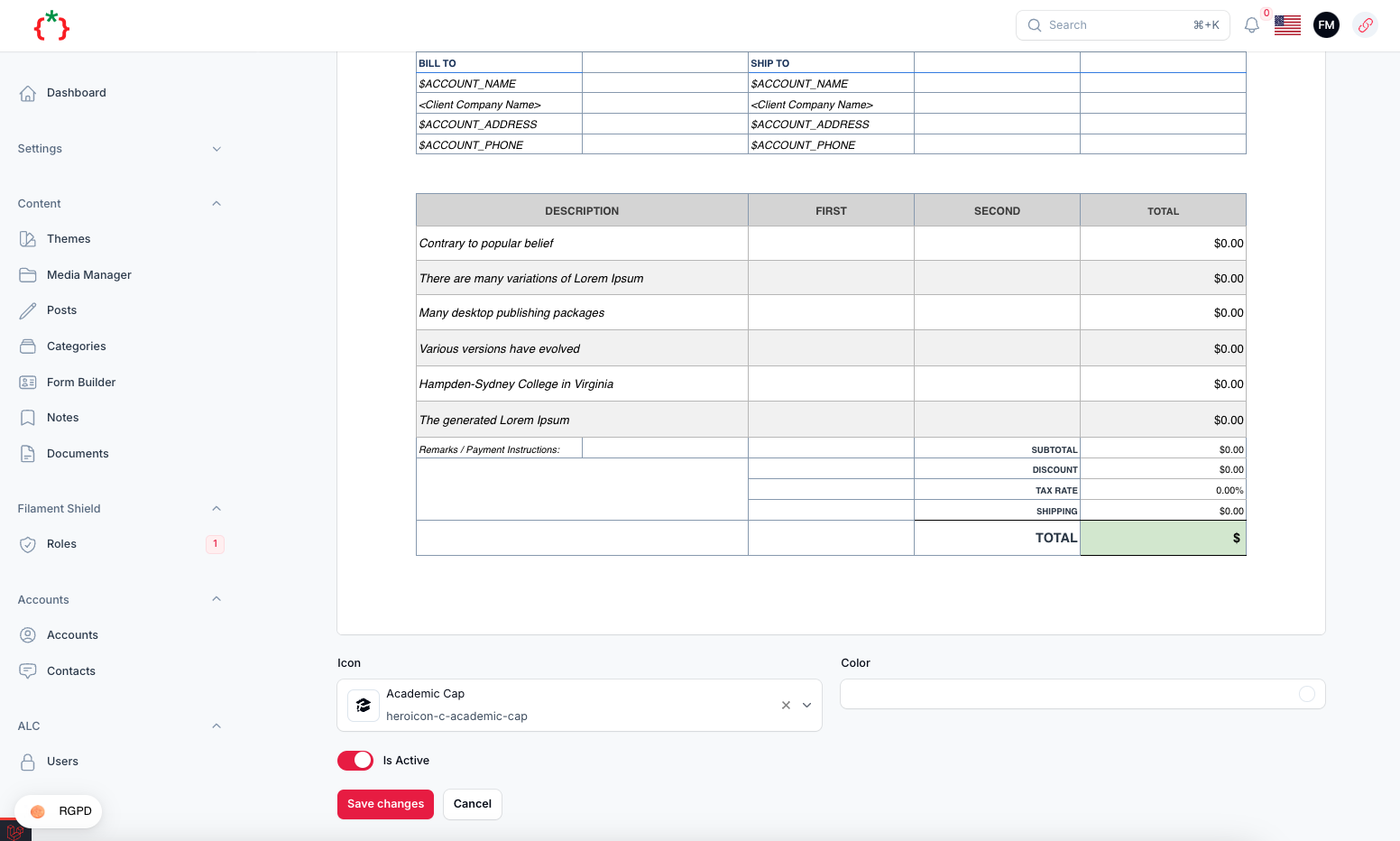
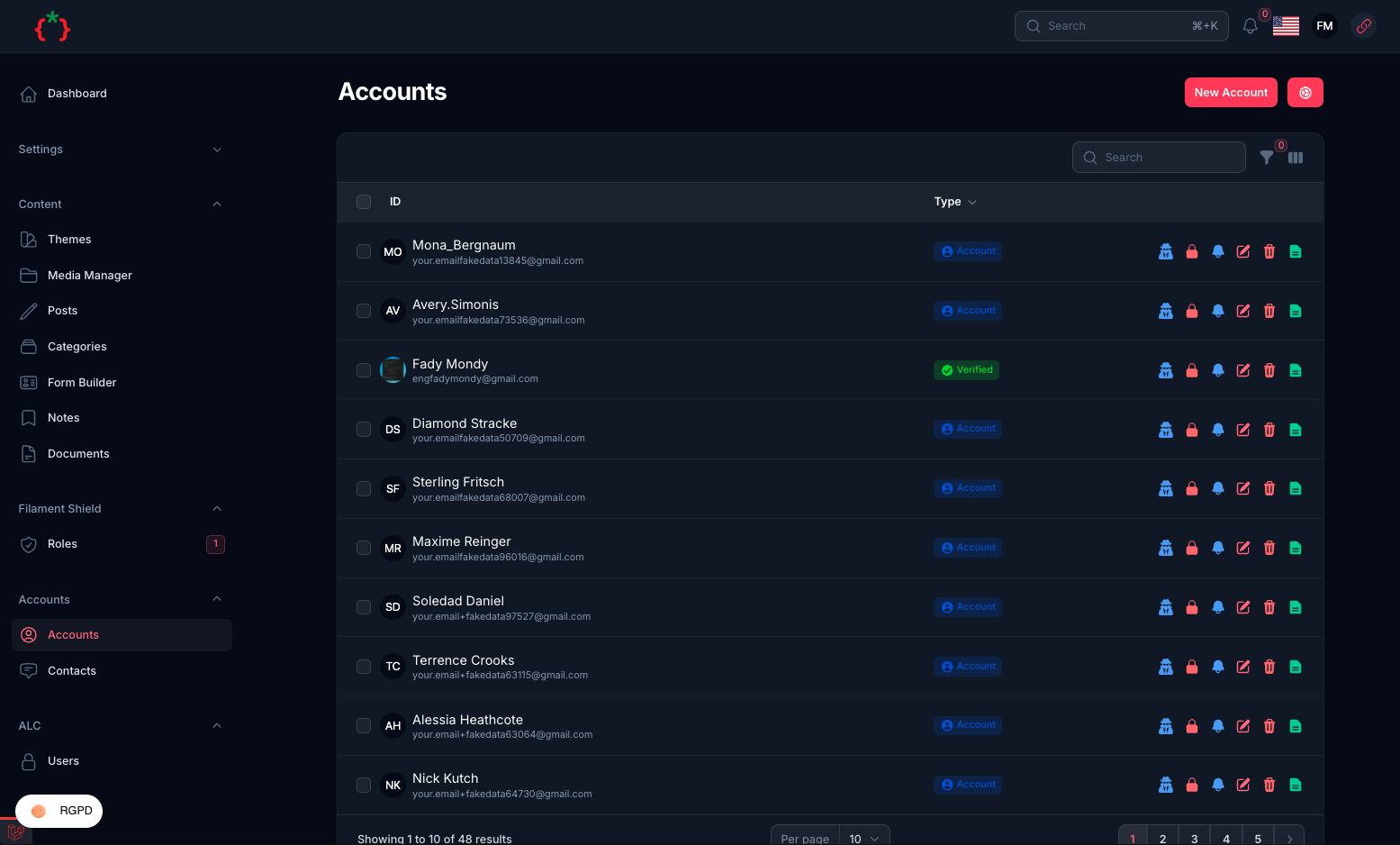
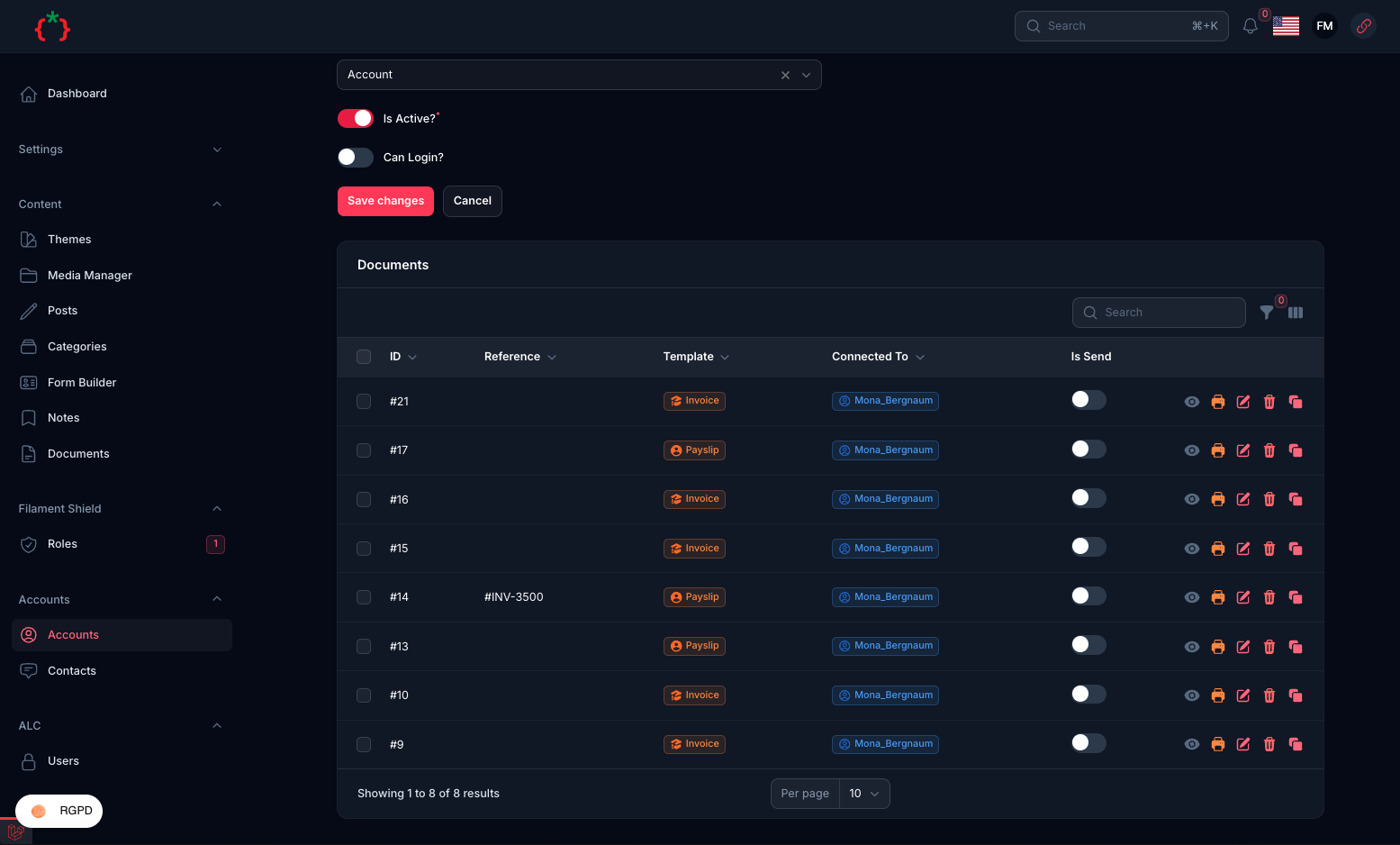
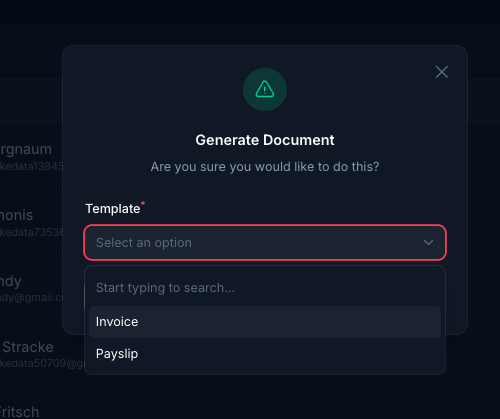
Manage your documents and contracts all in one place with template builder
tomatophp/filament-docs is a Laravel package for manage your documents and contracts all in one place with template builder.
It currently has 45 GitHub stars and 2.726 downloads on Packagist (latest version 5.0.0).
Install it with composer require tomatophp/filament-docs.
Discover more Laravel packages by tomatophp
or browse all Laravel packages to compare alternatives.
Last updated
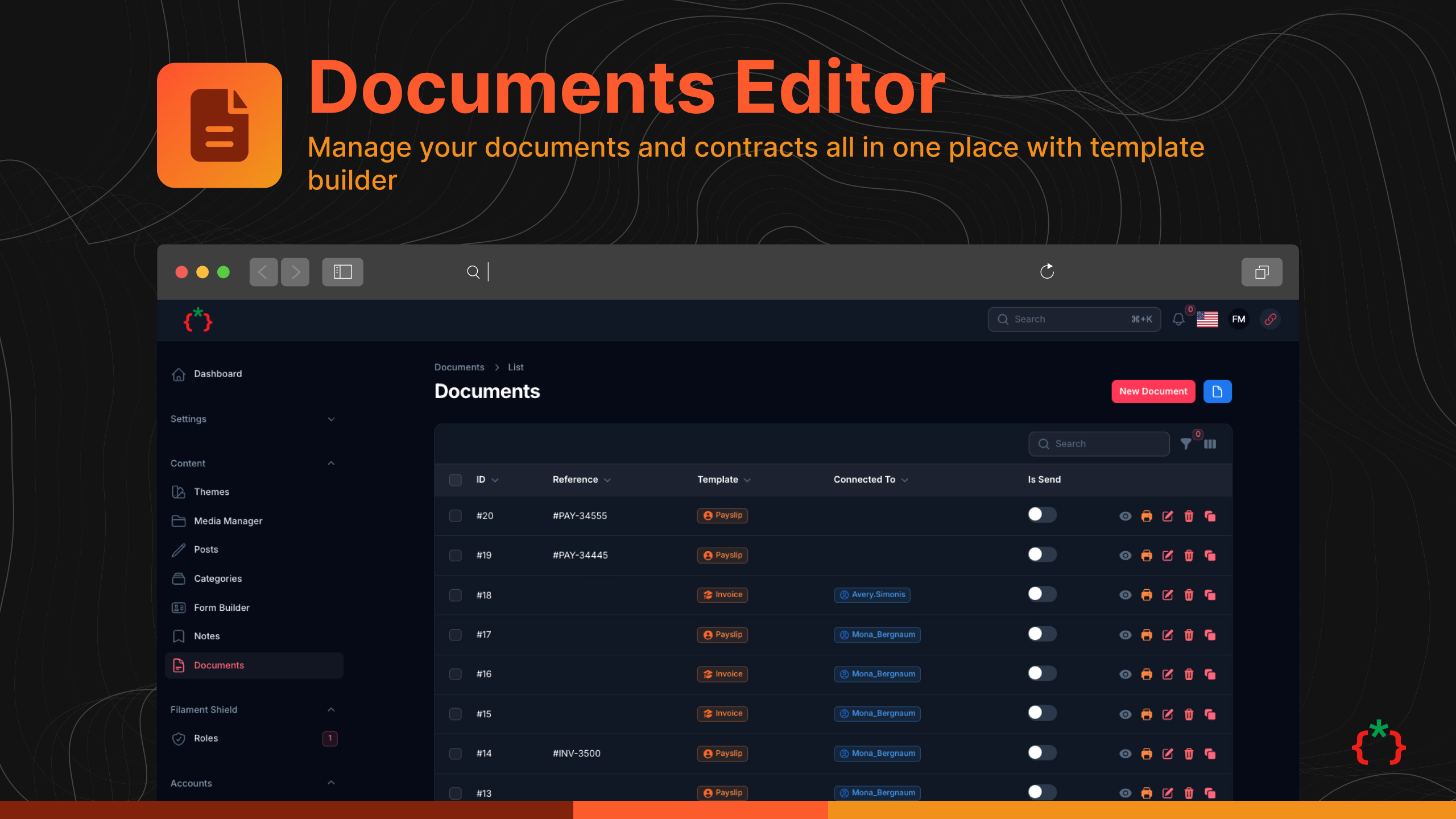



Manage your documents and contracts all in one place with template builder
| Plugin | Filament | Laravel | PHP | |--------|----------|---------|-----| | 5.x | 5.x | 12.x - 13.x | 8.2+ | | 2.x | 3.x | 10.x - 11.x | 8.1+ |
Try it live on demo.tomatophp.com.
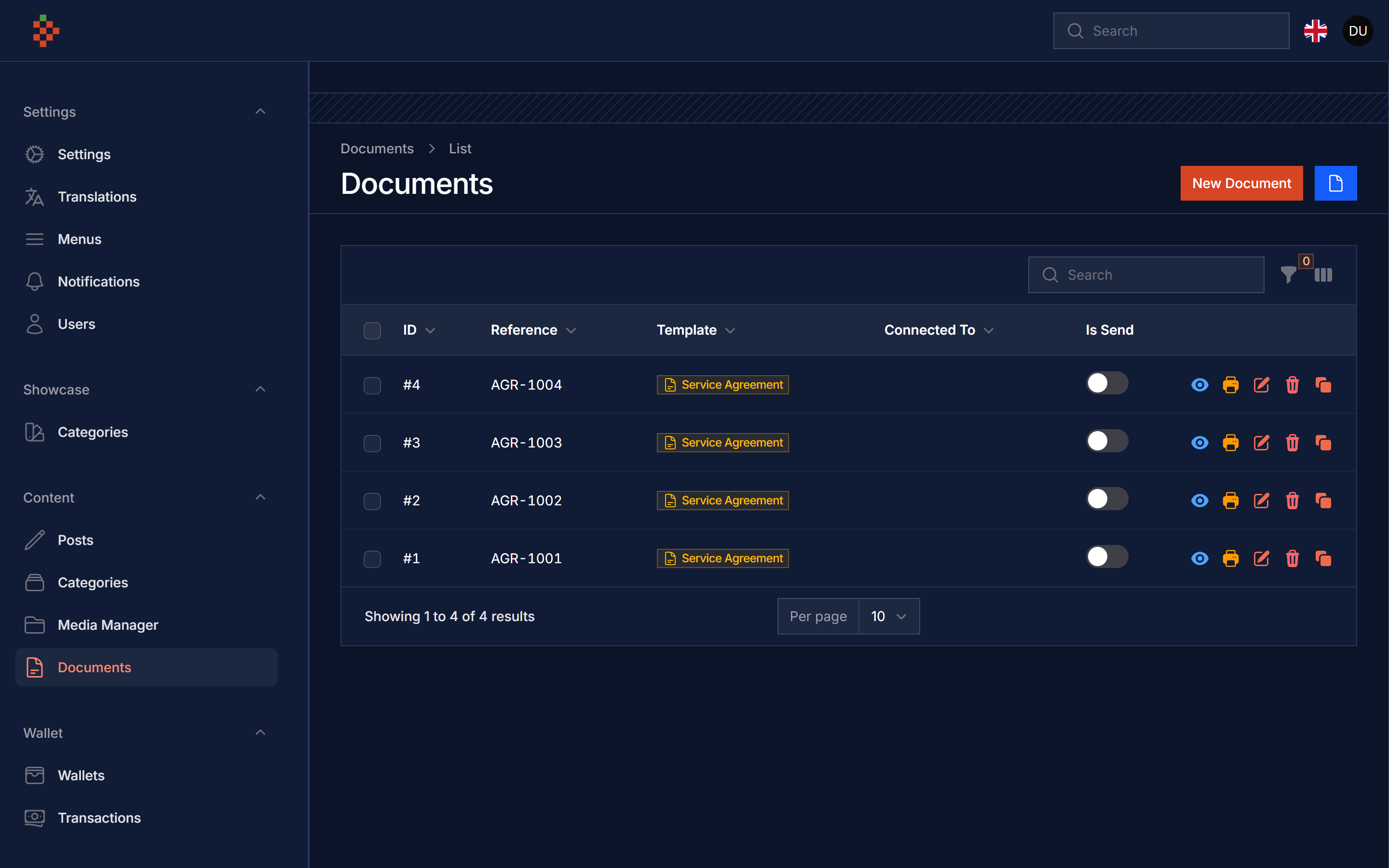
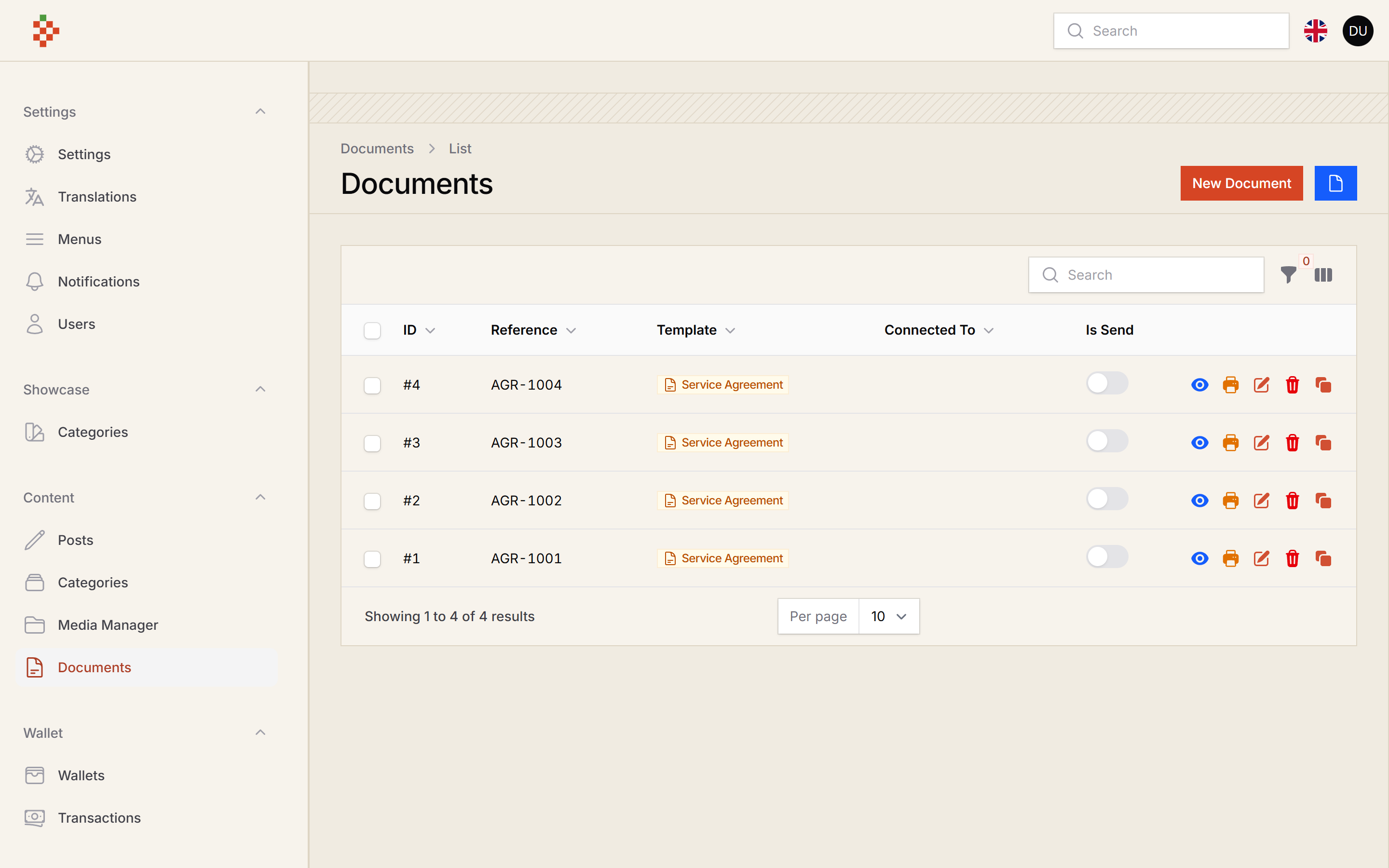
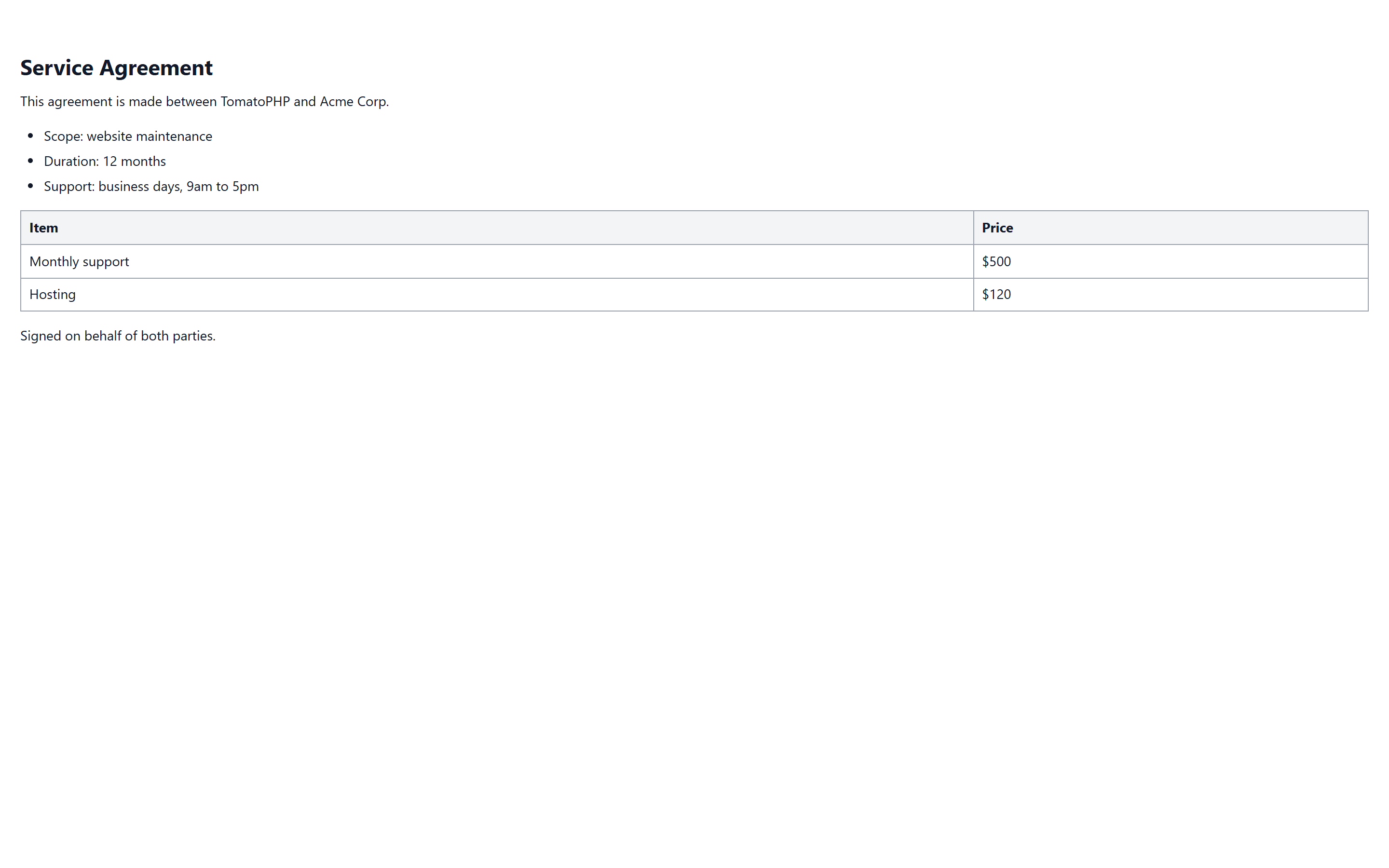
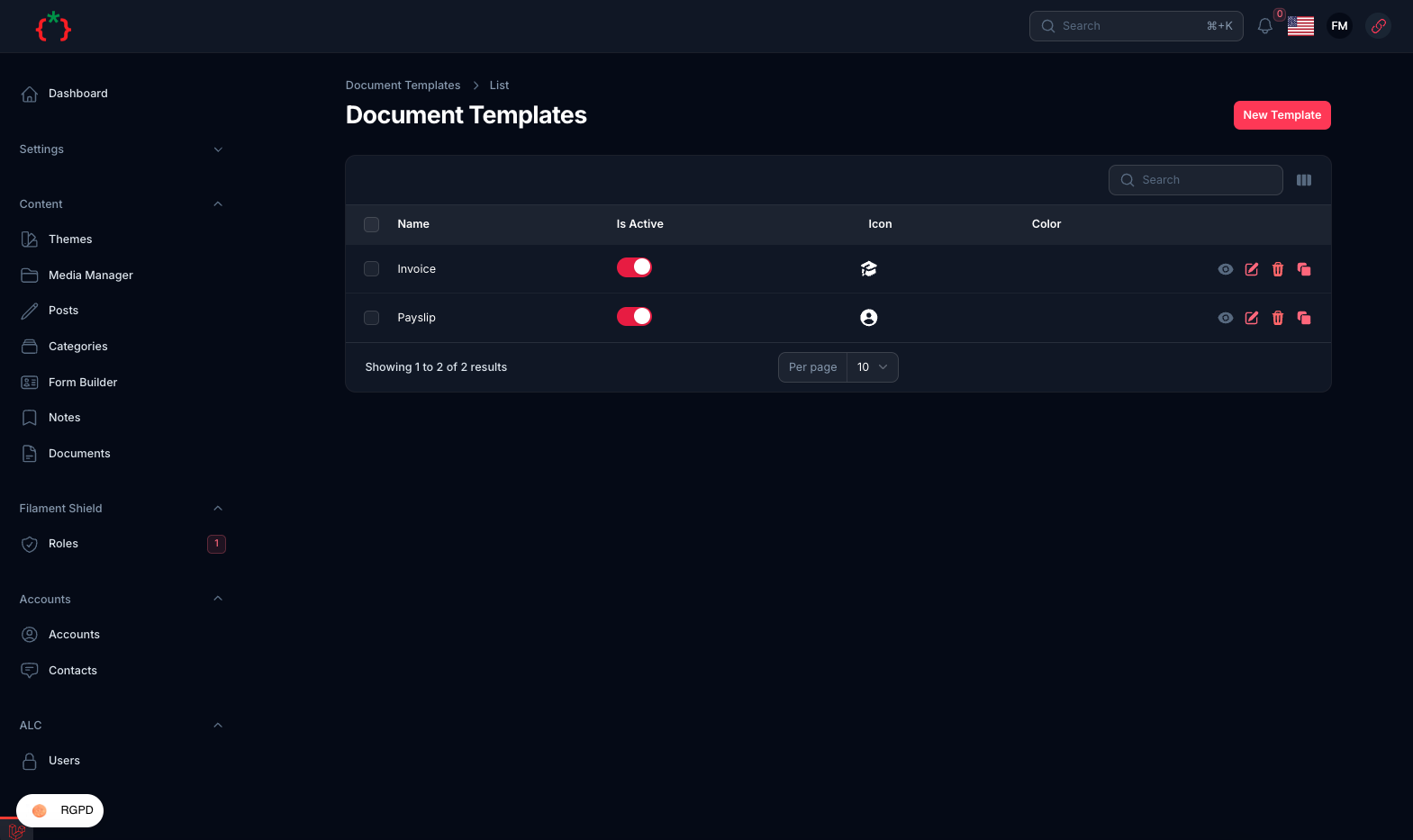
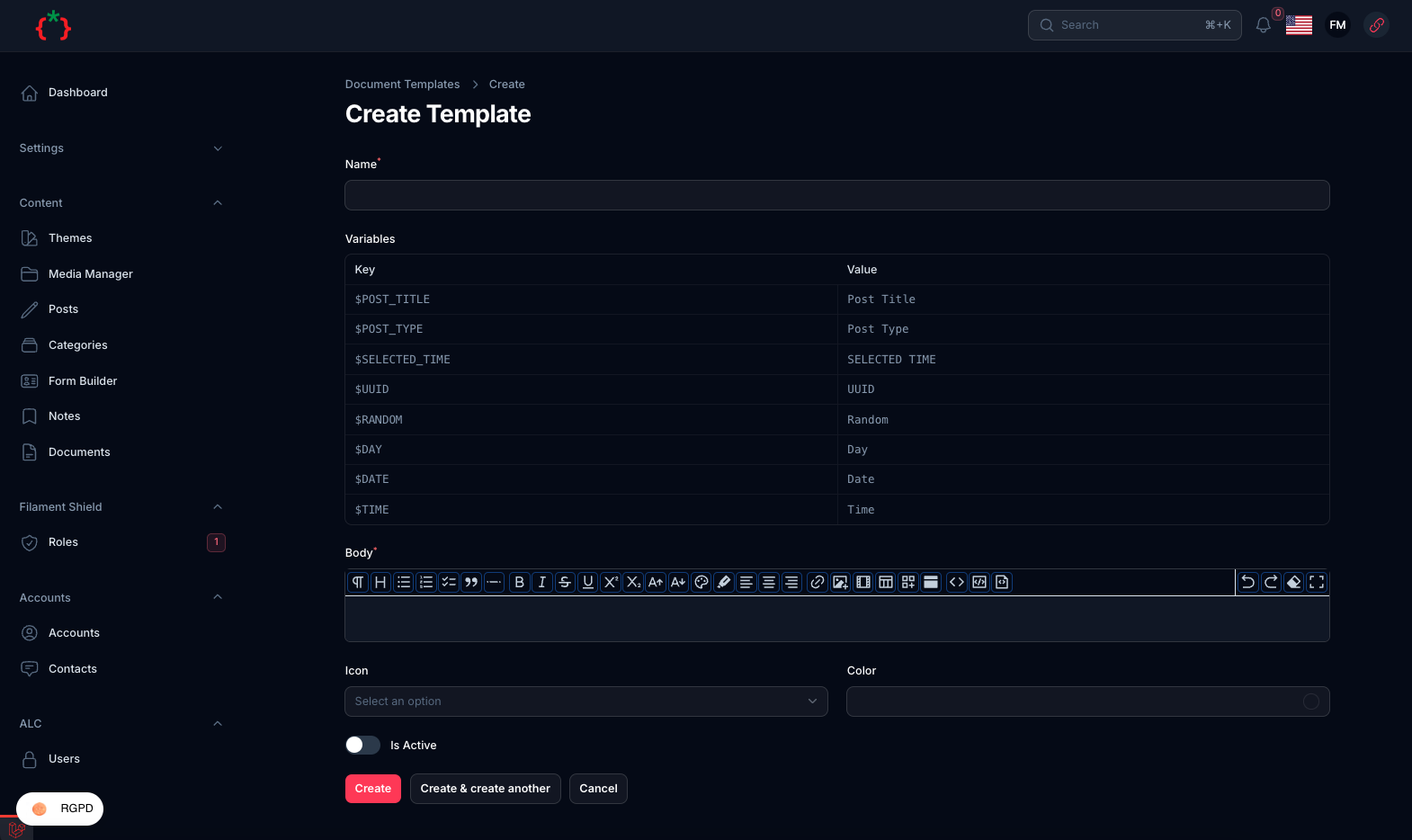
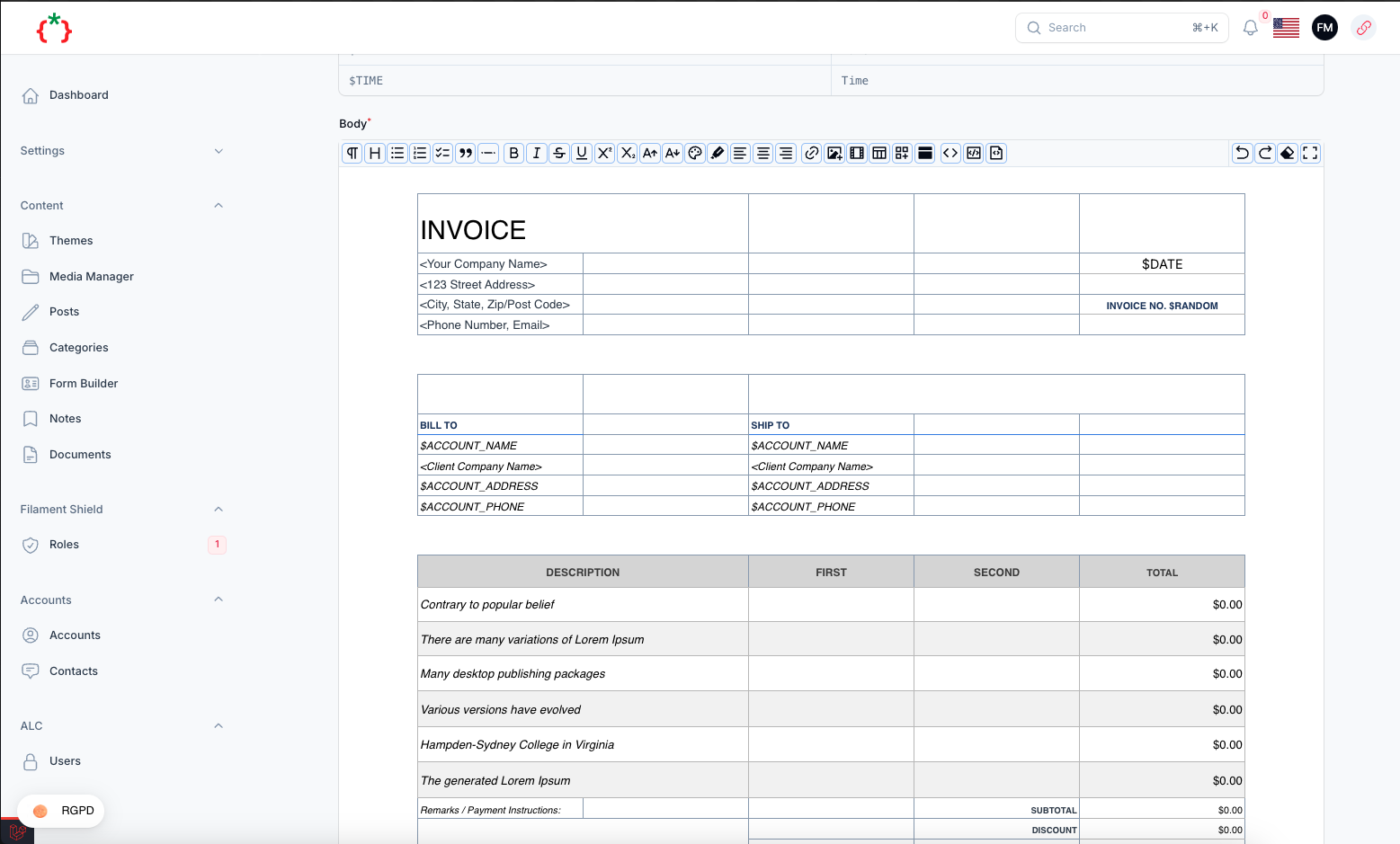
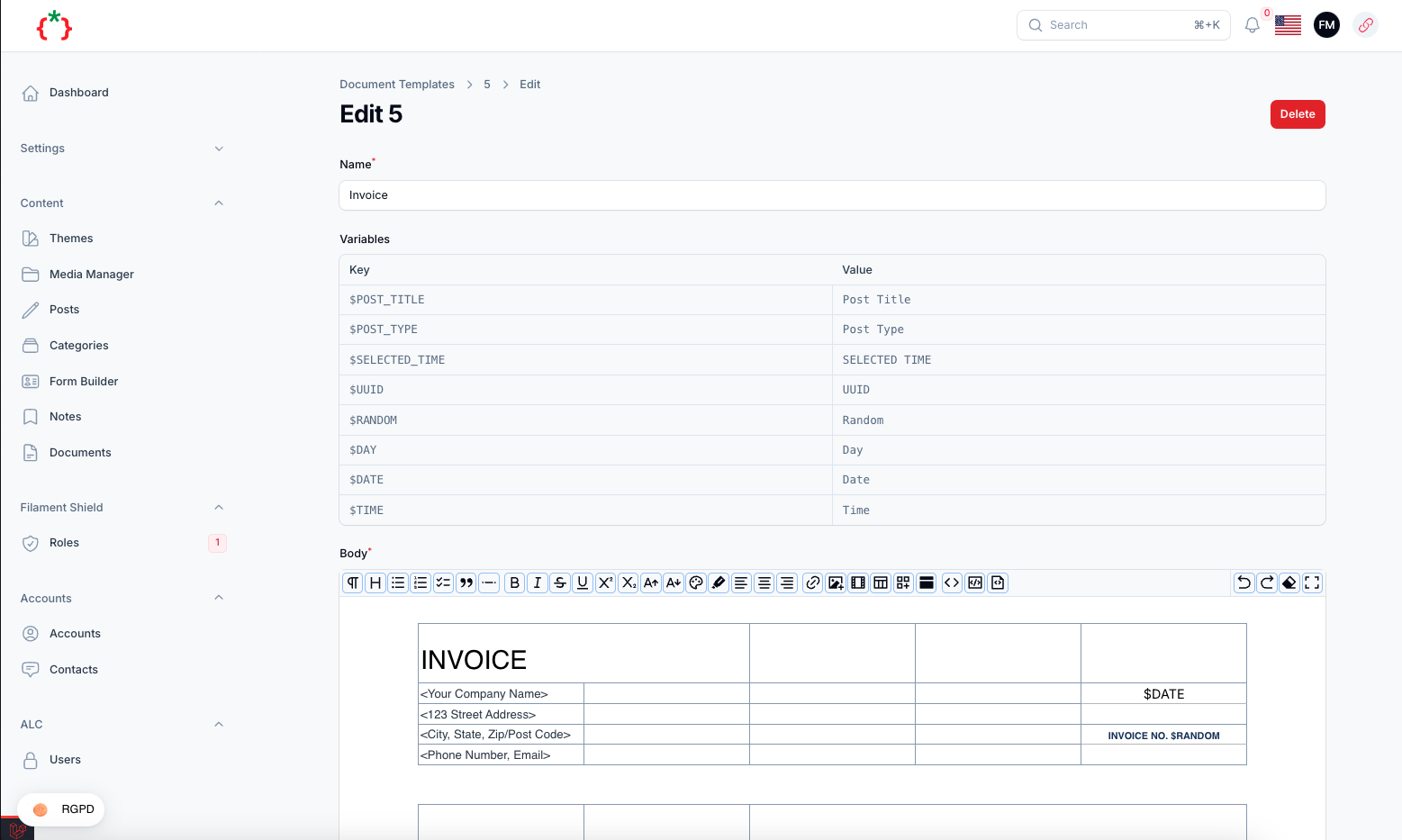
composer require tomatophp/filament-docs:^5.0
after install your package please run this command
php artisan filament-docs:install
then register the plugin on /app/Providers/Filament/AdminPanelProvider.php
->plugin(
    \TomatoPHP\FilamentDocs\FilamentDocsPlugin::make()
)
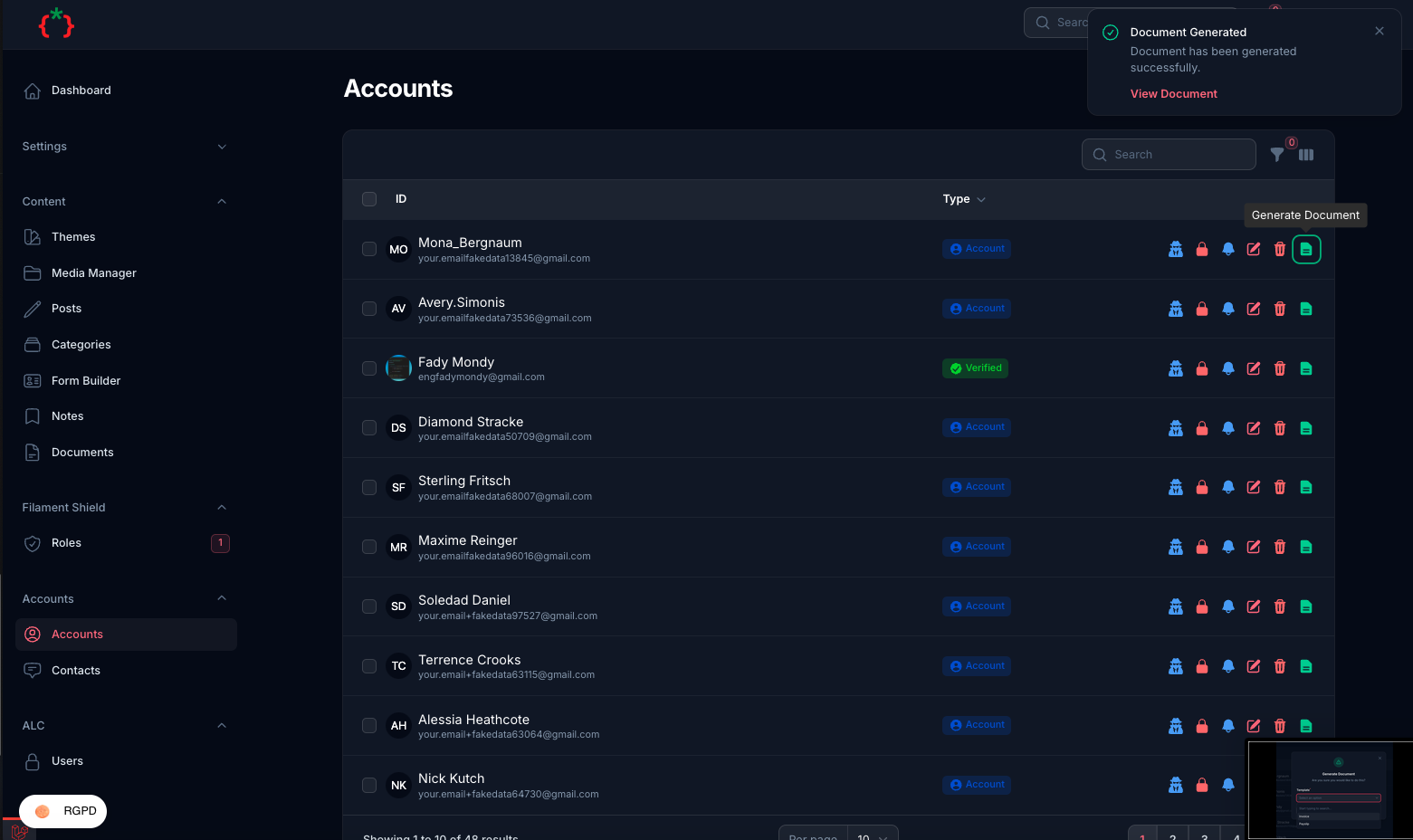
you can add the action to any table like this
use TomatoPHP\FilamentDocs\Filament\Actions\DocumentAction;

DocumentAction::make()
    ->vars(fn($record) => [
        DocsVar::make('$ACCOUNT_NAME')
            ->value($record->name),
        DocsVar::make('$ACCOUNT_EMAIL')
            ->value($record->email),
        DocsVar::make('$ACCOUNT_PHONE')
            ->value($record->phone)
    ])
and then you can use $ACCOUNT_NAME in your template
if you like to add a Global Var you can use Facade class like this
use TomatoPHP\FilamentDocs\Facades\FilamentDocs;
use TomatoPHP\FilamentDocs\Services\Contracts\DocsVar;

public function boot()
{
    FilamentDocs::register([
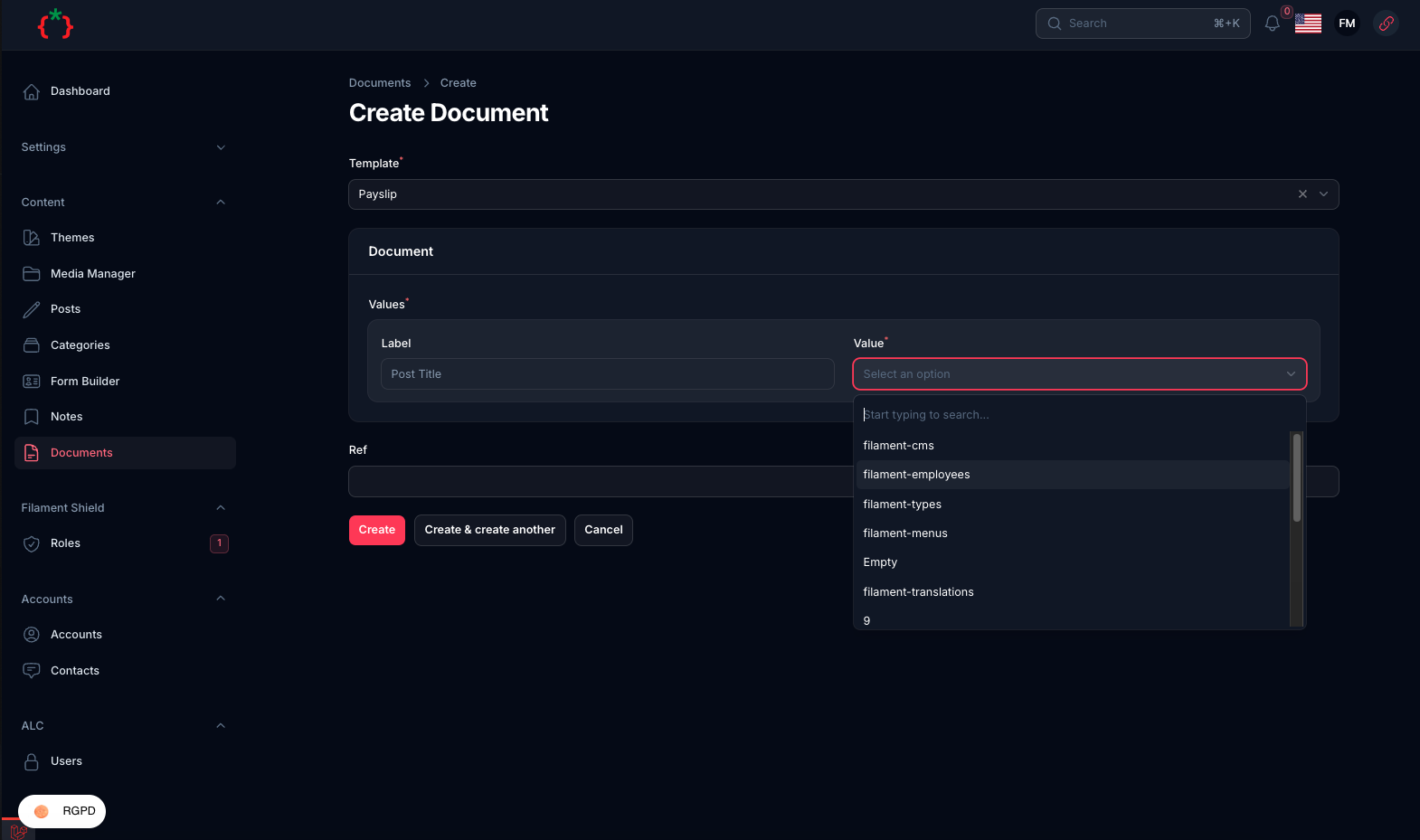
        DocsVar::make('$POST_TITLE')
            ->label('Post Title')
            ->model(Post::class)
            ->column('title'),
        DocsVar::make('$POST_TYPE')
            ->label('Post Type')
            ->model(Post::class)
            ->column('type'),
        DocsVar::make('$SELECTED_TIME')
            ->label('SELECTED TIME')
            ->value(fn () => Carbon::now()->subDays(10)->translatedFormat('D-M-Y')),
    ]);
}
as you can see you can use data from selected table or from a static function
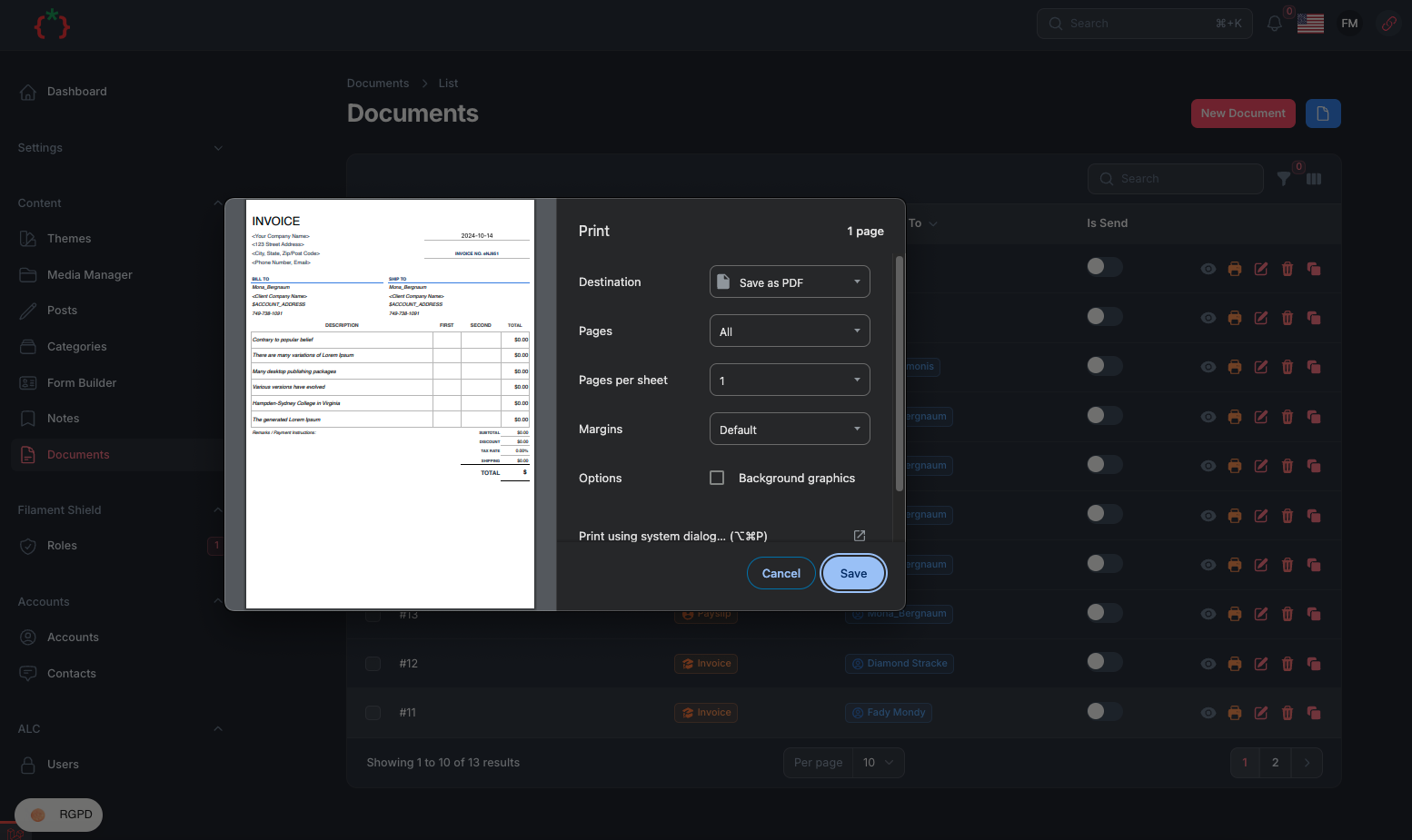
if you like to add a fixed header and footer to your document print you can use this method on your AppServiceProvider.php file
use TomatoPHP\FilamentDocs\Facades\FilamentDocs;

public function boot() {
    FilamentDocs::header('filament.header');
    FilamentDocs::footer('filament.footer');
}
the print page ships its own stylesheet (headings, lists, tables, blockquotes, code) and loads nothing from a CDN.
if you like to add a custom css to your document print you can use this method on your AppServiceProvider.php file
use TomatoPHP\FilamentDocs\Facades\FilamentDocs;

public function boot() {
    FilamentDocs::css('filament.css');
}
to allow tenants just use this method
->plugin(
    \TomatoPHP\FilamentDocs\FilamentDocsPlugin::make()
        ->isScopedToTenant()
)
and add this migration
<?php

use Illuminate\Database\Migrations\Migration;
use Illuminate\Database\Schema\Blueprint;
use Illuminate\Support\Facades\Schema;

return new class extends Migration
{
    /**
     * Run the migrations.
     */
    public function up(): void
    {
        Schema::table('documents', function (Blueprint $table) {
            $table->foreignId('team_id')->nullable()->constrained('teams')->onDelete('cascade');
        });

        Schema::table('document_templates', function (Blueprint $table) {
            $table->foreignId('team_id')->nullable()->constrained('teams')->onDelete('cascade');
        });
    }

    /**
     * Reverse the migrations.
     */
    public function down(): void
    {
        Schema::table('documents', function (Blueprint $table) {
            $table->dropForeign(['team_id']);
            $table->dropColumn('team_id');
        });

        Schema::table('document_templates', function (Blueprint $table) {
            $table->dropForeign(['team_id']);
            $table->dropColumn('team_id');
        });
    }
};
you can publish config file by use this command
php artisan vendor:publish --tag="filament-docs-config"
you can publish views file by use this command
php artisan vendor:publish --tag="filament-docs-views"
you can publish languages file by use this command
php artisan vendor:publish --tag="filament-docs-lang"
you can publish migrations file by use this command
php artisan vendor:publish --tag="filament-docs-migrations"
Checkout our Awesome TomatoPHP