File & Folders & Media Browser With Code Editor
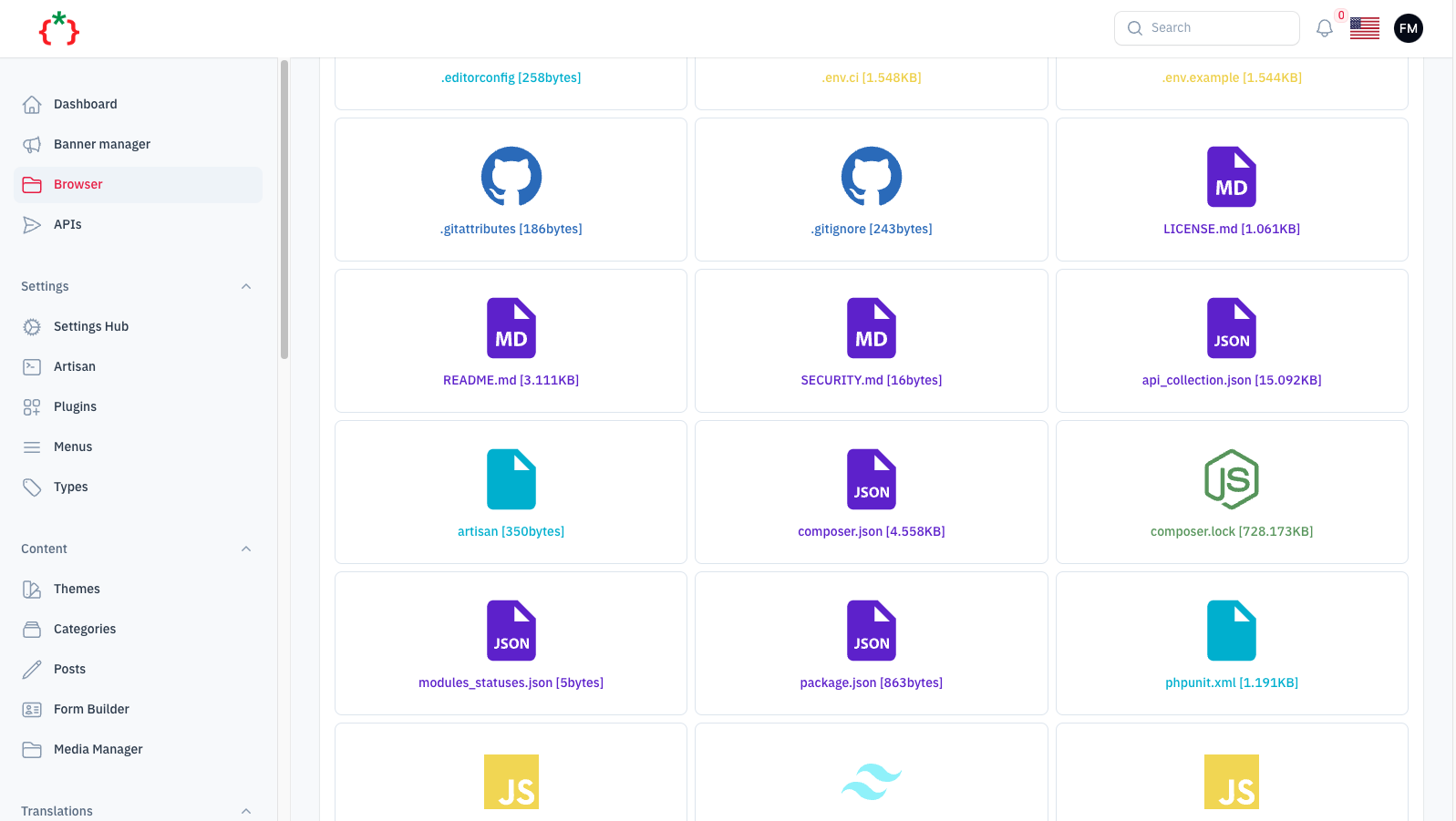
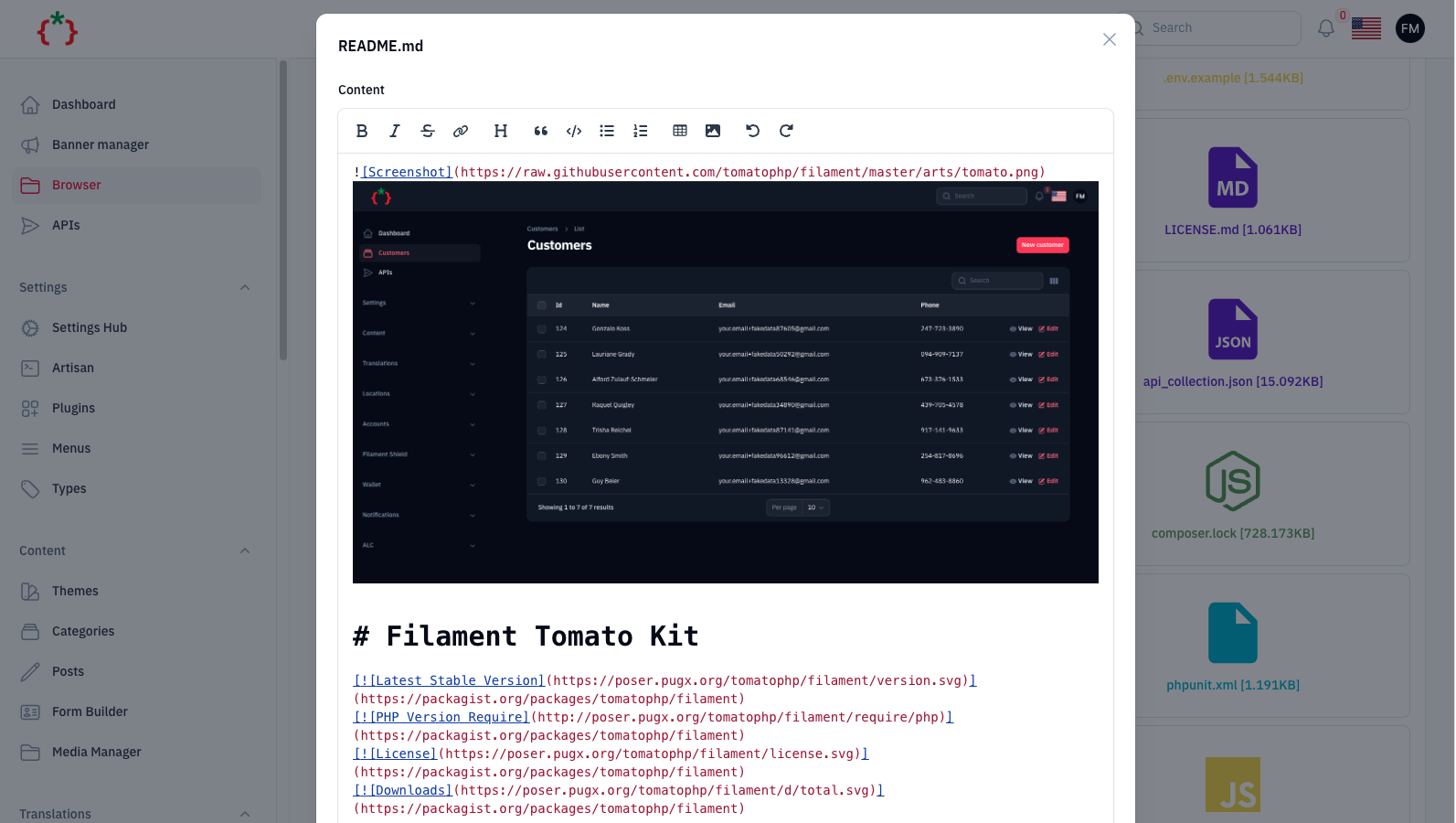
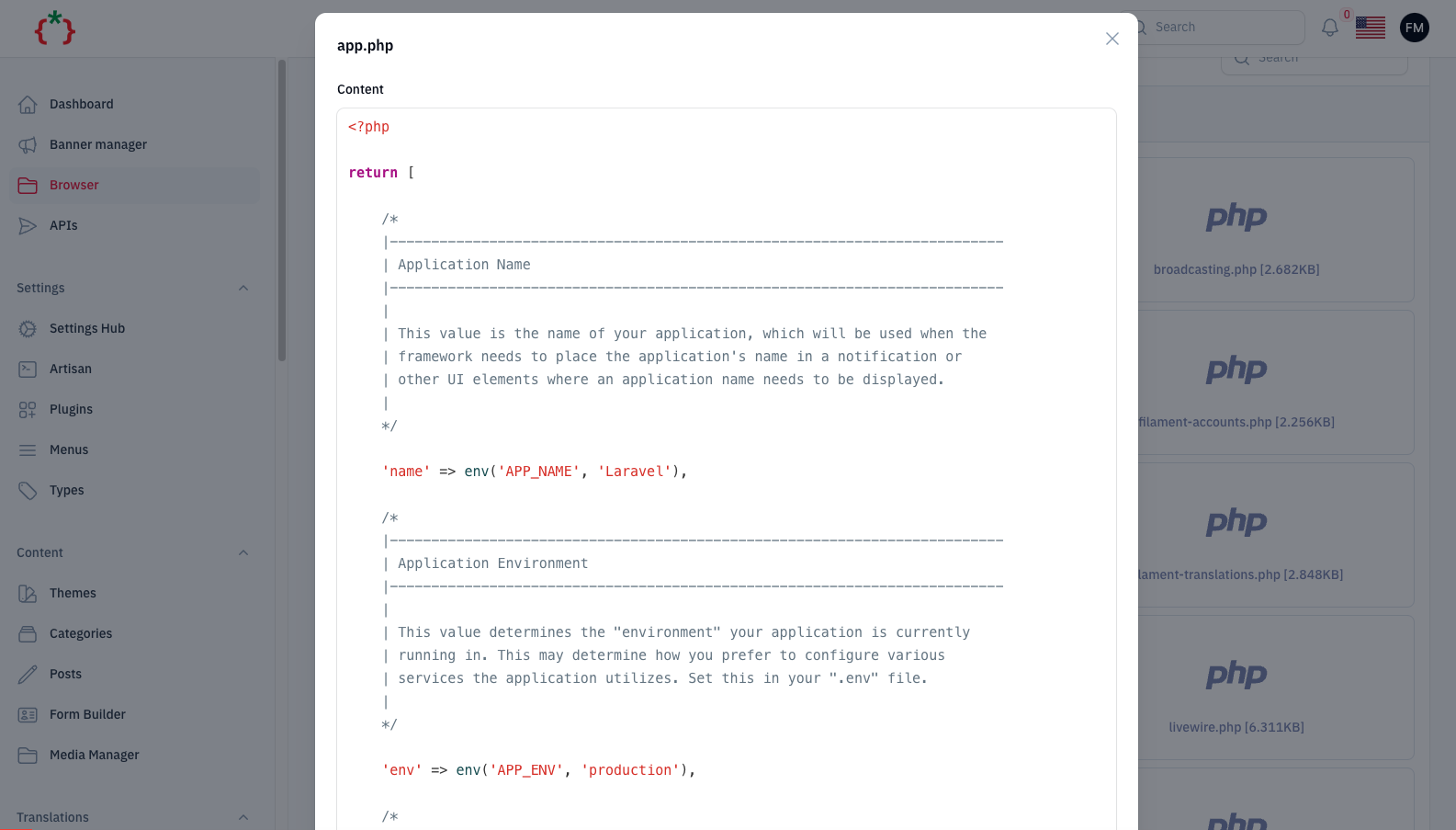
tomatophp/filament-browser is a Laravel package for file & folders & media browser with code editor.
It currently has 42 GitHub stars and 10.082 downloads on Packagist (latest version 5.0.0).
Install it with composer require tomatophp/filament-browser.
Discover more Laravel packages by tomatophp
or browse all Laravel packages to compare alternatives.
Last updated




File & Folders & Media Browser With Code Editor
[!CAUTION] This package gives access to files on your server. Use it for super-admins only, keep the developer gate on, and point
basePath()at the smallest folder you need.
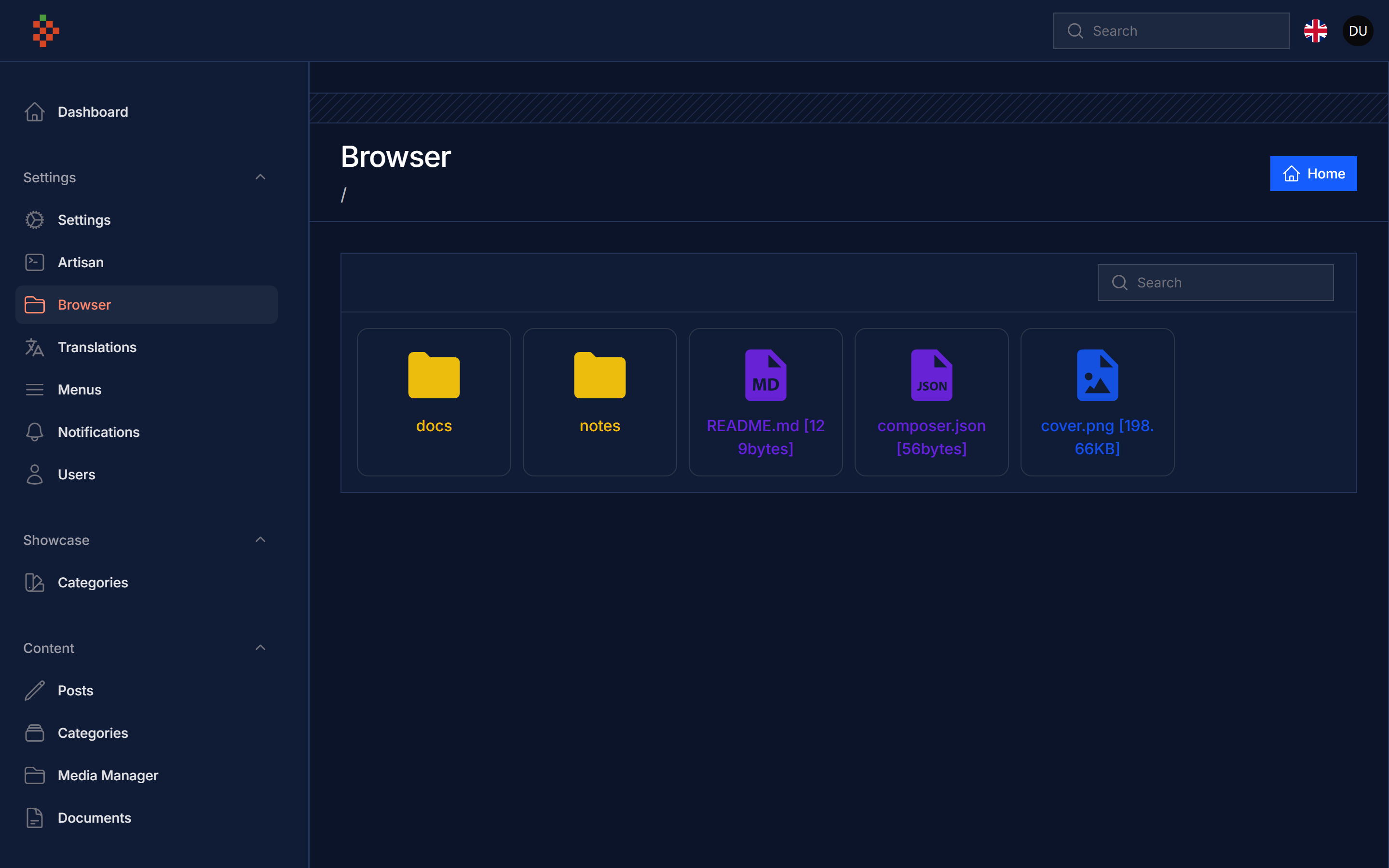
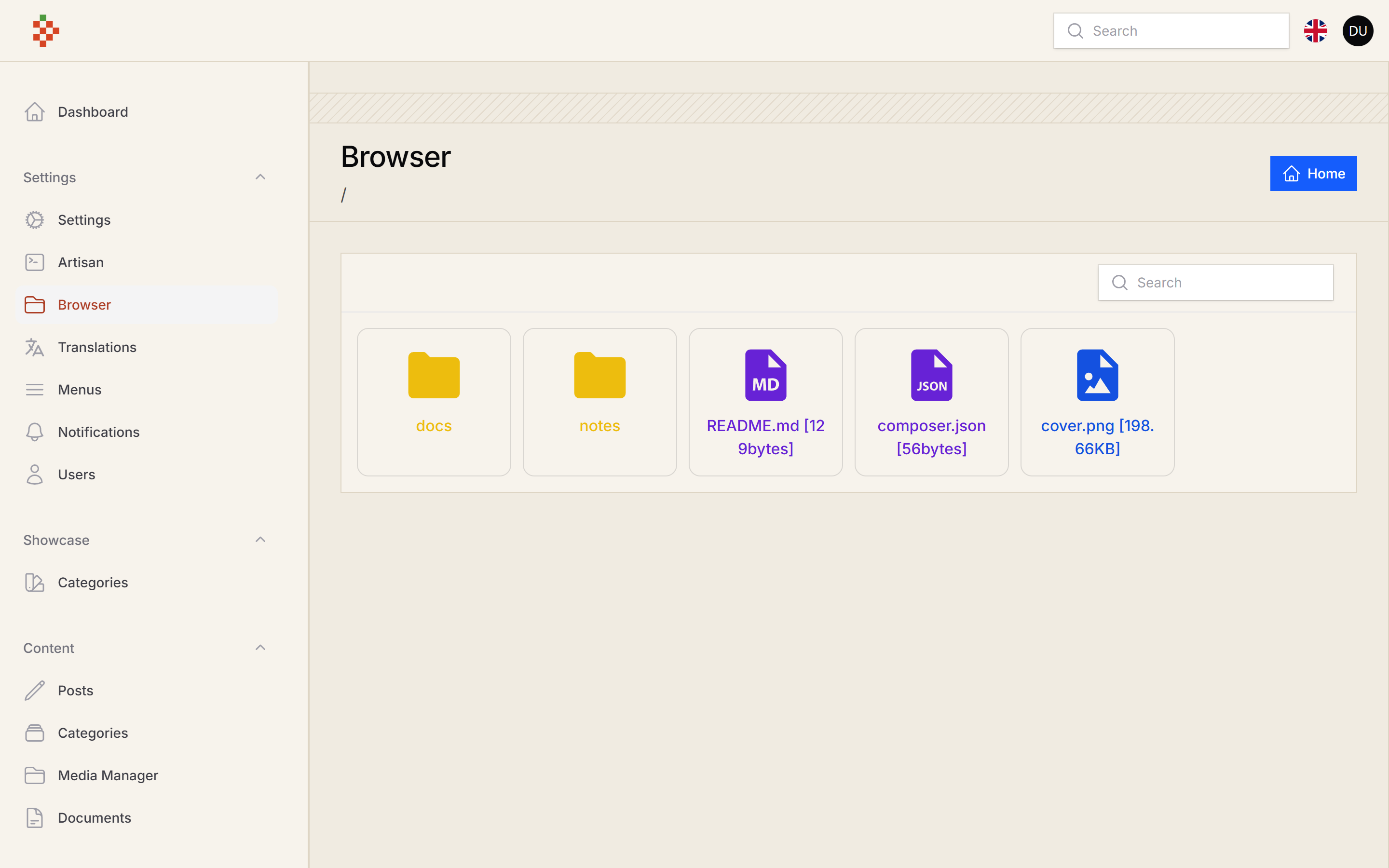
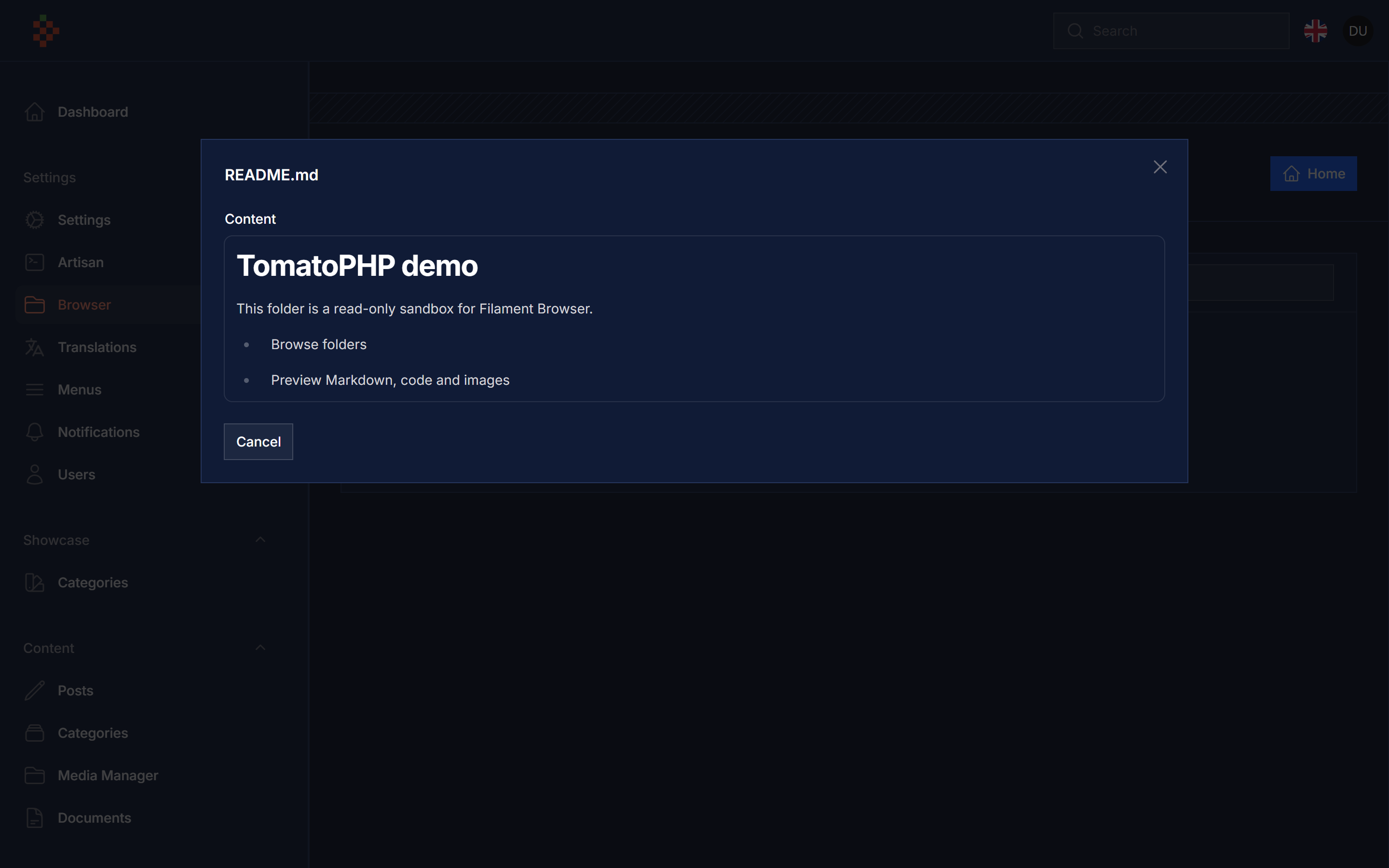
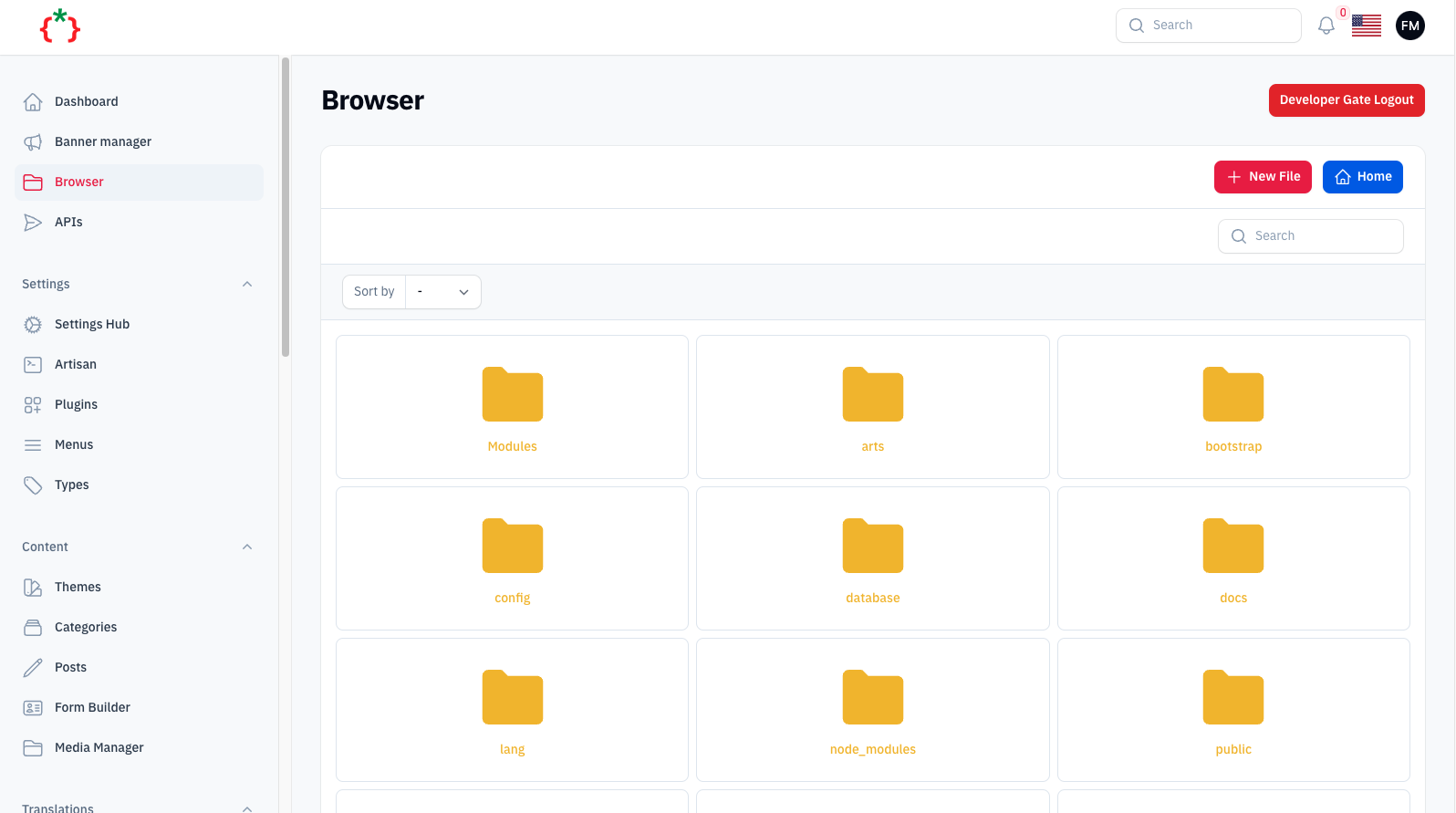
| Plugin | Filament | Laravel | PHP | |--------|----------|---------|-----| | 5.x | 5.x | 12.x / 13.x | 8.2+ | | 1.x / 2.x (v3 branch) | 3.x | 10.x / 11.x | 8.1+ |
composer require tomatophp/filament-browser
after install your package please run this command
php artisan filament-browser:install
finally register the plugin on /app/Providers/Filament/AdminPanelProvider.php
use TomatoPHP\FilamentBrowser\FilamentBrowserPlugin;

->plugin(
    FilamentBrowserPlugin::make()
        ->basePath(storage_path('app/browser'))
        ->hiddenFolders([
            base_path('app'),
        ])
        ->hiddenFiles([
            base_path('composer.lock'),
        ])
        ->hiddenExtensions([
            'php',
        ])
        ->allowCreateFolder()
        ->allowCreateNewFile()
        ->allowUpload()
        ->allowEditFile()
        ->allowRenameFile()
        ->allowDeleteFile()
        ->allowPreview()
)
The page is available at /admin/browser (under the Settings navigation group).
| Method | Default | Description |
|--------|---------|-------------|
| basePath(string $path) | config('filament-browser.start_path') (base_path()) | Root folder. Every operation is confined to it. |
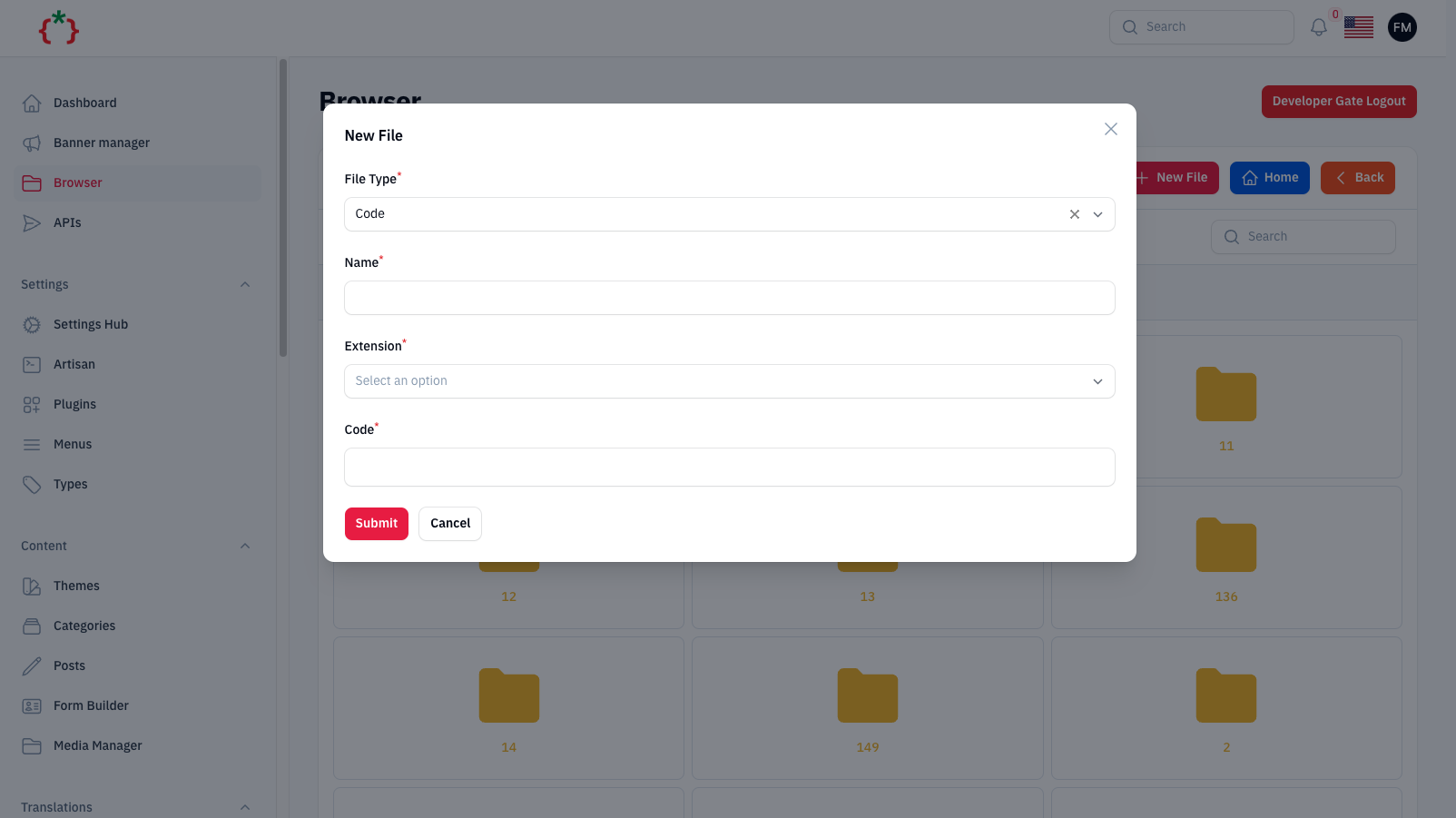
| allowCreateNewFile(bool = true) | false | Create code and markdown files. |
| allowCreateFolder(bool = true) | false | Create folders. |
| allowUpload(bool = true) | false | Upload files into the current folder. |
| allowEditFile(bool = true) | false | Save changes from the code / markdown editor (read-only otherwise). |
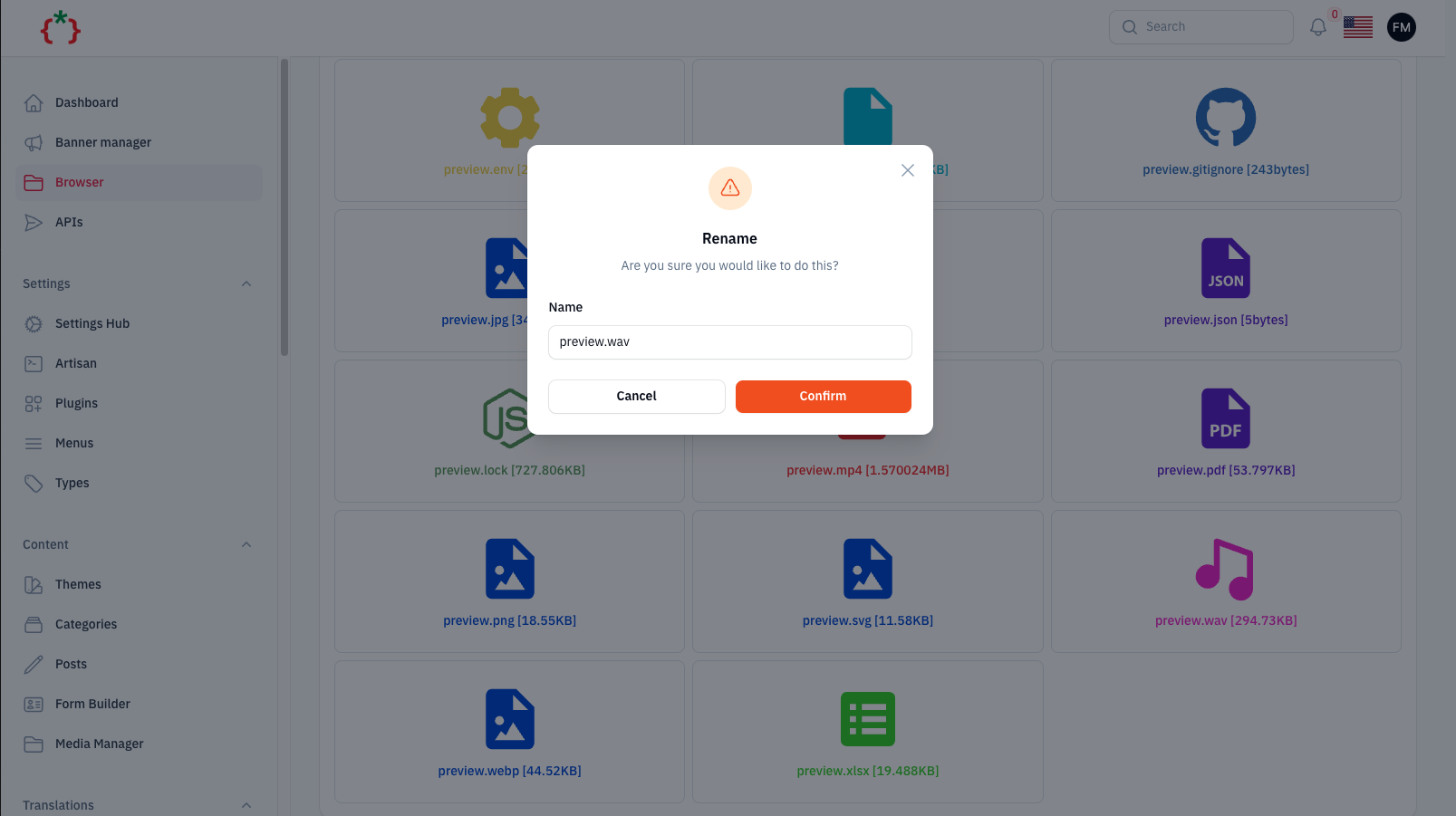
| allowRenameFile(bool = true) | false | Rename files. |
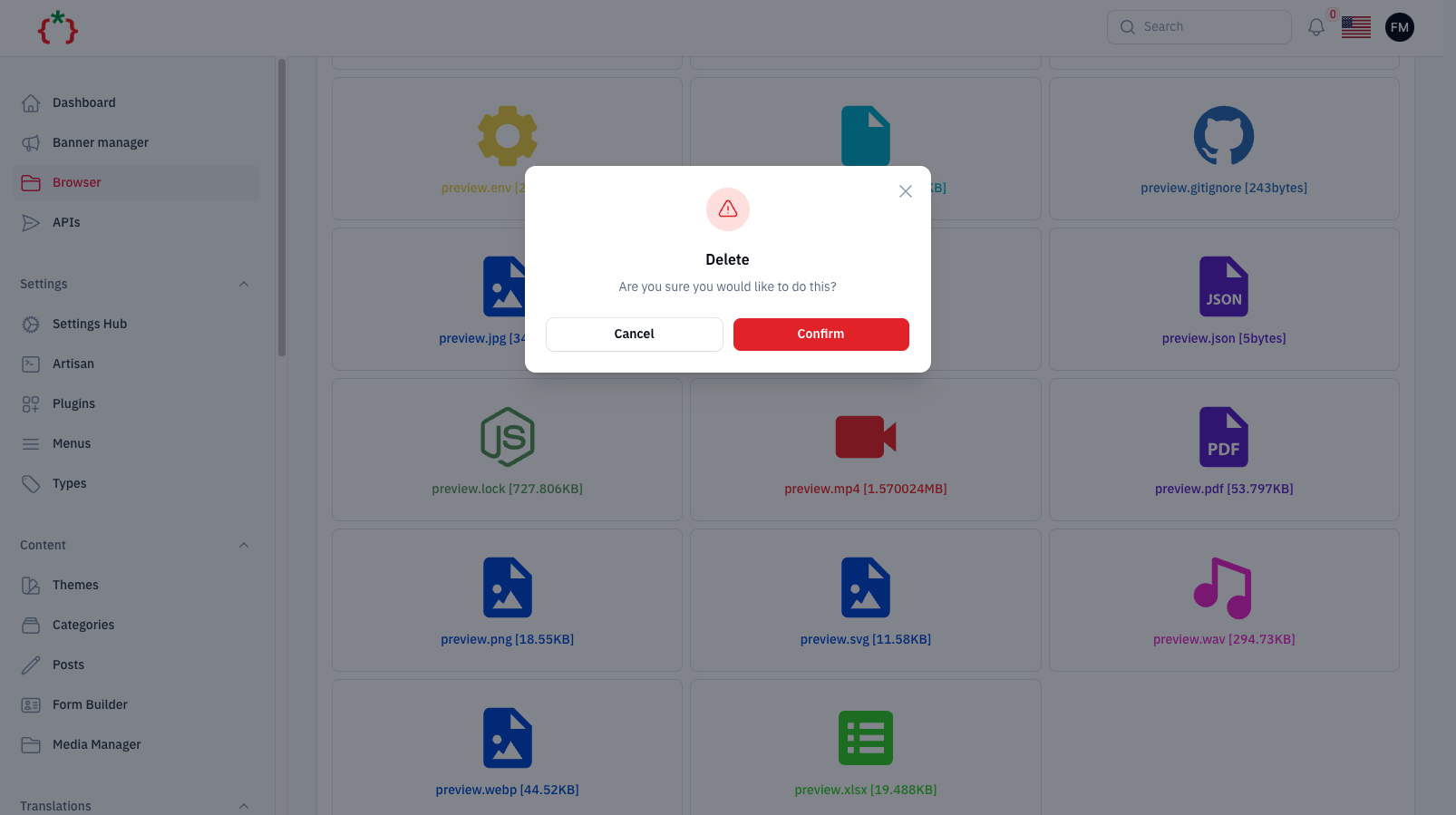
| allowDeleteFile(bool = true) | false | Delete files. |
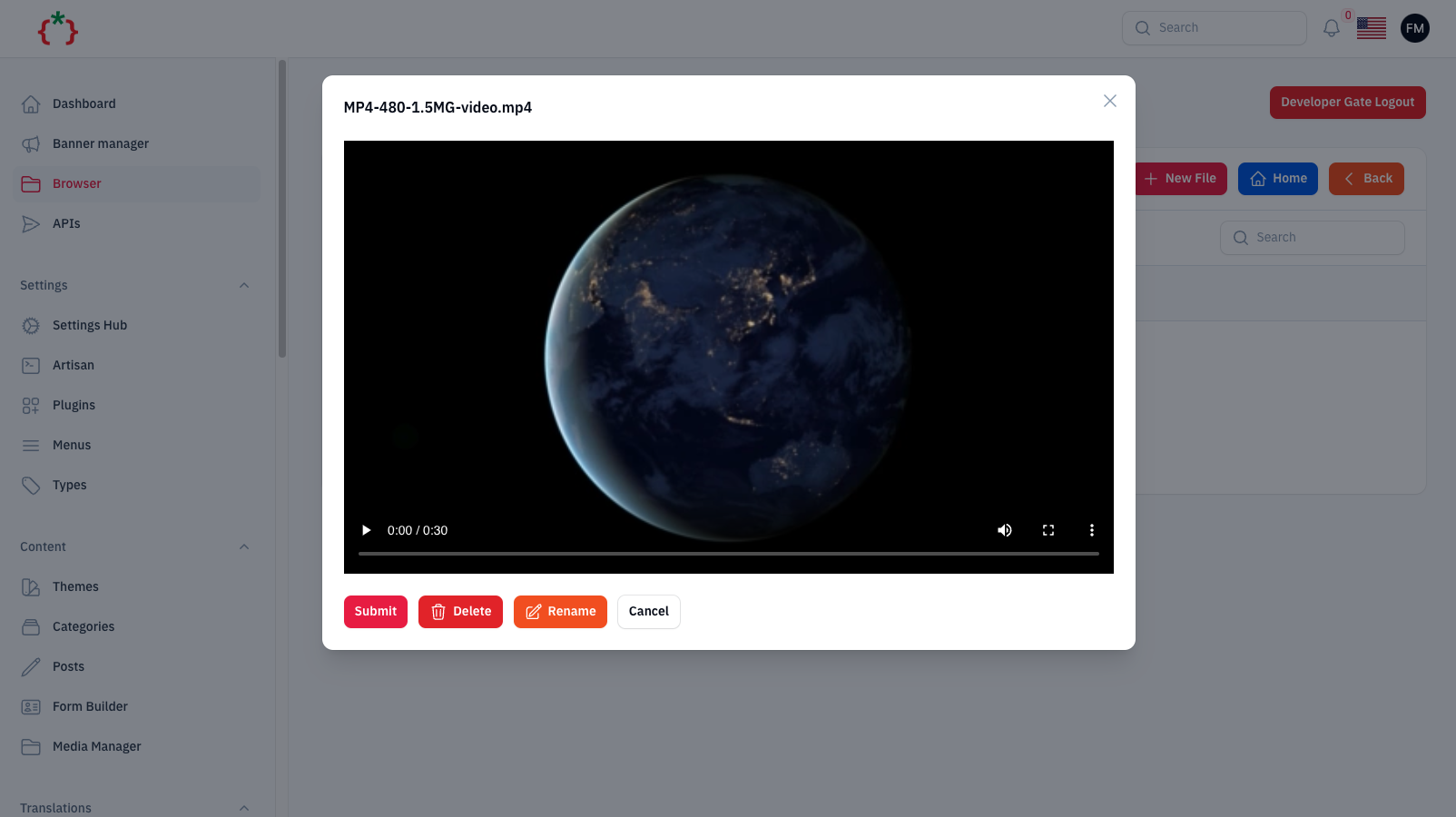
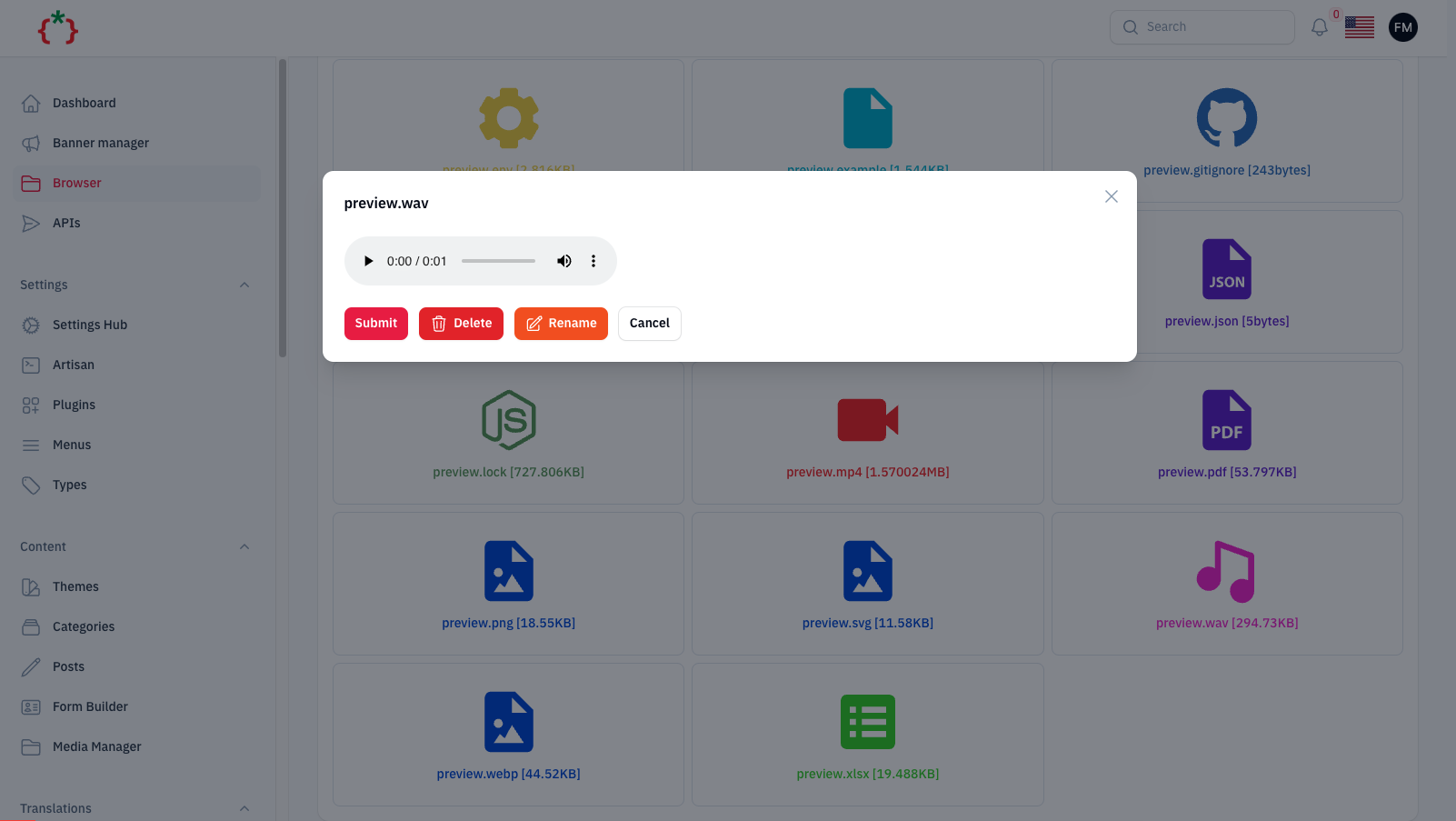
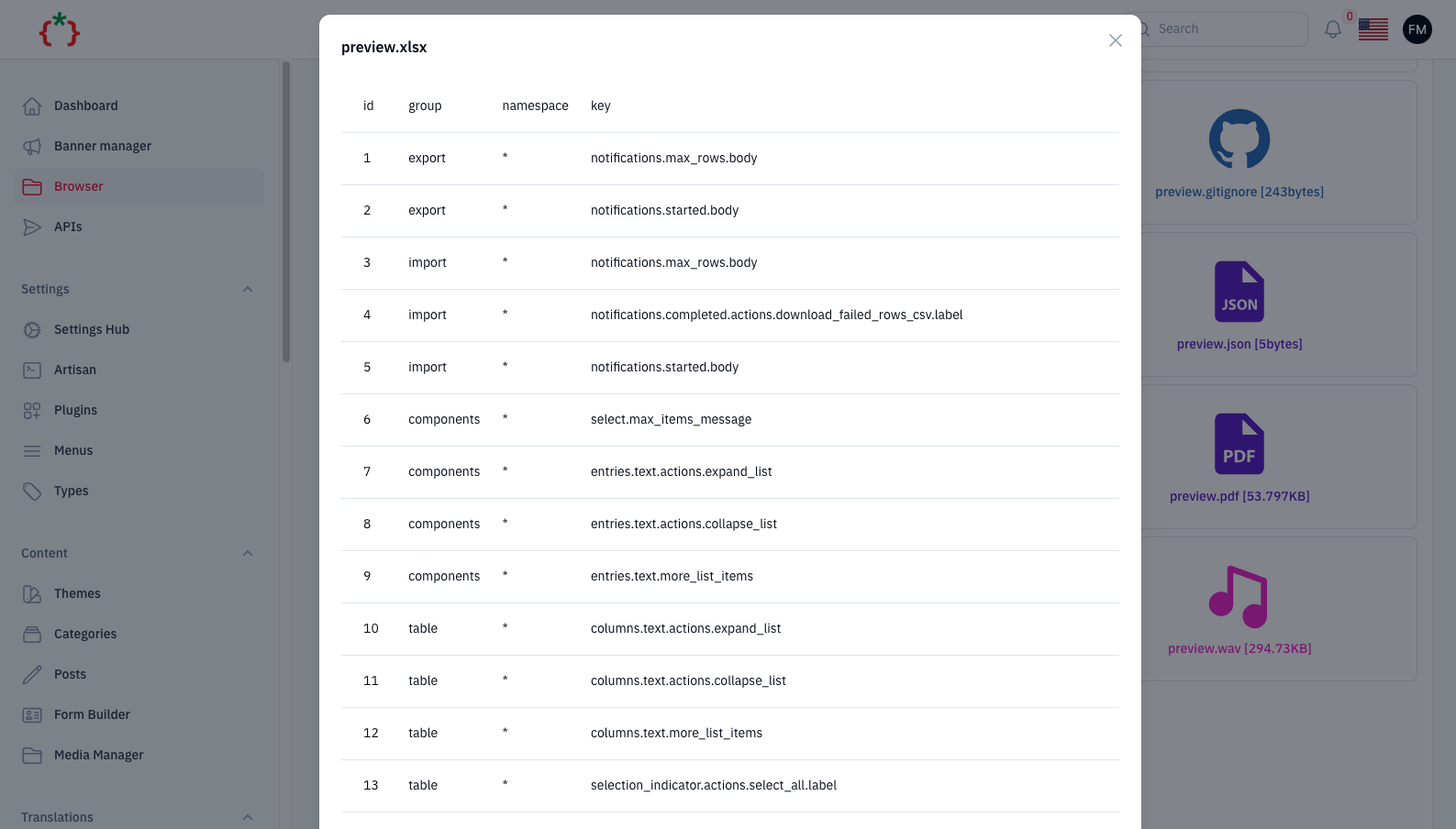
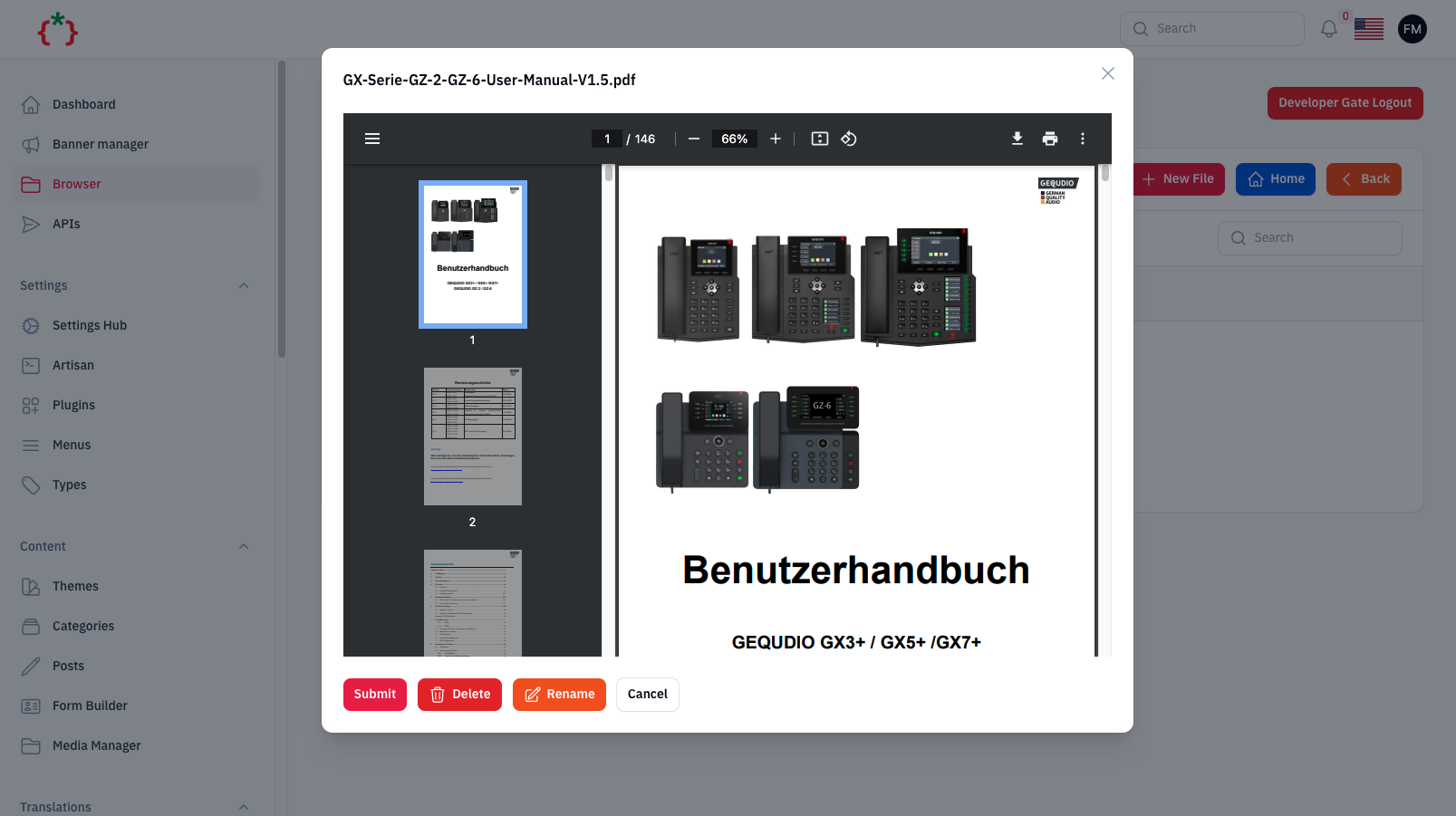
| allowPreview(bool = true) | true | Preview images, video, audio, PDF and spreadsheets. |
| hiddenFiles(array) / hiddenFolders(array) | [] | Absolute paths that are not listed and cannot be opened. |
| hiddenExtensions(array) | [] | Extensions that are not listed, opened or created (e.g. ['php']). |
| hideEnvFiles(bool = true) | true | .env and .env.* are hidden; call hideEnvFiles(false) to show them. |
| developerGate(bool = true) | true | Protect the page with filament-developer-gate. |
| authorize(bool\|Closure) | true | Who may open the page, e.g. fn () => auth()->user()->hasRole('super_admin'). |
allowCode() and allowMarkdown() are kept for backward compatibility and have no effect.
The browser asks for the developer password before it opens. The default password is password; change it in your .env:
DEVELOPER_GATE_PASSWORD=
basePath(), resolved with realpath() and refused when it leaves the root (.., absolute paths, symlinks pointing outside), or when it is hidden..env files are hidden by default, and hidden files, folders and extensions can not be opened, created or renamed to.allow*() option, and the checks run again on the server when the action runs.basePath() at a folder served by your web server (such as public/) while allowCreateNewFile() or allowUpload() is enabled, or hide the php extension.you can publish config file by use this command
php artisan vendor:publish --tag="filament-browser-config"
you can publish views file by use this command
php artisan vendor:publish --tag="filament-browser-views"
you can publish languages file by use this command
php artisan vendor:publish --tag="filament-browser-lang"
composer test
Checkout our Awesome TomatoPHP