Simple but yet powerful library for running some artisan commands for FilamentPHP
tomatophp/filament-artisan is a Laravel package for simple but yet powerful library for running some artisan commands for filamentphp.
It currently has 33 GitHub stars and 84.101 downloads on Packagist (latest version 5.0.0).
Install it with composer require tomatophp/filament-artisan.
Discover more Laravel packages by tomatophp
or browse all Laravel packages to compare alternatives.
Last updated



Simple but yet powerful library for running some artisan commands for FilamentPHP
| Package version | Filament | Laravel | PHP | |-----------------|----------|---------|-----| | 5.x | 5.x | 12.x, 13.x | 8.2+ | | 1.x | 3.x | 10.x, 11.x | 8.1+ |
composer require tomatophp/filament-artisan
finally register the plugin on /app/Providers/Filament/AdminPanelProvider.php
->plugin(\TomatoPHP\FilamentArtisan\FilamentArtisanPlugin::make())
The plugin also registers the Developer Gate page on the panel,
so set a strong gate password in your .env:
DEVELOPER_GATE_PASSWORD=change-me
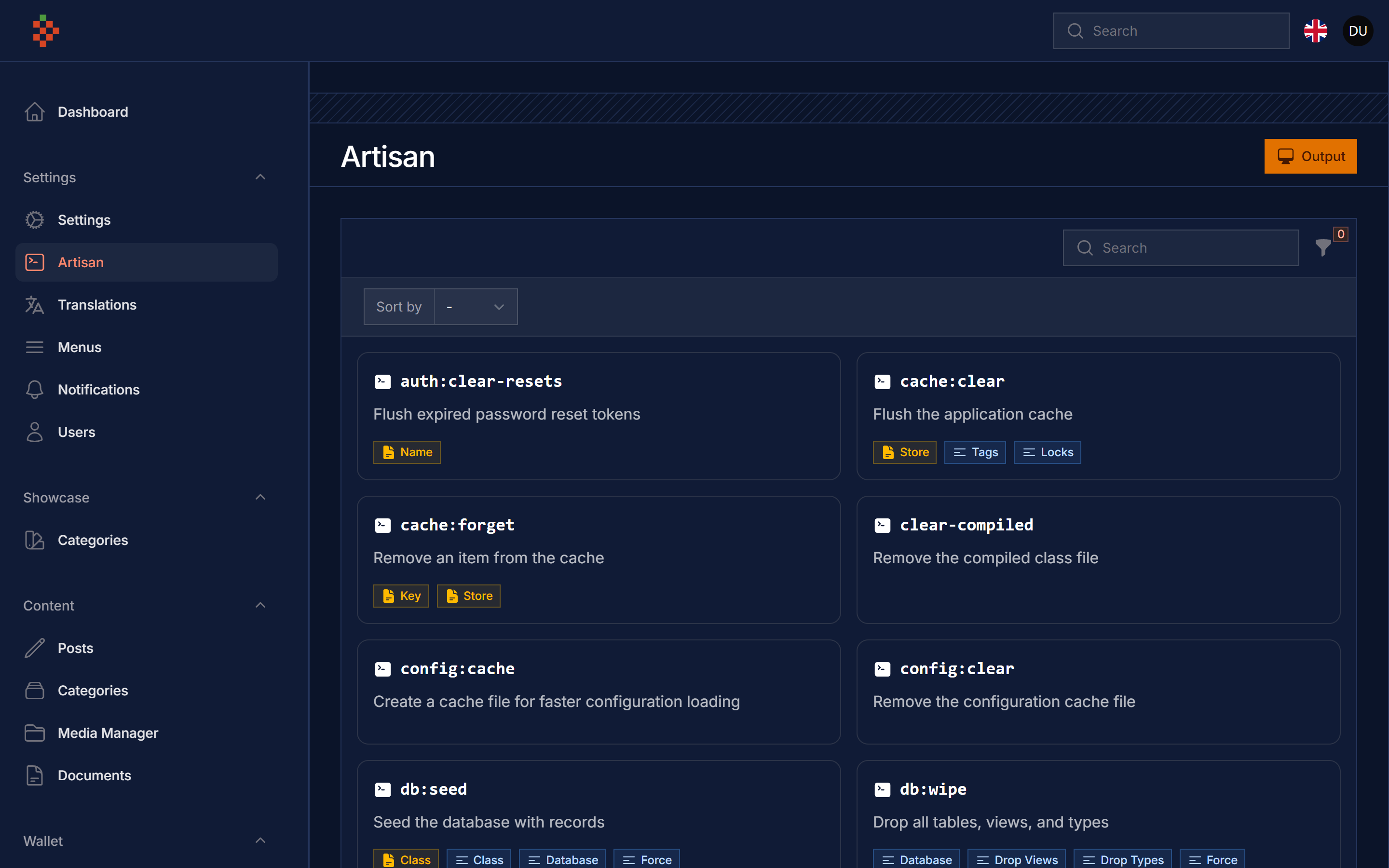
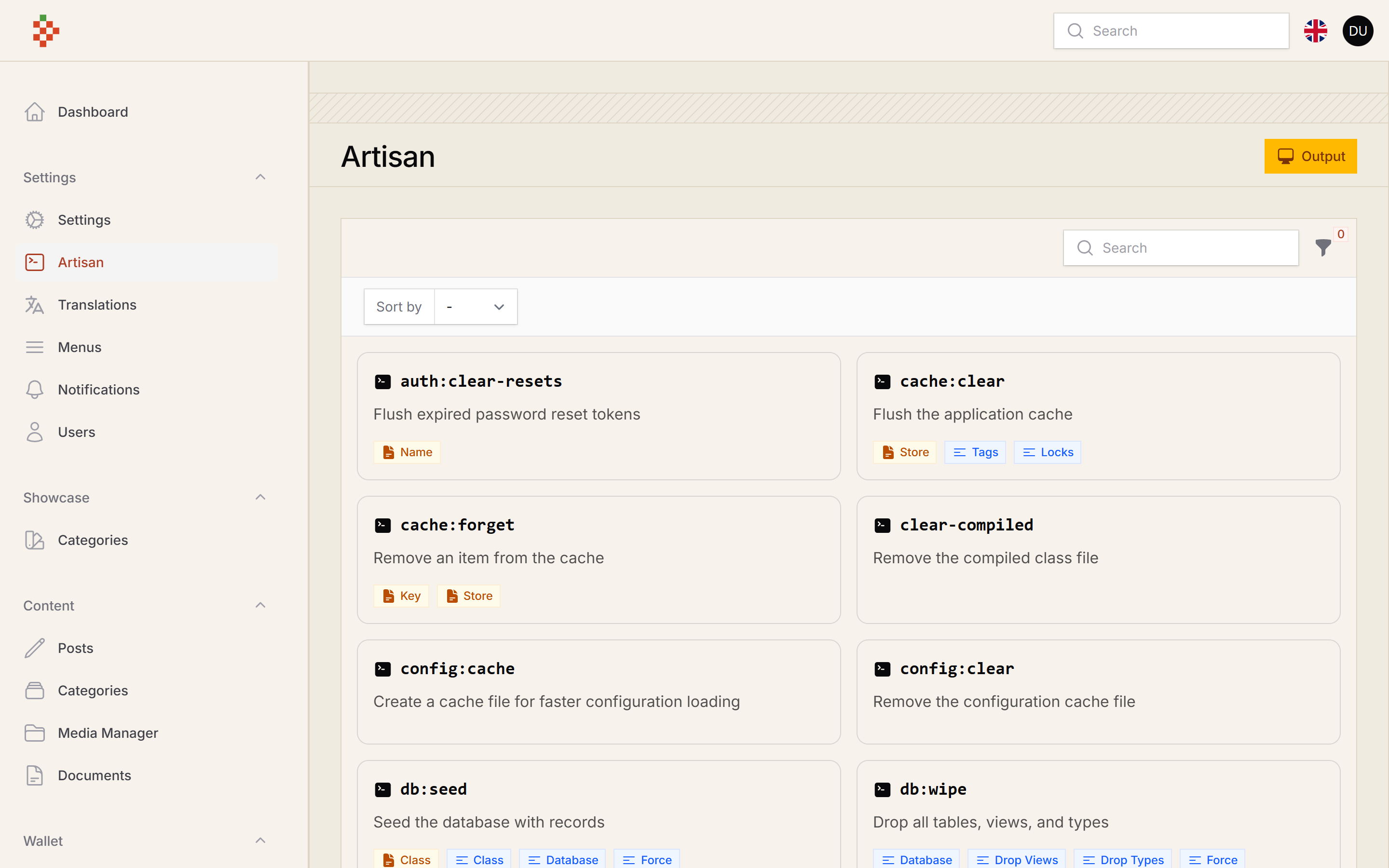
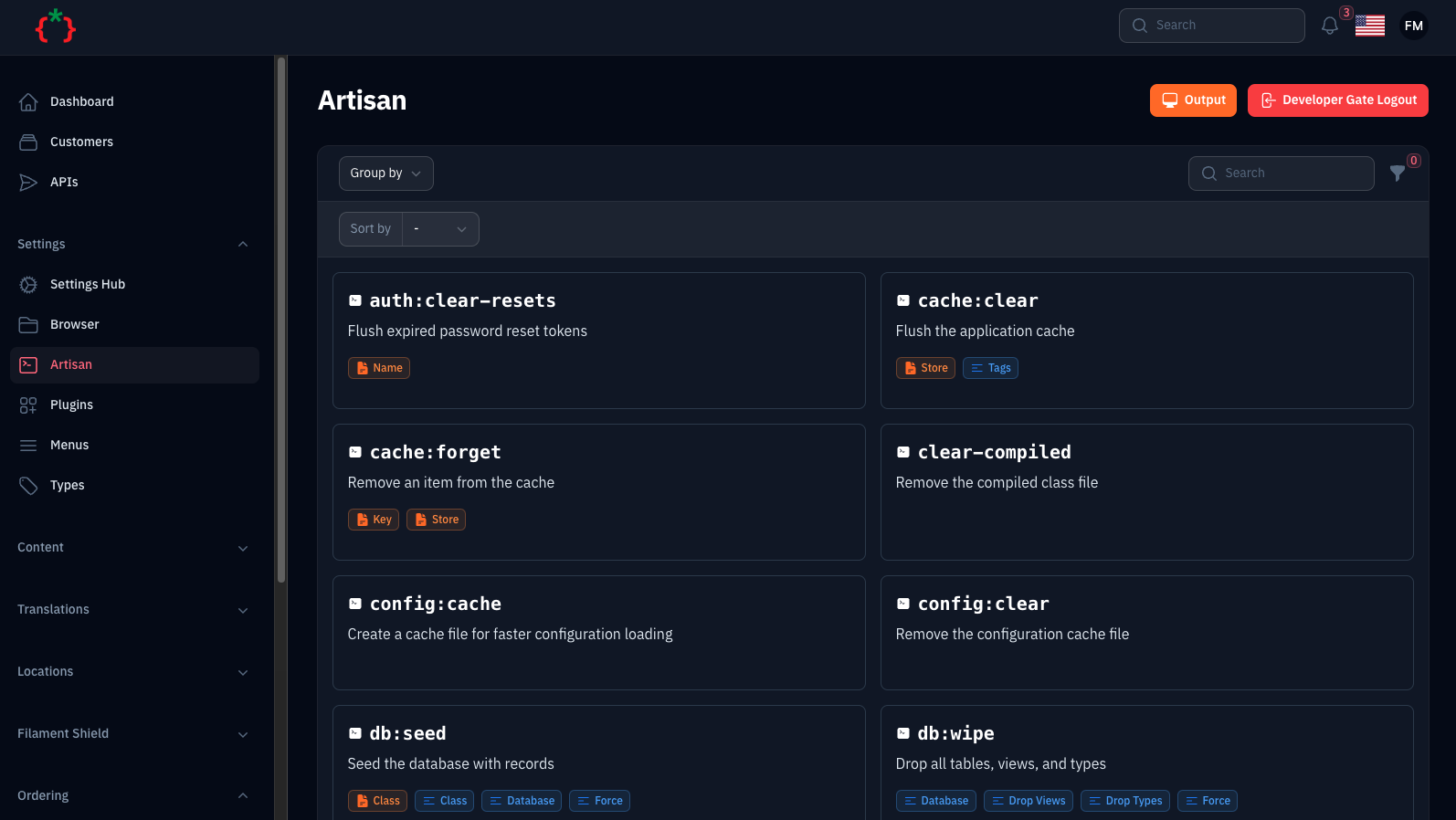
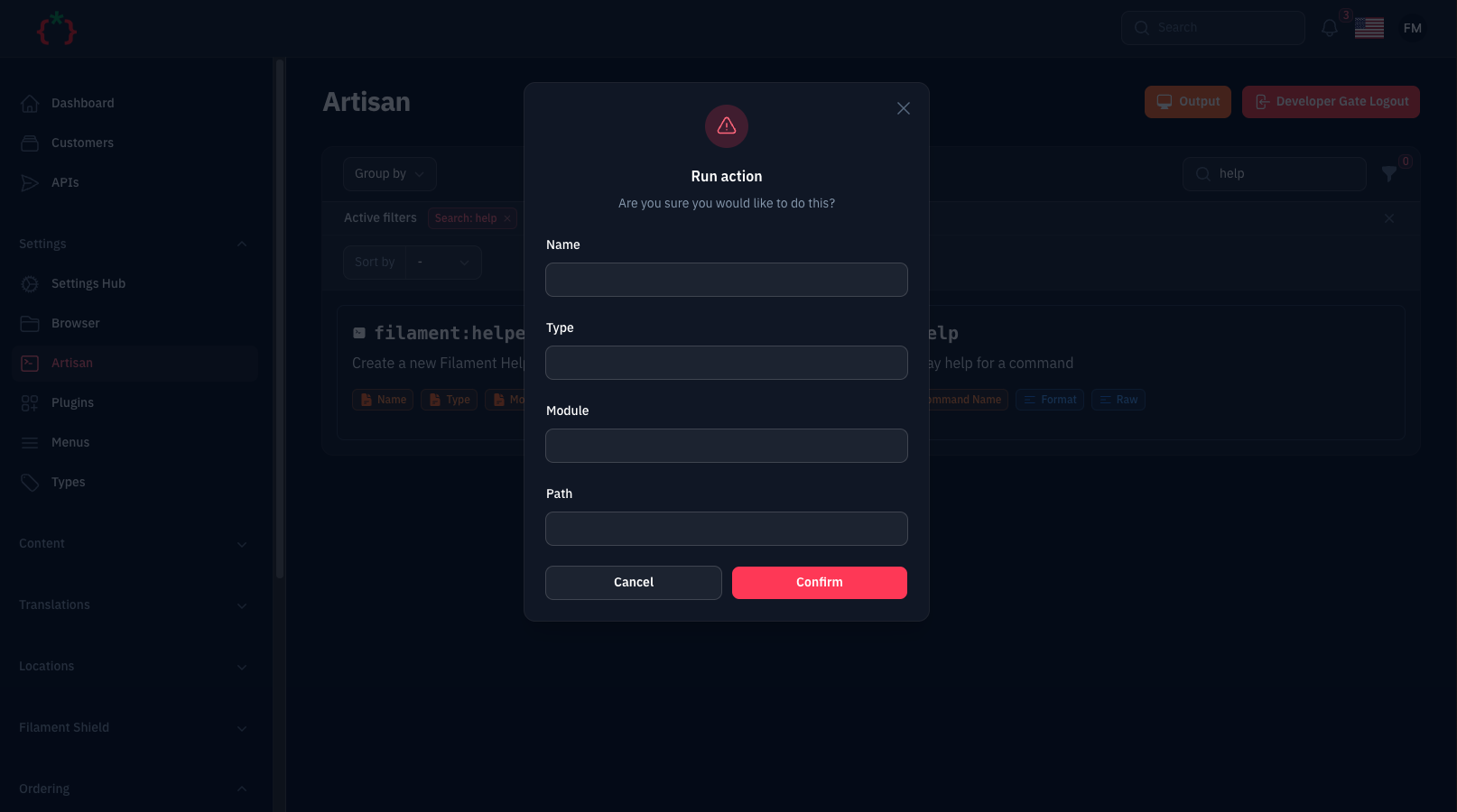
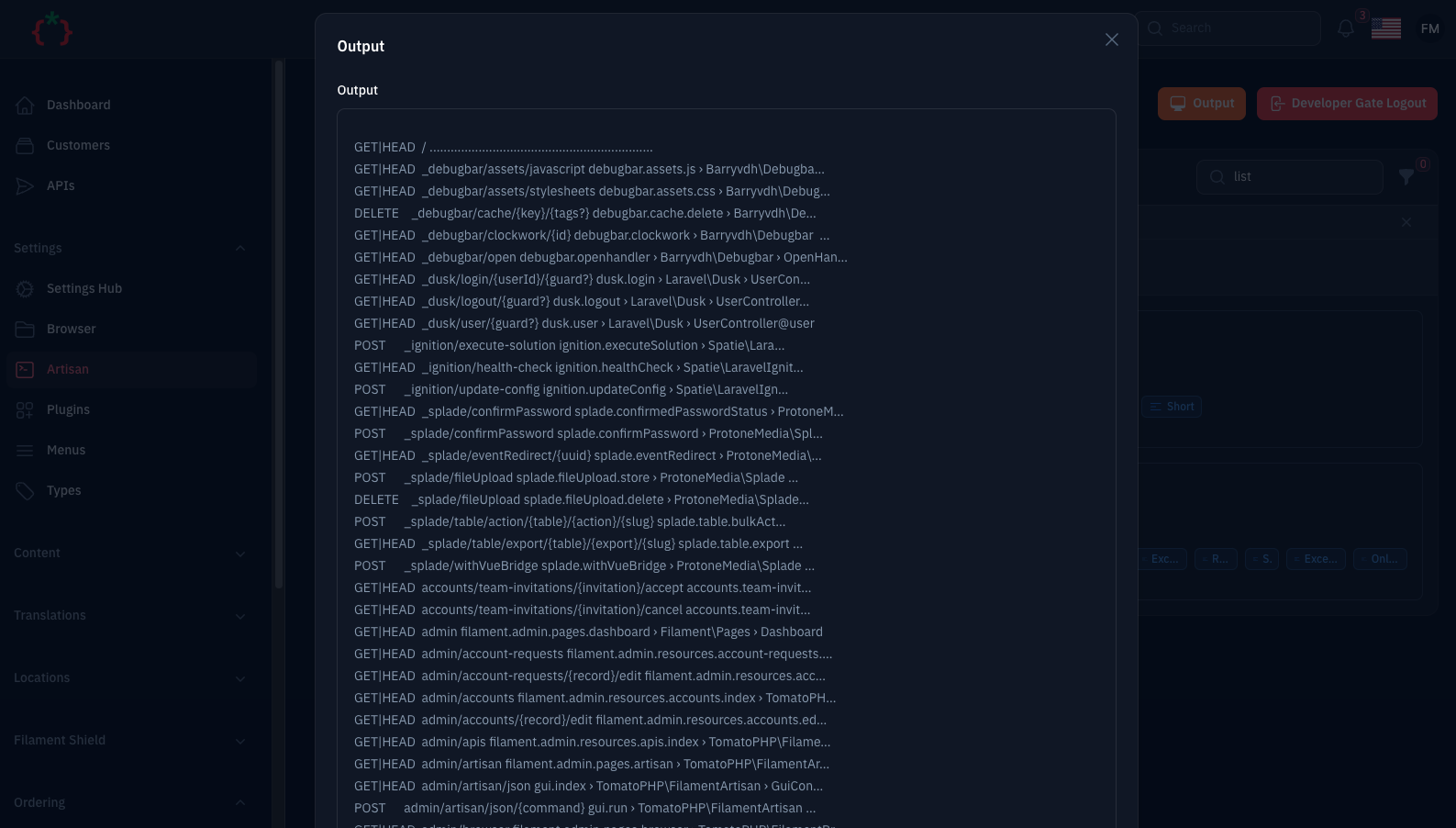
Go to https://your-domain.com/PANEL/artisan, select the needed command from the list, fill the arguments and
options/flags and hit run. The output is shown in a modal once the command finished.
This page runs artisan commands on your server, so it is locked down by default:
'local' => true (the default) the page is only accessible, and only shown in the navigation,
when APP_ENV=local. Set 'local' => false in the published config (or use ->onlyLocal(false)) to use it on other environments.'developer_gate' => true (the default) the page asks for DEVELOPER_GATE_PASSWORD first.commands config key can be run. Any other registered command is refused with a 403.permissions config key maps a command to a Gate ability, e.g. 'migrate:fresh' => 'run-destructive-commands'.middlewares config key is applied to the page route (add 'verified' if your users verify their email).You can restrict or disable the page per panel from the plugin:
->plugin(
    \TomatoPHP\FilamentArtisan\FilamentArtisanPlugin::make()
        // only super admins may open the page (pass false to disable it entirely)
        ->authorize(fn (): bool => auth()->user()?->hasRole('super_admin') ?? false)
        // override the `developer_gate` config for this panel
        ->developerGate(true)
        // override the `local` config for this panel
        ->onlyLocal(false)
)
The default command list contains destructive commands (migrate:fresh, db:wipe, down, ...). On anything that is not
your own machine, publish the config and trim the commands list to what you really need.
Publish the config file to change the defaults:
php artisan vendor:publish --tag="filament-artisan-config"
return [
    // route middleware applied to the page, the developer gate is appended when enabled
    'middlewares' => ['web', 'auth'],

    // only allow the page when APP_ENV=local
    'local' => true,

    // protect the page with the developer gate password
    'developer_gate' => true,

    // command => Gate ability(ies)
    'permissions' => [],

    // group => [commands], the whitelist of commands the page can run
    'commands' => [
        // ...
    ],

    'navigation' => [
        // hide the navigation item when the page is not accessible
        'show-only-commands-showing' => true,
        'group' => 'Settings',
        'icon' => 'heroicon-o-command-line',
    ],

    // defer the table filters and the column manager
    'defer' => [
        'filters' => false,
        'columns' => false,
    ],
];
and now clear cache
php artisan optimize:clear
you can publish config file by use this command
php artisan vendor:publish --tag="filament-artisan-config"
you can publish views file by use this command
php artisan vendor:publish --tag="filament-artisan-views"
you can publish languages file by use this command
php artisan vendor:publish --tag="filament-artisan-lang"
composer test
Checkout our Awesome TomatoPHP