An advanced image field for Nova with crop and resize.
takdw/nova-advanced-image-field is a Laravel package for an advanced image field for nova with crop and resize..
It currently has 0 GitHub stars and 7.420 downloads on Packagist (latest version v1.2.3).
Install it with composer require takdw/nova-advanced-image-field.
Discover more Laravel packages by takdw
or browse all Laravel packages to compare alternatives.
Last updated


This package provides an advanced image field for Nova resources allowing you to upload, crop and resize any image.
It uses Cropper.js with vue-cropperjs in the frontend and Intervention Image in the backend.
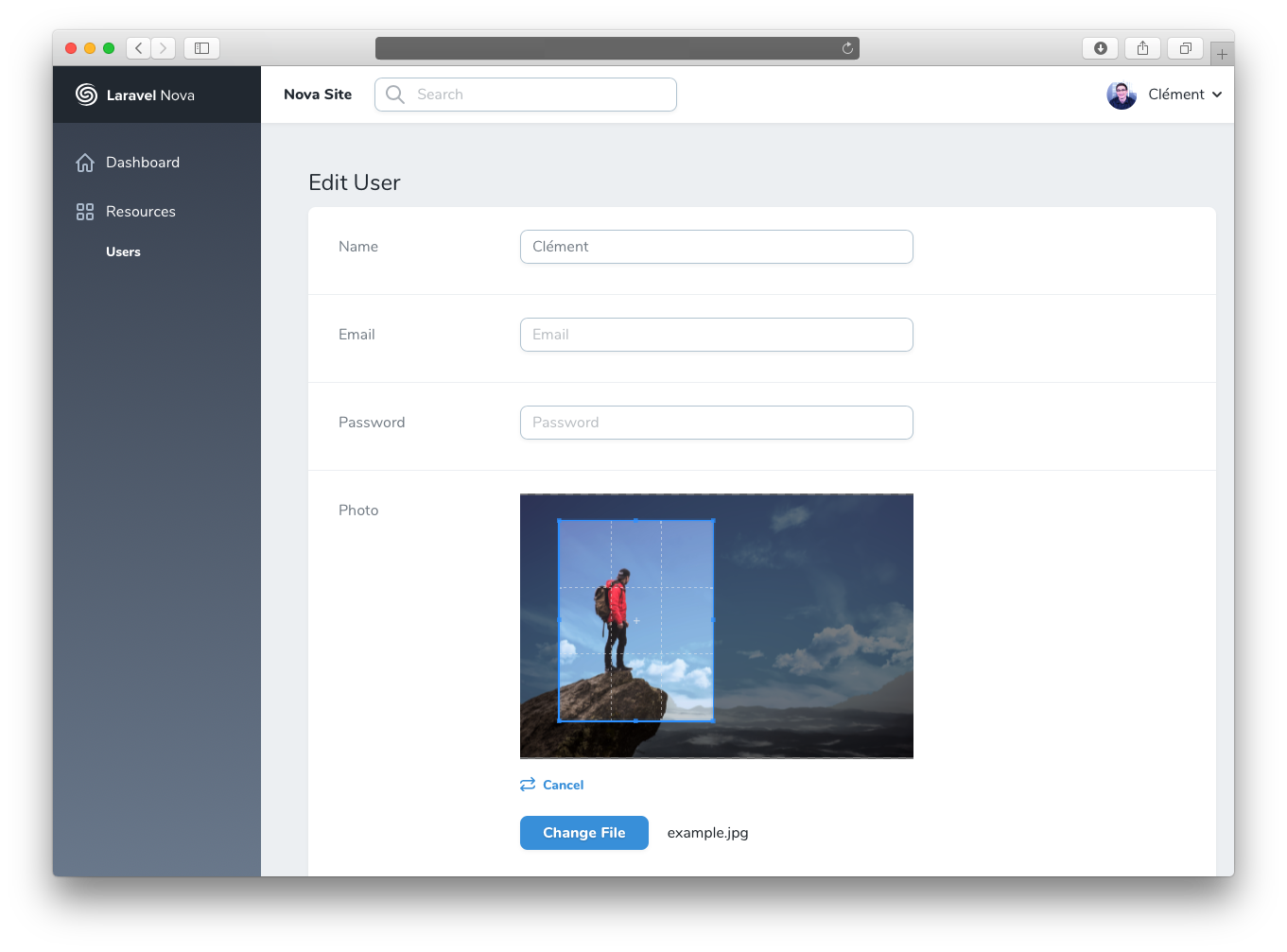
To work correctly, this package requires the following components:
And one of the following libraries:
See Intervention requirements for more details.
Install the package into a Laravel application with Nova using Composer:
composer require ctessier/nova-advanced-image-field
If you want to use Imagick as the default image processing library, follow the Intervention documentation for Laravel. This will provide you with a new configuration file where you can specify the driver you want.
AdvancedImage extends from Image so you can use any methods that Image implements. See the documentation here.
<?php

namespace App\Nova;

// ...
use Illuminate\Http\Request;
use Ctessier\NovaAdvancedImageField\AdvancedImage;

class Post extends Resource
{
    // ...

    public function fields(Request $request)
    {
        return [
            // ...

            // Simple image upload
            AdvancedImage::make('Photo'),

            // Show a cropbox with a free ratio
            AdvancedImage::make('Photo')->croppable(),

            // Show a cropbox with a fixed ratio
            AdvancedImage::make('Photo')->croppable(16/9),

            // Resize the image to a max width
            AdvancedImage::make('Photo')->resize(1920),

            // Resize the image to a max height
            AdvancedImage::make('Photo')->resize(null, 1080),

            // Show a cropbox and resize the image
            AdvancedImage::make('Photo')->croppable()->resize(400, 300),

            // Override the image processing driver for this field only
            AdvancedImage::make('Photo')->driver('imagick')->croppable(),

            // Store to AWS S3
            AdvancedImage::make('Photo')->disk('s3'),

            // Specify a custom subdirectory
            AdvancedImage::make('Photo')->croppable()->disk('s3')->path('image'),

            // Store custom attributes
            AdvancedImage::make('Photo')->croppable()->store(function (Request $request, $model) {
                return [
                    'photo' => $request->photo->store('/', 's3'),
                    'photo_mime' => $request->photo->getMimeType(),
                    'photo_name' => $request->photo->getClientOriginalName(),
                ];
            }),
        ];
    }
}
The resize option uses Intervention Image resize() with the upsize and aspect ratio constraints.


