A native light and dark application theme for Filament 5.
saivra/meui-theme is a Laravel package for a native light and dark application theme for filament 5..
It currently has 0 GitHub stars and 29 downloads on Packagist (latest version v0.2.0).
Install it with composer require saivra/meui-theme.
Discover more Laravel packages by saivra
or browse all Laravel packages to compare alternatives.
Last updated
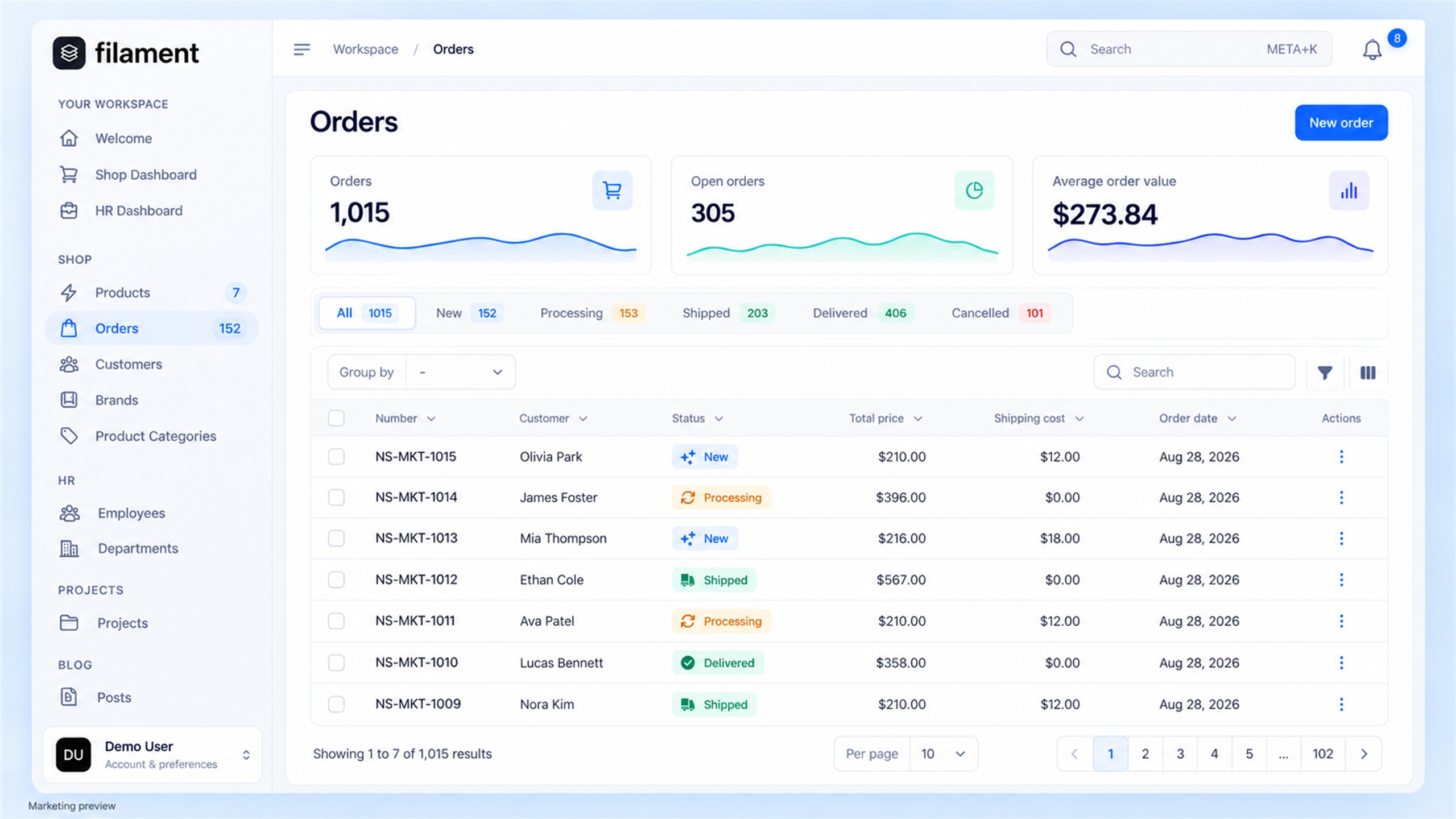
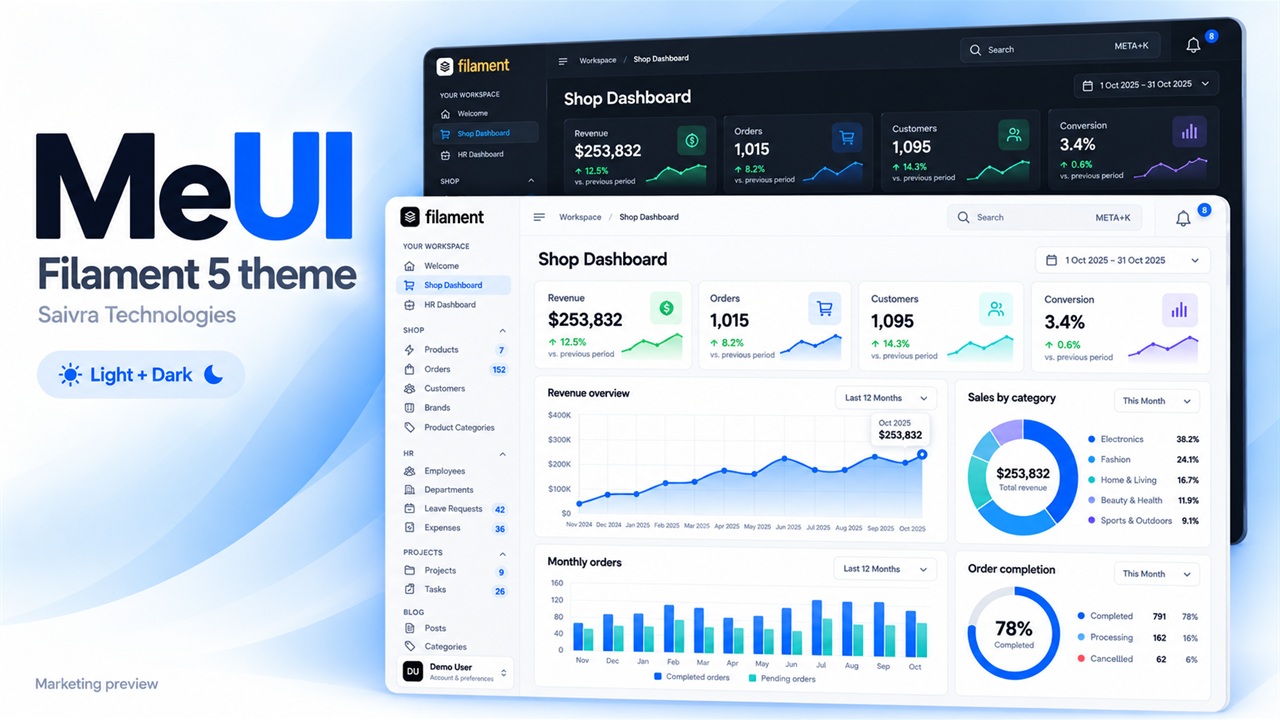
A polished workspace for Filament 5, with refined light and dark surfaces, full-height navigation, an inset content area and personal appearance controls. Free and open source under the MIT license.



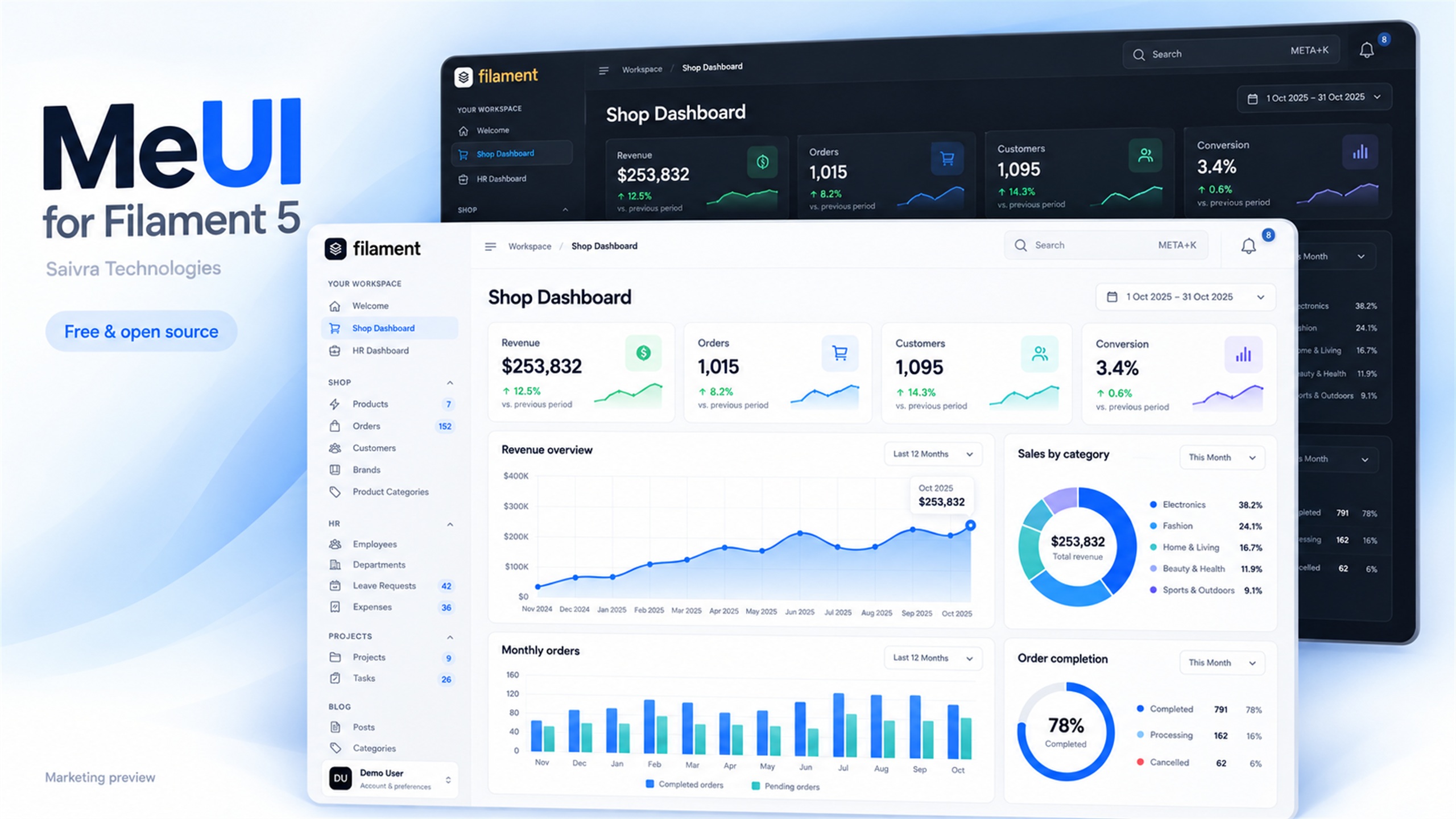
The hero is an illustrated marketing preview. The authentication, studio and customizer screens below are real captures of the working plugin. MeUI is an independent community theme by Saivra Technologies, shown in a local copy of the official Filament demo with seeded demonstration data.
composer require saivra/meui-theme
php artisan filament:assets
Register the plugin in each panel you want to theme:
use Saivra\MeUi\MeUiPlugin;

public function panel(Panel $panel): Panel
{
    return $panel
        // Your existing panel configuration...
        ->plugin(MeUiPlugin::make());
}
Laravel discovers the service provider automatically. A standard Filament panel needs no Node build.
For an existing Vite theme, follow the custom-theme setup.
Run filament:assets after package upgrades and during deployment.
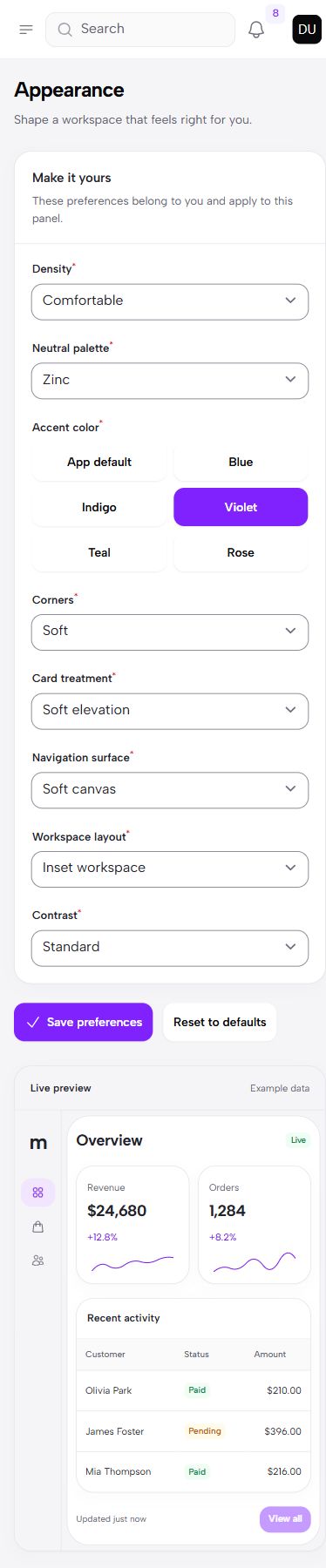
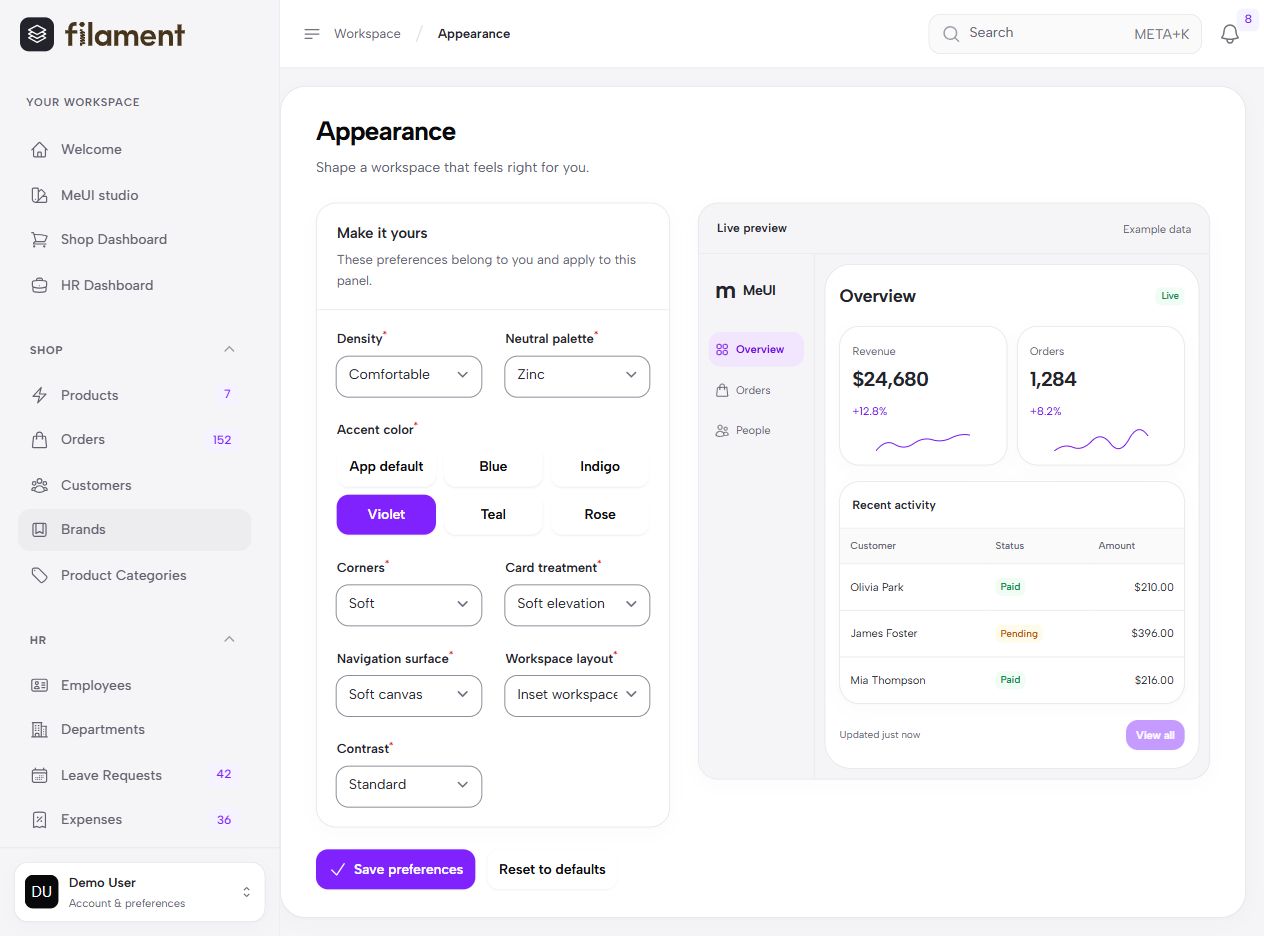
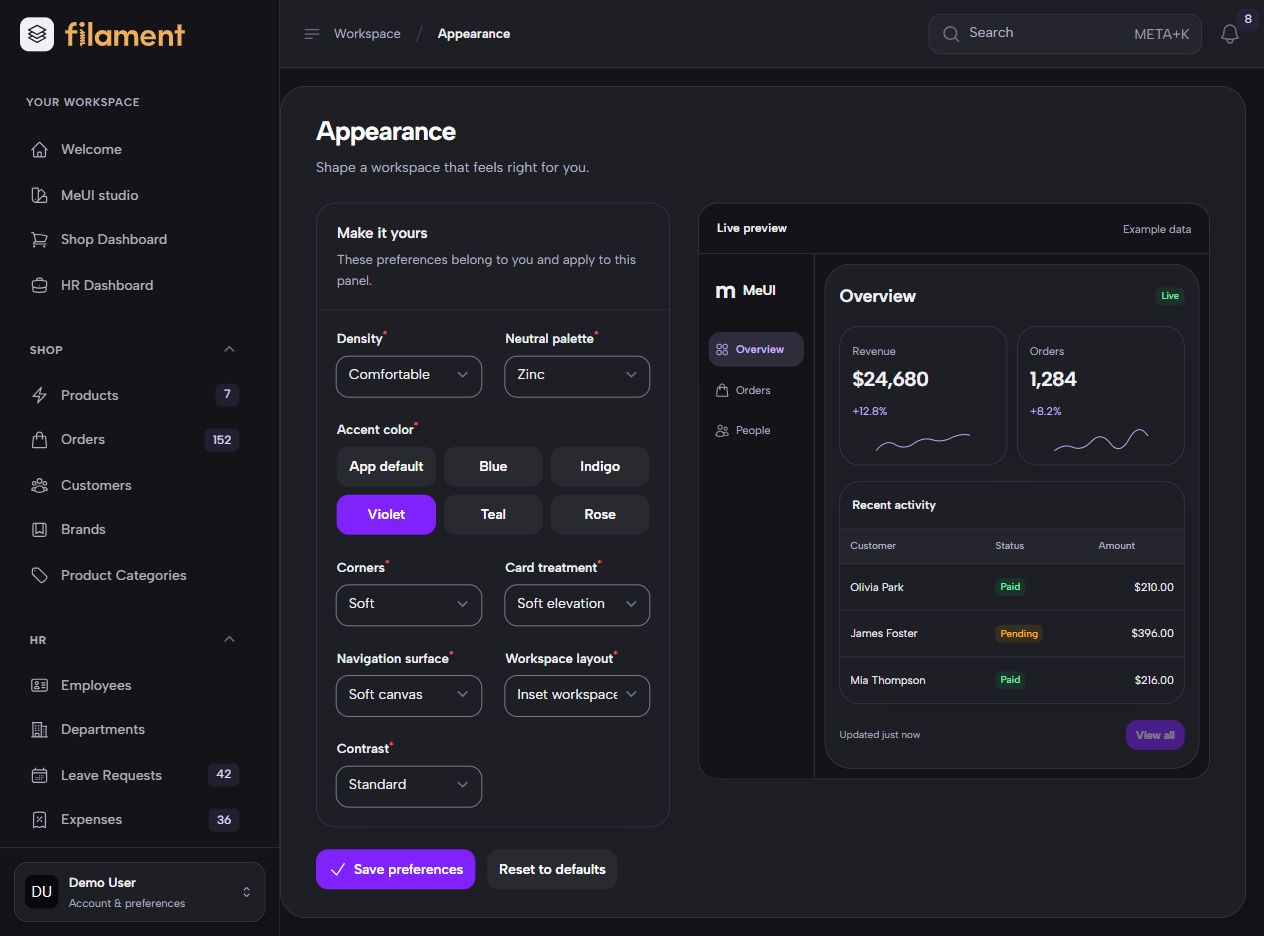
The optional customizer lets signed-in users preview and save their own neutral palette, accent, corners, density, card treatment, navigation surface, workspace layout and contrast. Changes apply immediately after saving and survive a reload. Reset restores the panel provider's current defaults.
| Personal appearance — light | Personal appearance — dark |
| --- | --- |
|  |
|  |
|
Publish the optional preferences migration before enabling the page:
php artisan vendor:publish --tag=meui-migrations
php artisan migrate
MeUiPlugin::make()->customizer();
This adds Customize theme to the profile menu for every signed-in user. Preferences are isolated by panel, guard and user. The theme and studio need no migration when personal customization is disabled.
Developers choose the defaults, audience and available controls in the panel provider:
MeUiPlugin::make()
    ->palette('slate')
    ->accent('panel')
    ->radius('rounded')
    ->surface('elevated')
    ->sidebarStyle('soft')
    ->workspace('inset')
    ->density('comfortable')
    ->contrast('standard')
    ->customizer()
    ->customizerOptions(['palette', 'radius', 'density', 'contrast']);
Options also accept request-time closures for application settings. Restrict access with
customizer(authorize: fn (): bool => auth()->user()?->can('customizeTheme') ?? false) after defining the
ability in your application. You can connect an existing database settings store through preferences(load: ..., save: ...).
See the customization guide
and mobile preview.
The split authentication layout accompanies native Filament sign-in, registration, recovery, verification and MFA pages. Authentication, validation and access rules remain in your application.
| Sign in — light | Sign in — dark |
| --- | --- |
| 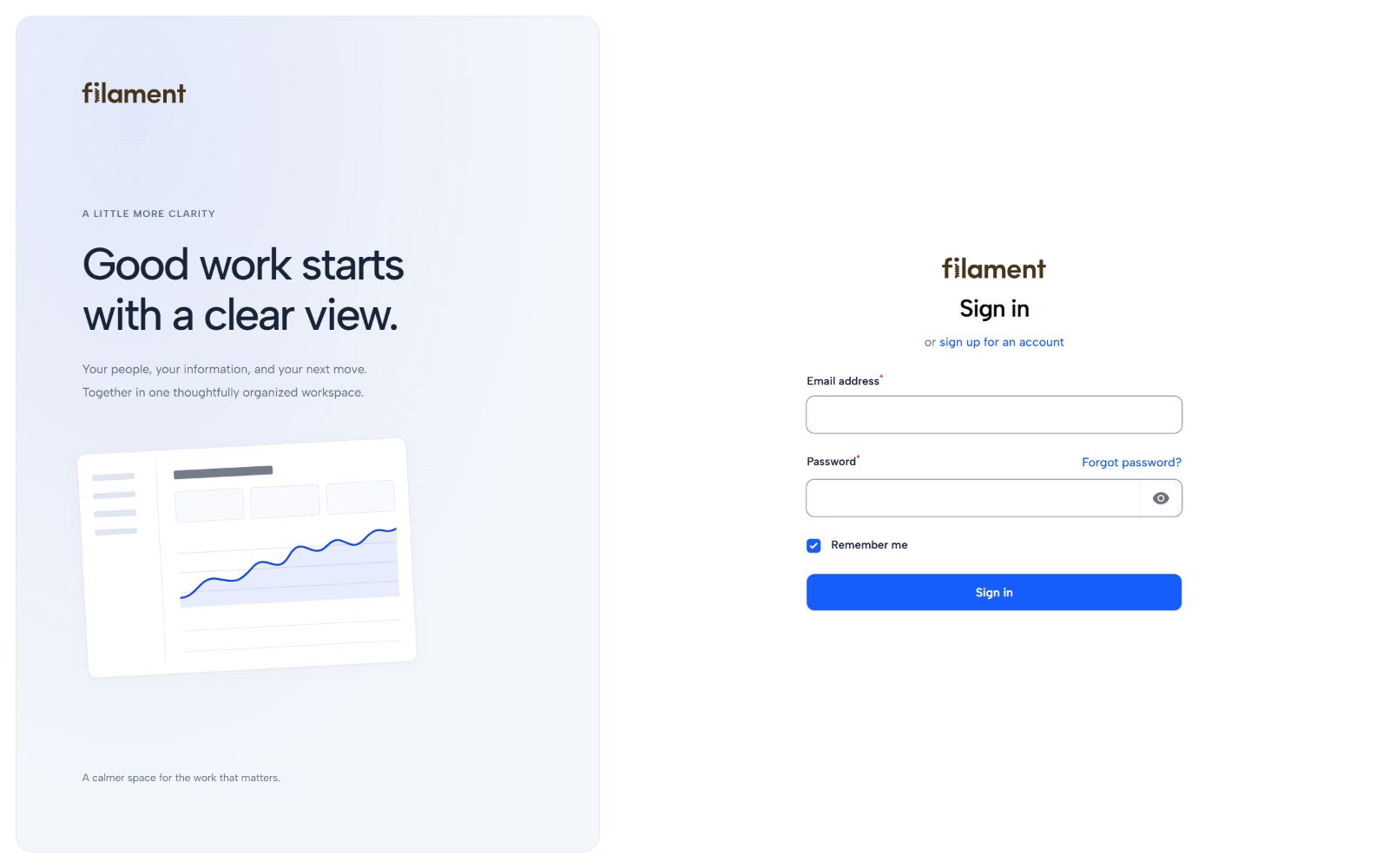 |
| 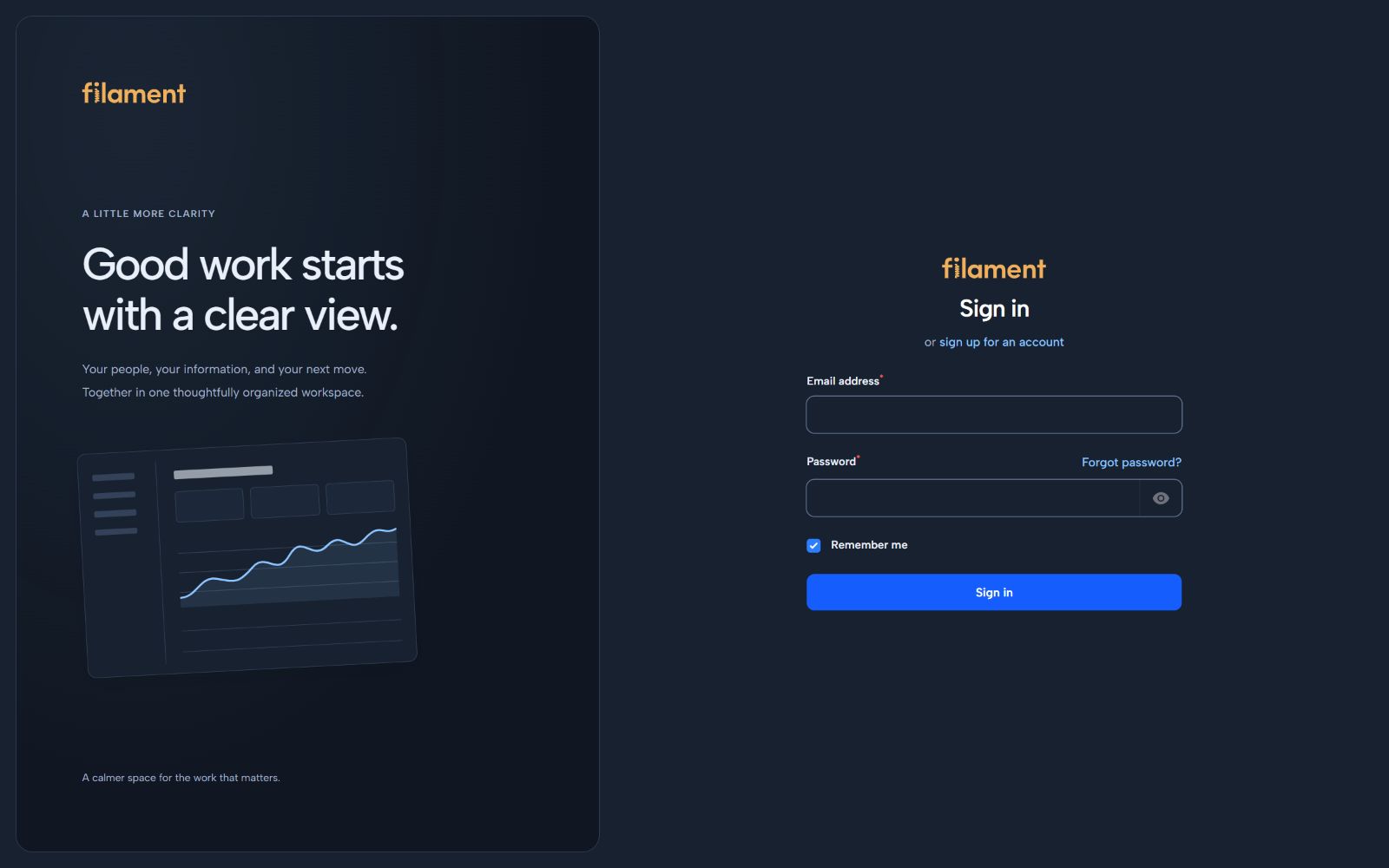 |
|
| Registration | Account recovery |
| --- | --- |
| 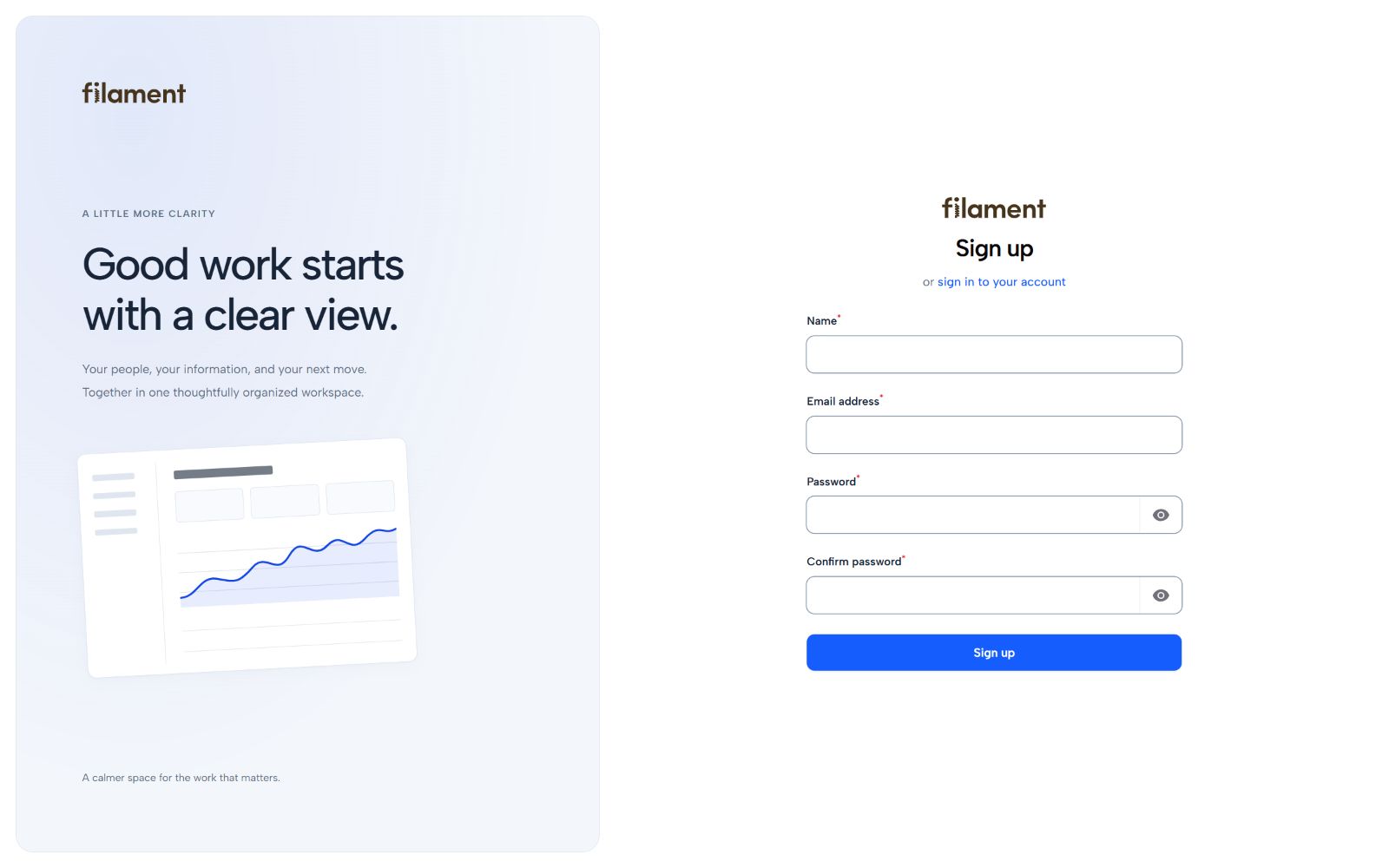 |
| 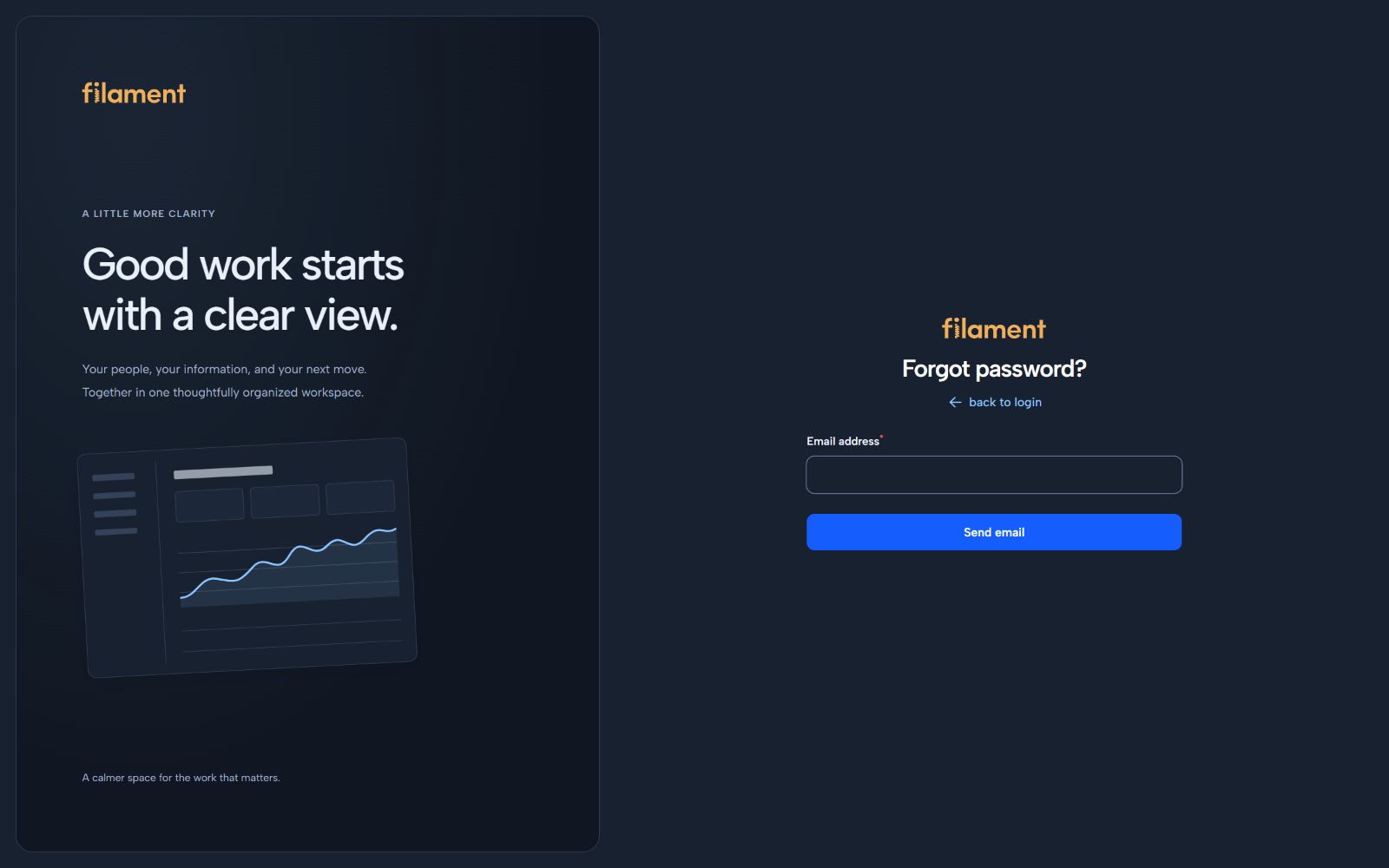 |
|
Use authAside(false) for a panel with an existing custom authentication layout.
The studio is an interactive reference for the components that make up a complete application: searchable tables, filters, native form tabs and validation, record details, dialogs, empty states, appearance controls and application notices. All studio data is fictitious.
| Data workspace | Native forms |
| --- | --- |
| 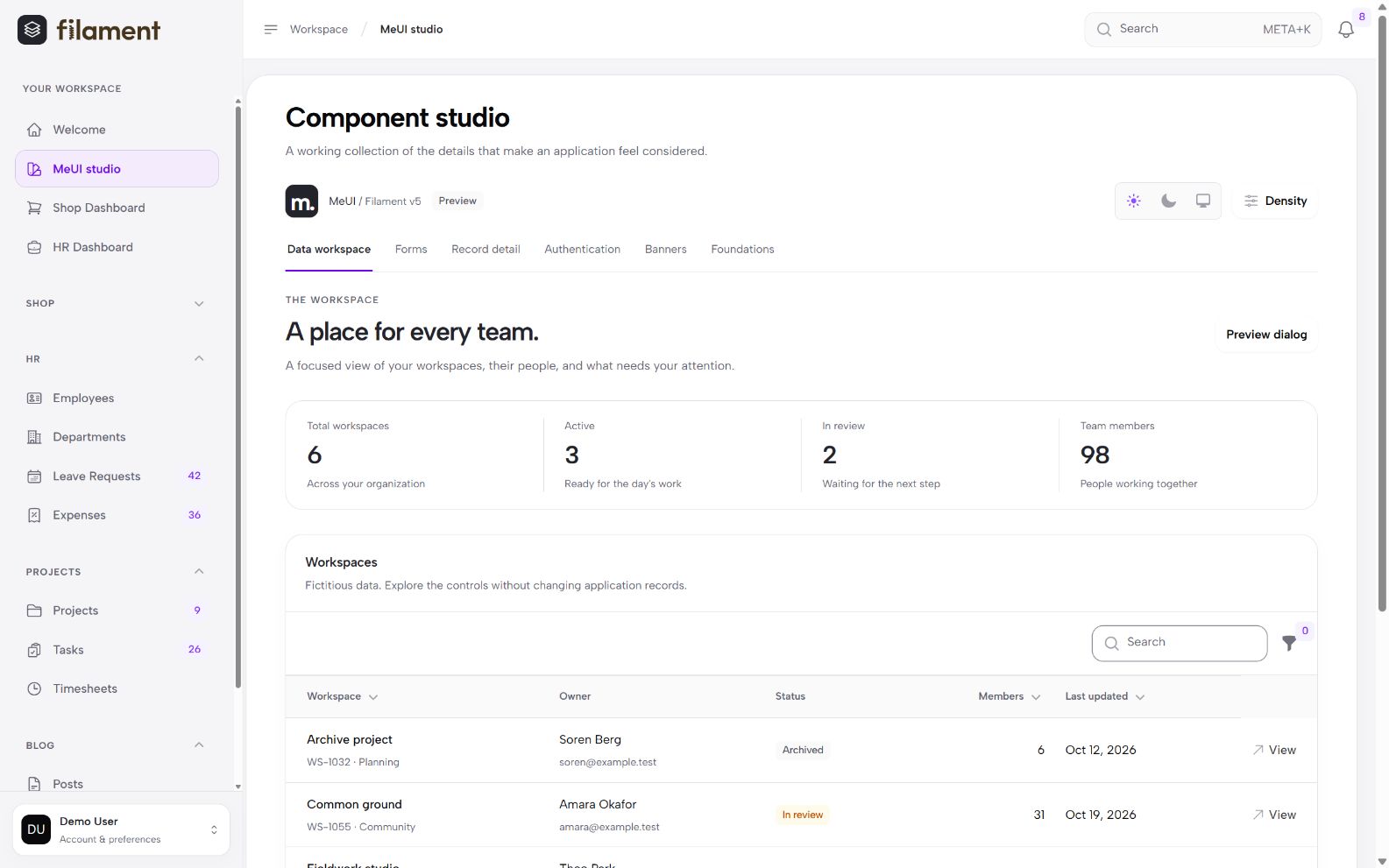 |
| 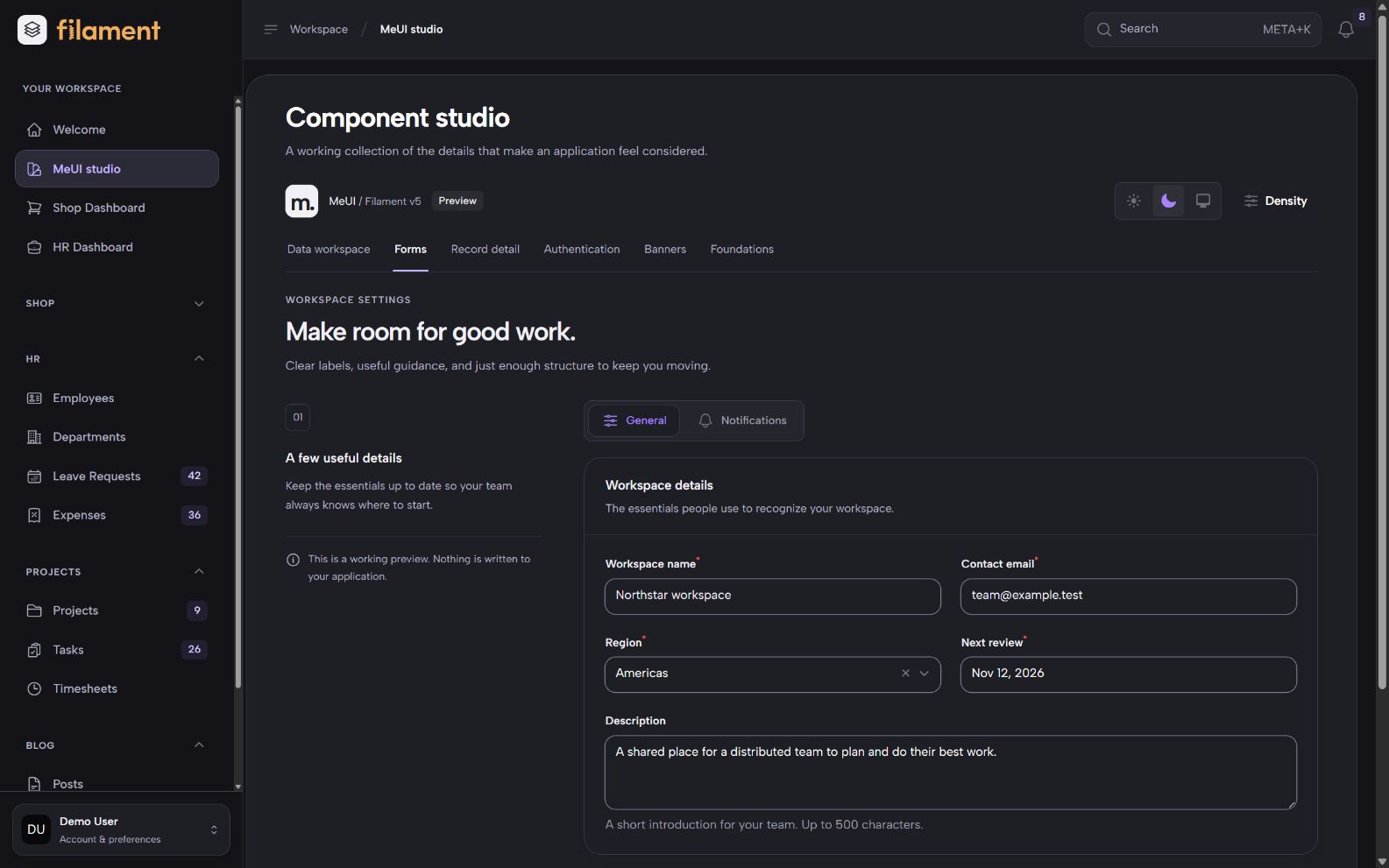 |
|
| Notice components | Focused dialogs |
| --- | --- |
| 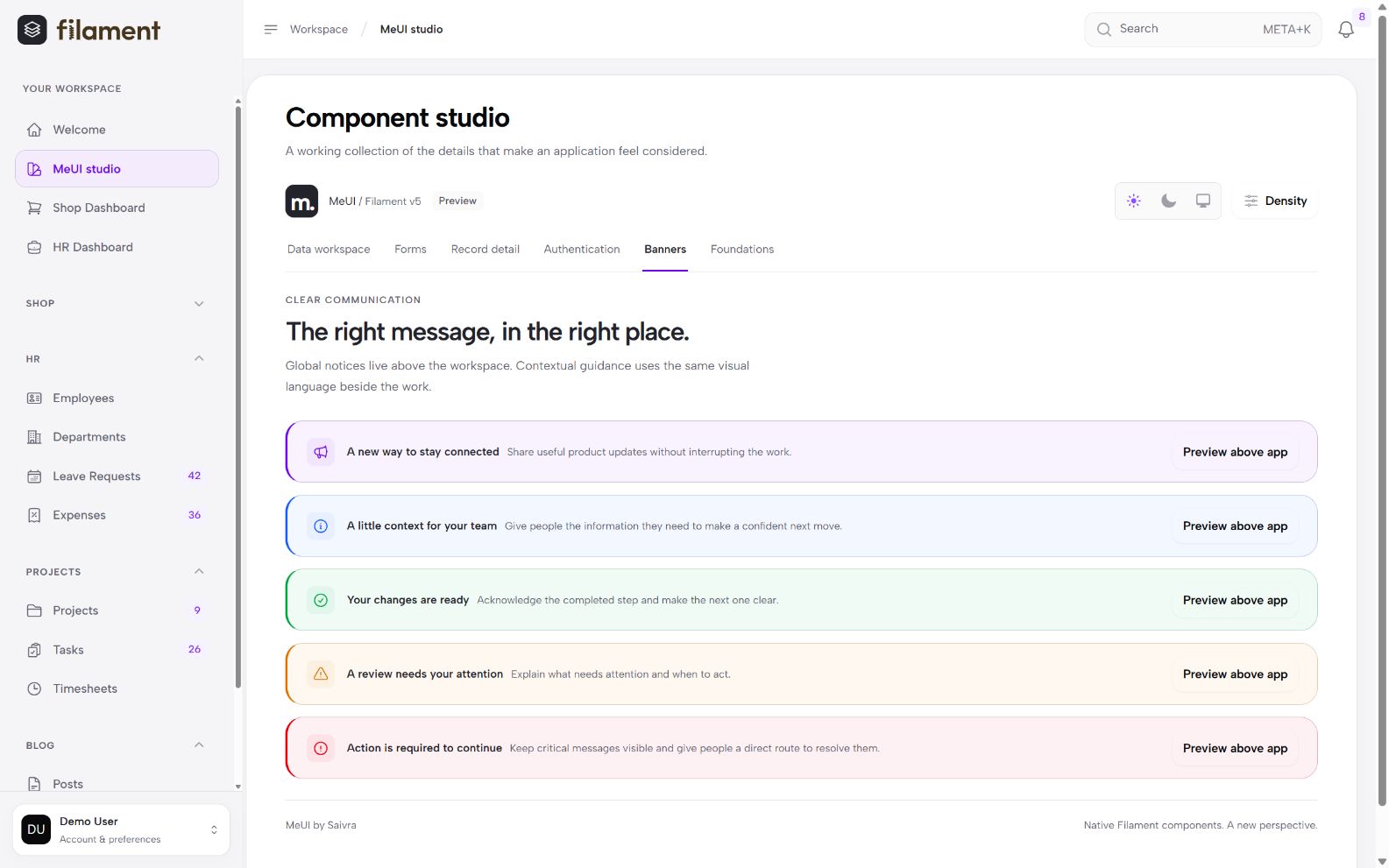 |
| 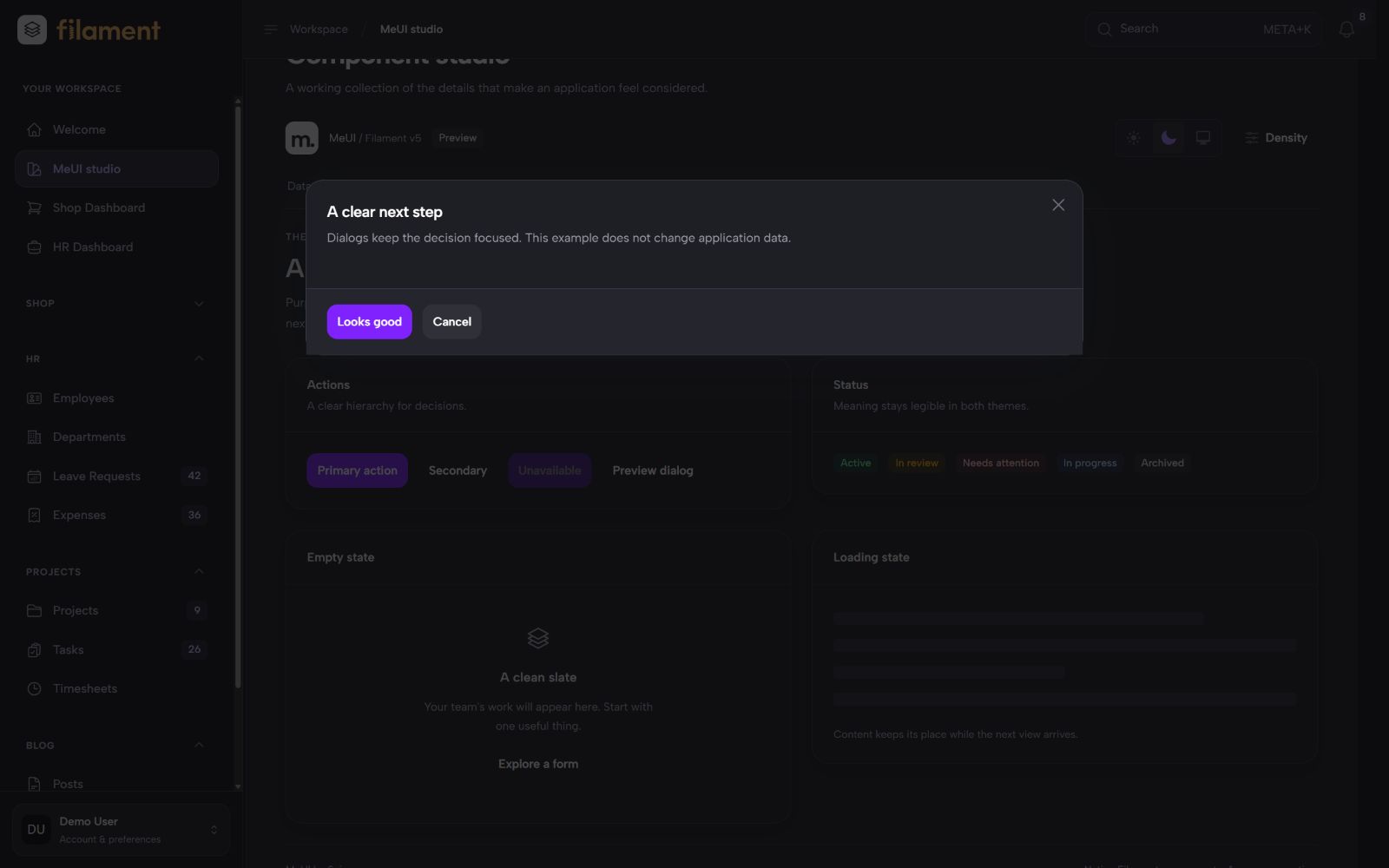 |
|
The studio is disabled by default. Enable it for an intended audience with an authorization closure:
MeUiPlugin::make()->gallery(
    fn (): bool => auth()->user()?->can('viewComponentStudio') ?? false,
);
Define the ability in your application. Entry and interactive actions require authentication and a successful authorization check. The studio does not query or save your application's business records.
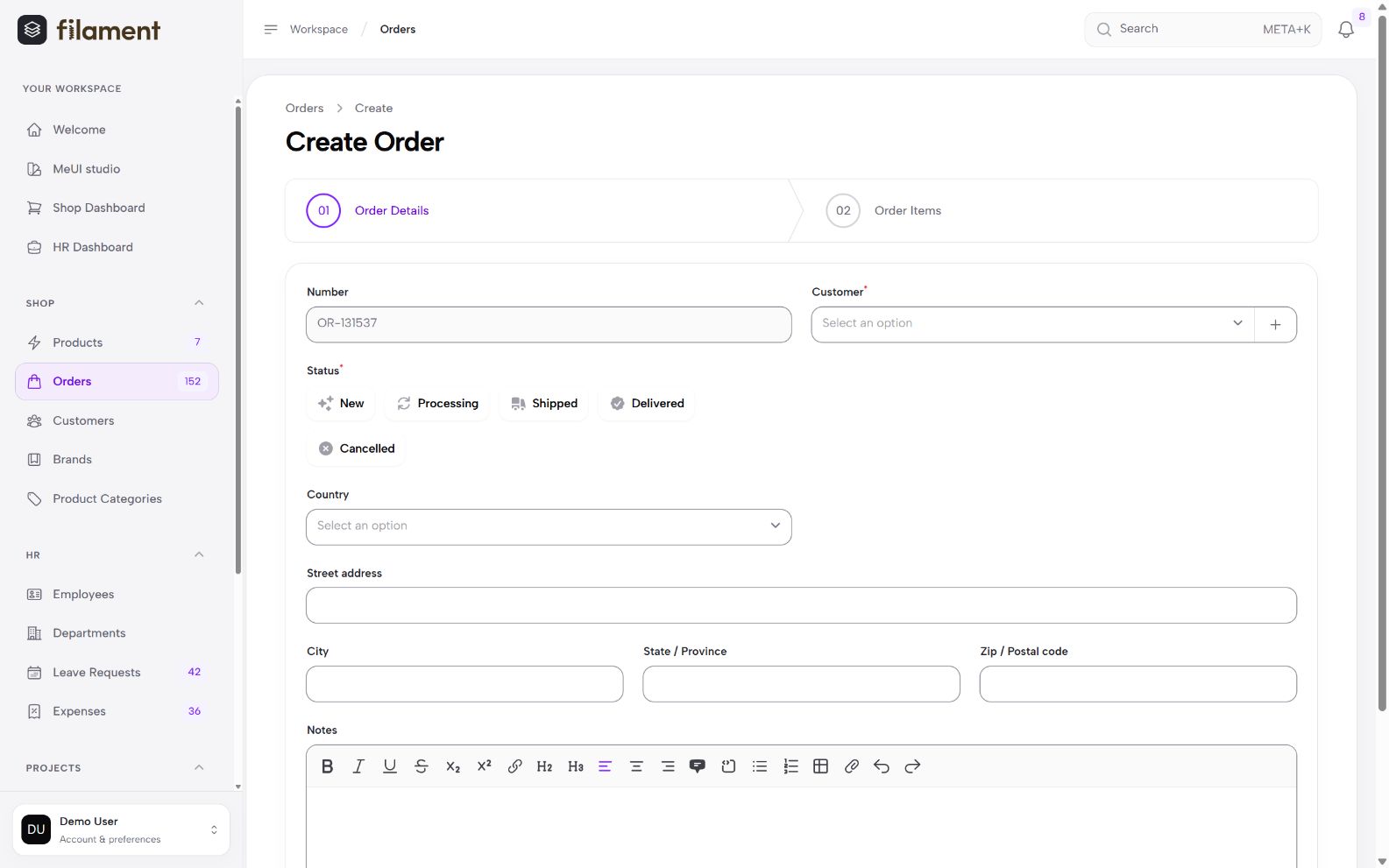
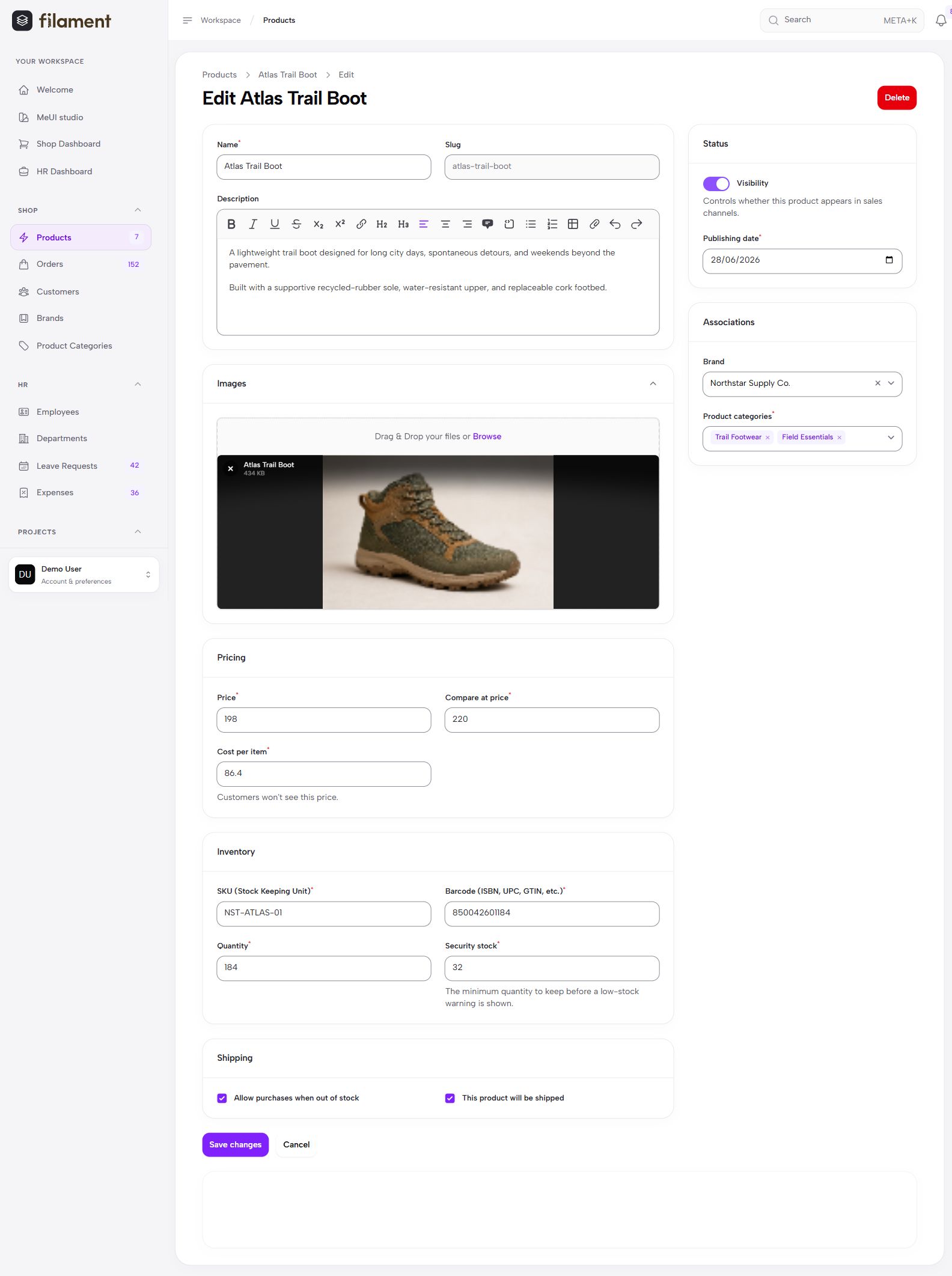
Use your existing Filament resources, forms, tables, infolists, actions and notifications. MeUI styles their surfaces and states while preserving Filament's behavior. This includes rich editors, uploads, repeaters, builders, wizards, relation managers, modal forms and slide-overs.
| Wizard | Product editing |
| --- | --- |
|  |
|  |
|
Dedicated notice rails and five semantic banner tones support application messages. The package also
includes page-intro, frame and empty-state Blade components. See
components and notices.
| Dependency | Supported versions | | --- | --- | | PHP | 8.2+ on Laravel 12; 8.3+ on Laravel 13 | | Laravel | 12 and 13 | | Filament | 5.10.2 or later within 5.x | | Browser | Current Chrome, Edge, Firefox or Safari with modern CSS support |
The compatibility matrix tests Laravel 12 and 13, minimum and current Filament versions, and SQLite and PostgreSQL.
Keep your panel's original shell with shell(false). Branding, colors, fonts, guards, tenancy and
permissions stay configured through Filament. MeUI includes visible focus treatments, mobile control
sizing, semantic notices, reduced-motion and forced-colors styles. Check your completed application
with its content, colors and additional plugins; see tested scope.
| Guide | Contents | | --- | --- | | Installation | Setup, Vite themes, deployment, upgrades and troubleshooting. | | Customization | Panel defaults, personal controls, database storage, access and integration callbacks. | | Components | Notice rails, Blade helpers and the component studio. | | Gallery | Authentication, customization and application screens. | | Compatibility | Supported versions, test scope and integration limits. |
Open a GitHub issue with your versions, browser and a small reproduction. Use private security reporting for vulnerabilities. Development instructions are in CONTRIBUTING.md.
MeUI is in the 0.x series. Minor releases may change public APIs; patch releases are intended for
compatible fixes. Review the changelog before upgrading.
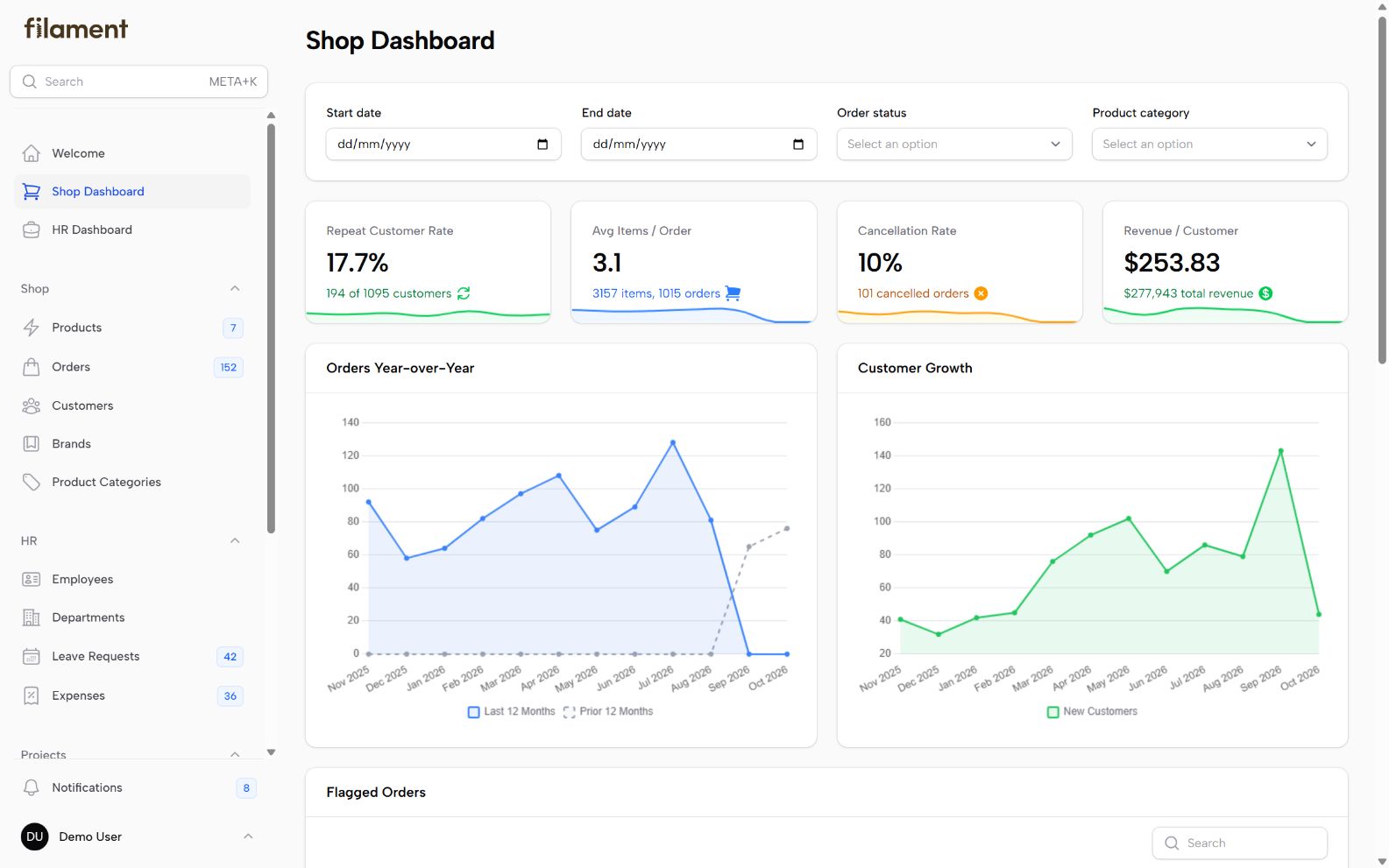
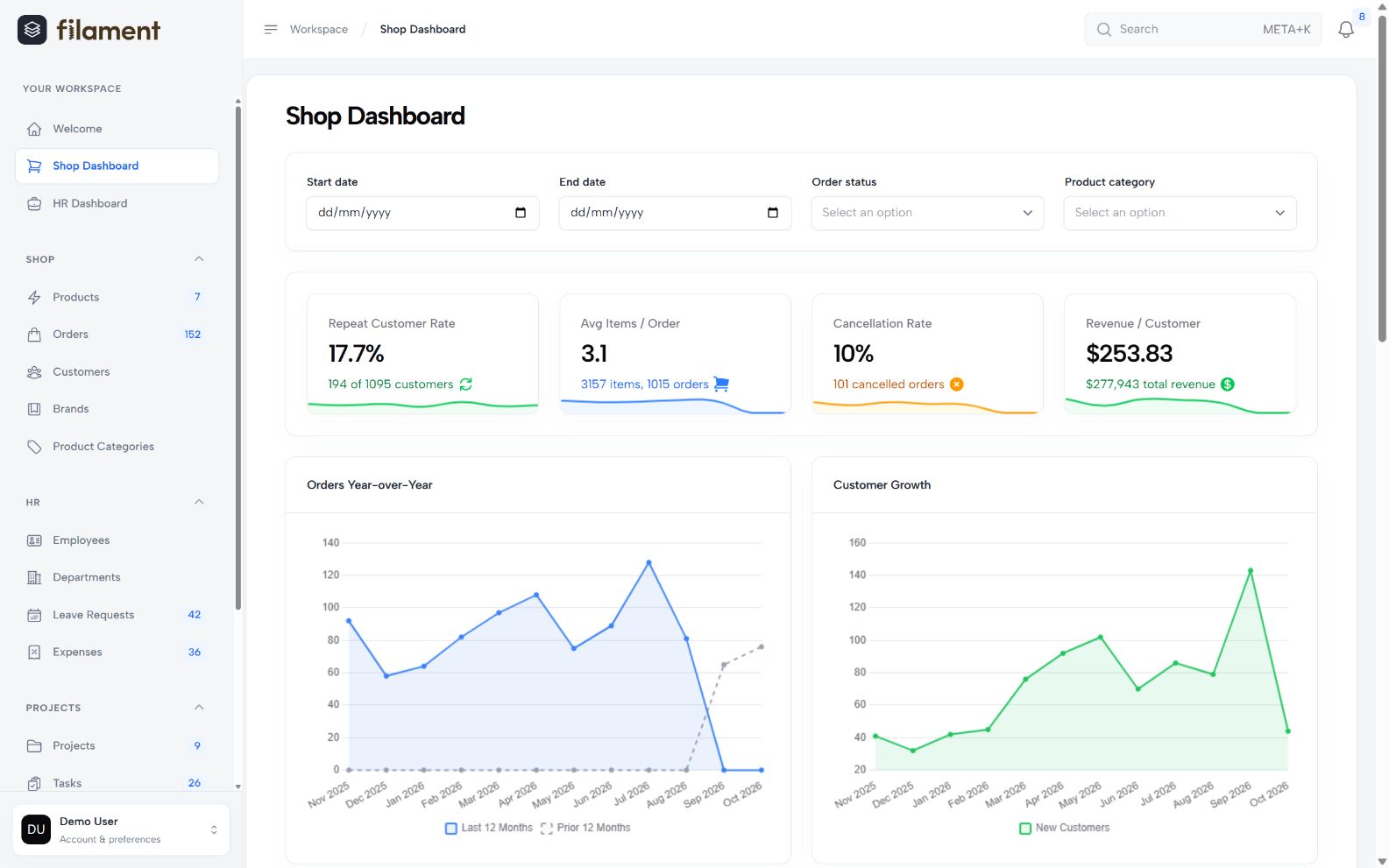
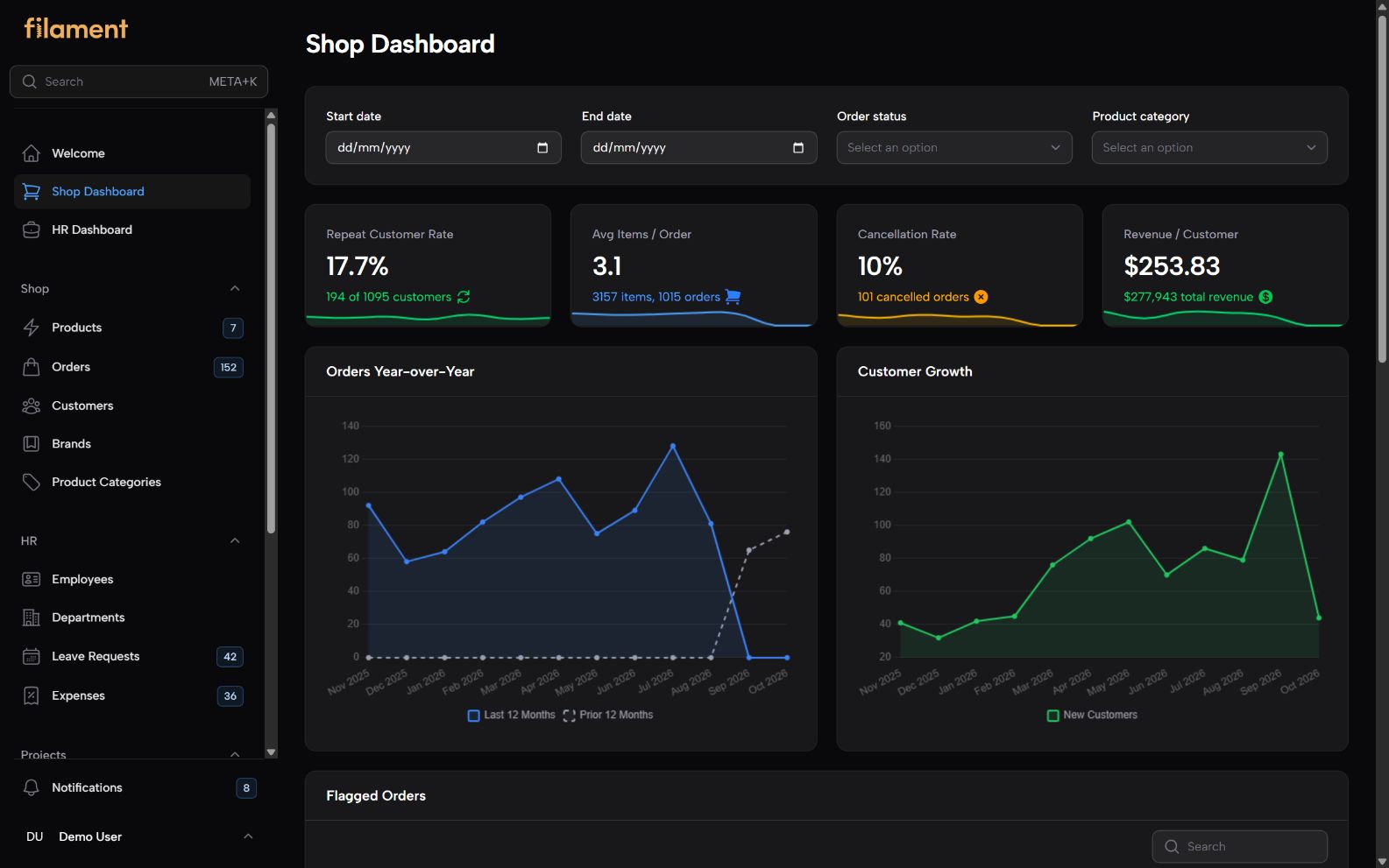
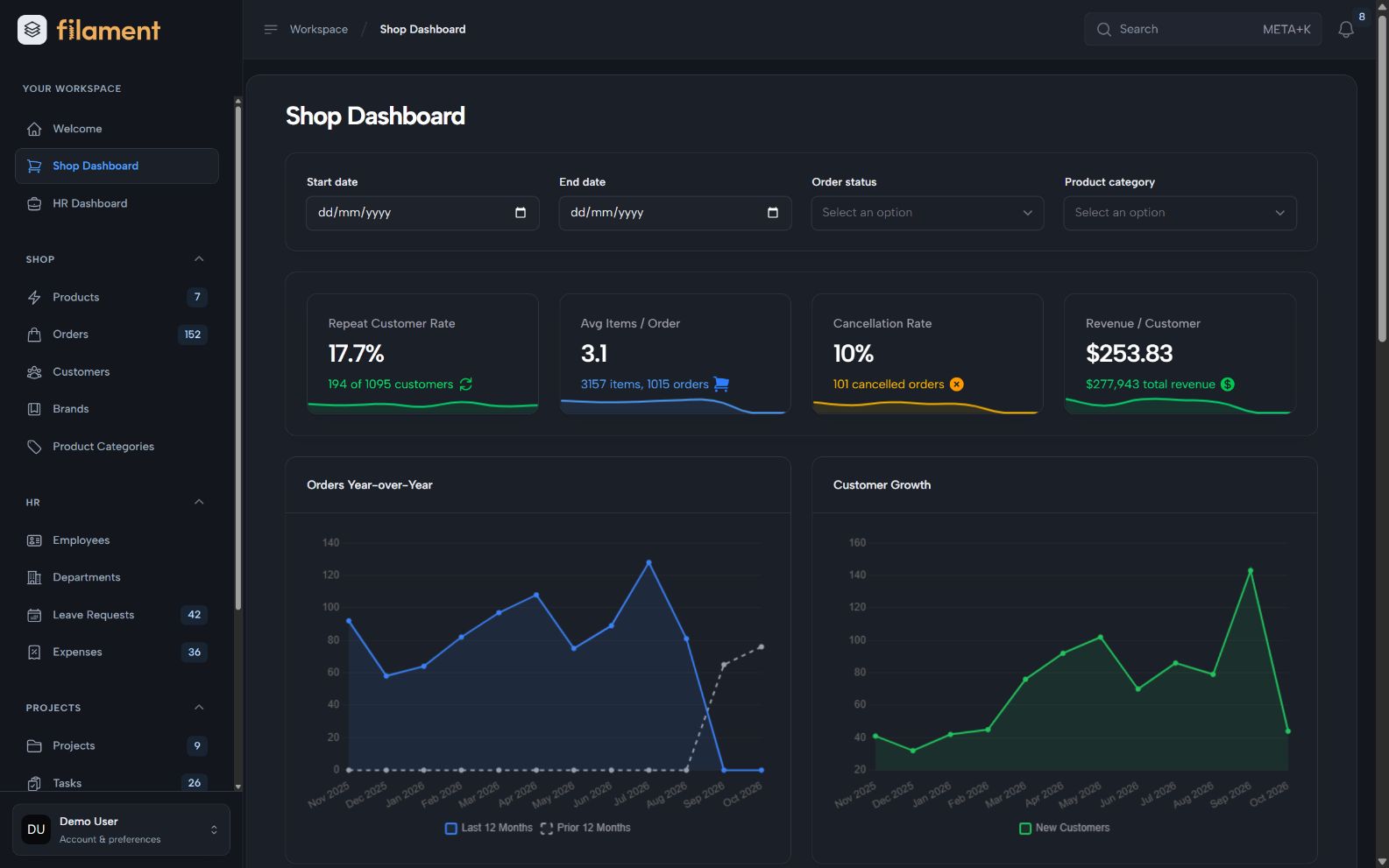
The illustrated previews explore an enhanced visual direction, including an ApexCharts-style chart composition. The theme uses the application's chart components and does not install or replace a chart library.
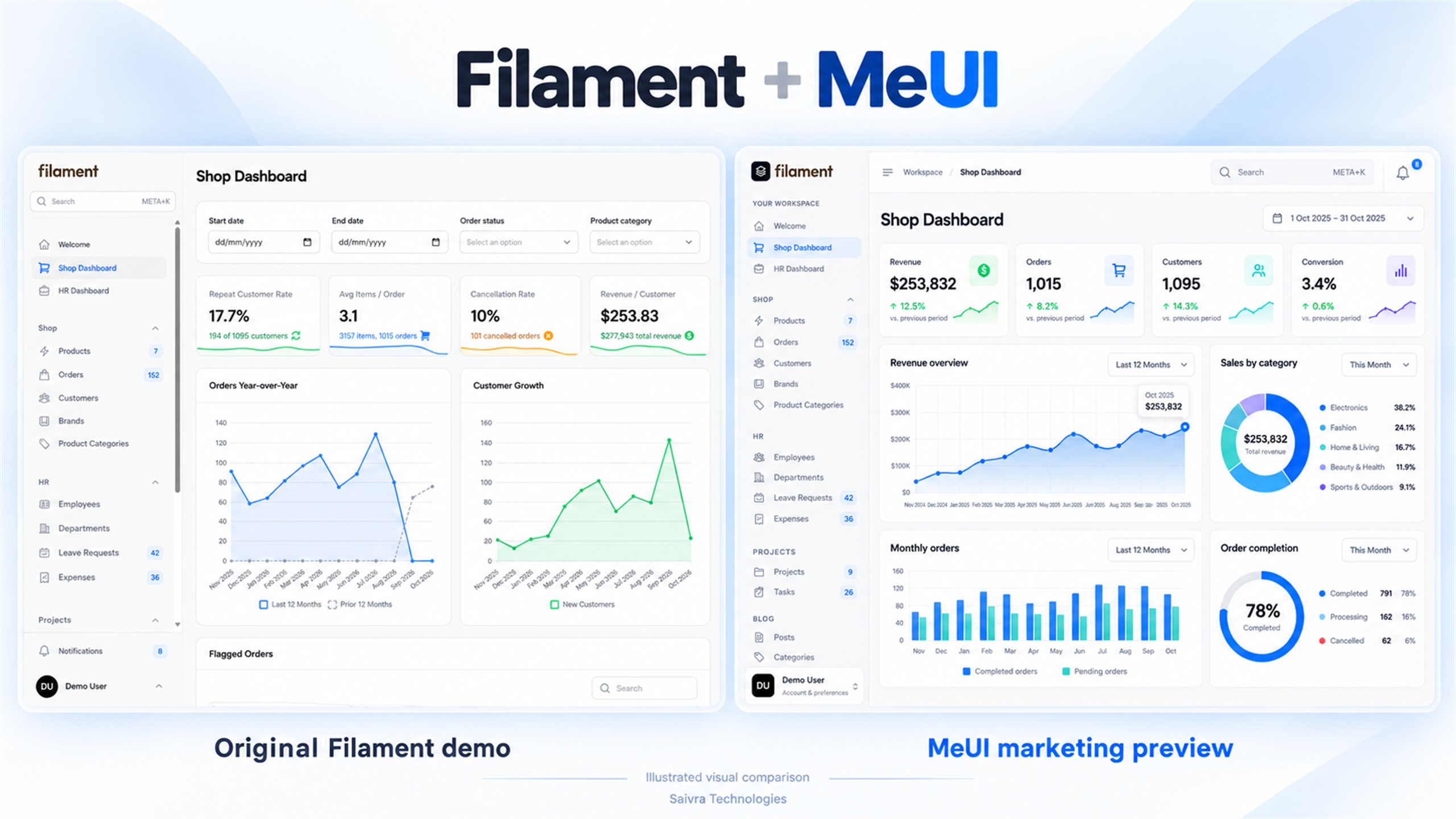
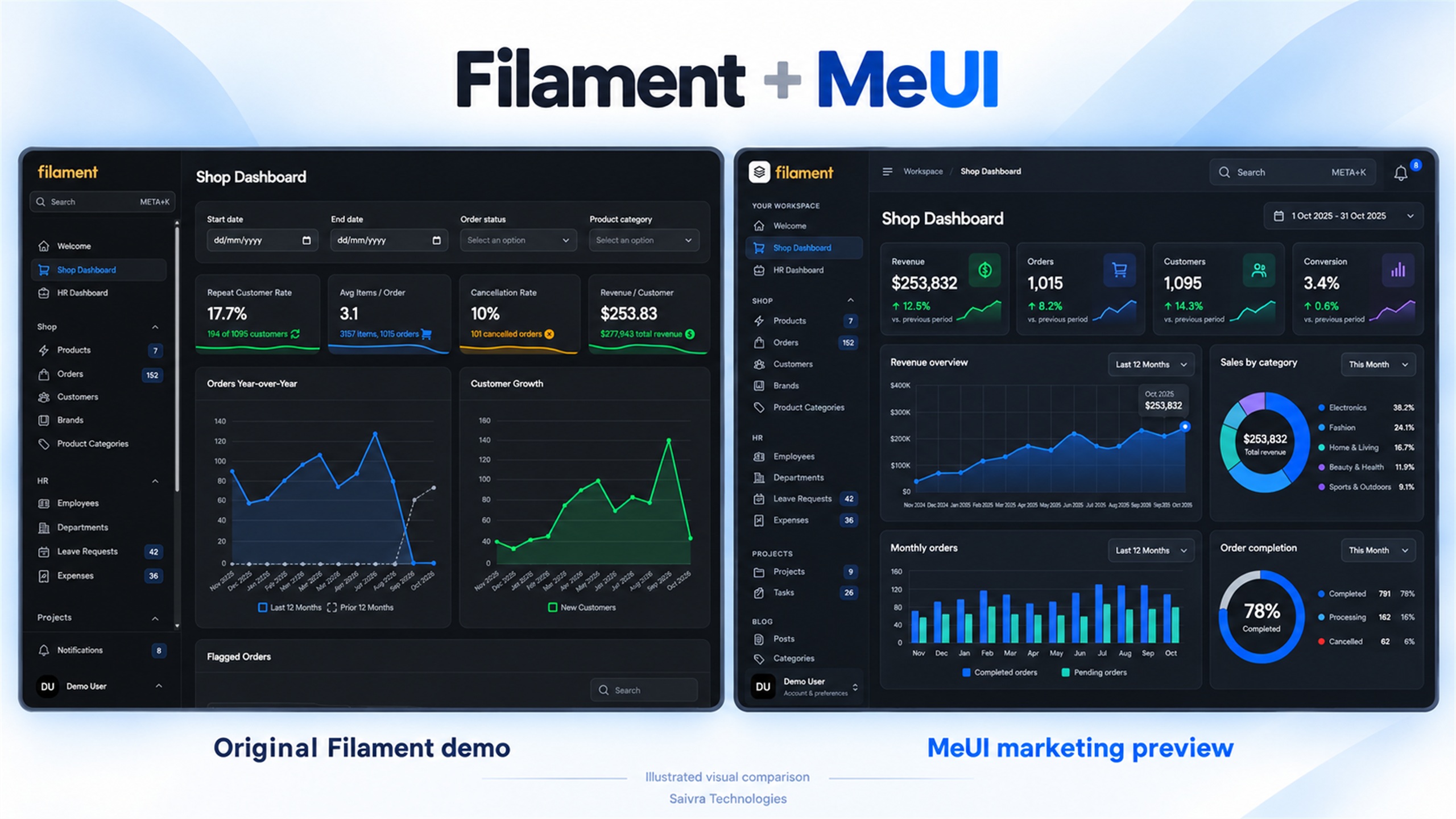
| Original Filament demo | MeUI applied, initial release |
| --- | --- |
|  |
|  |
|
|
|  |
|  |
|
Created and maintained by Ghulam Mustafa at Saivra Technologies. Released under the MIT license.