Laravel Laravel Package for beautifull JS notification.
padosoft/laravel-notifier is a Laravel package for laravel laravel package for beautifull js notification..
It currently has 2 GitHub stars and 16.589 downloads on Packagist (latest version 1.9.0).
Install it with composer require padosoft/laravel-notifier.
Discover more Laravel packages by padosoft
or browse all Laravel packages to compare alternatives.
Last updated





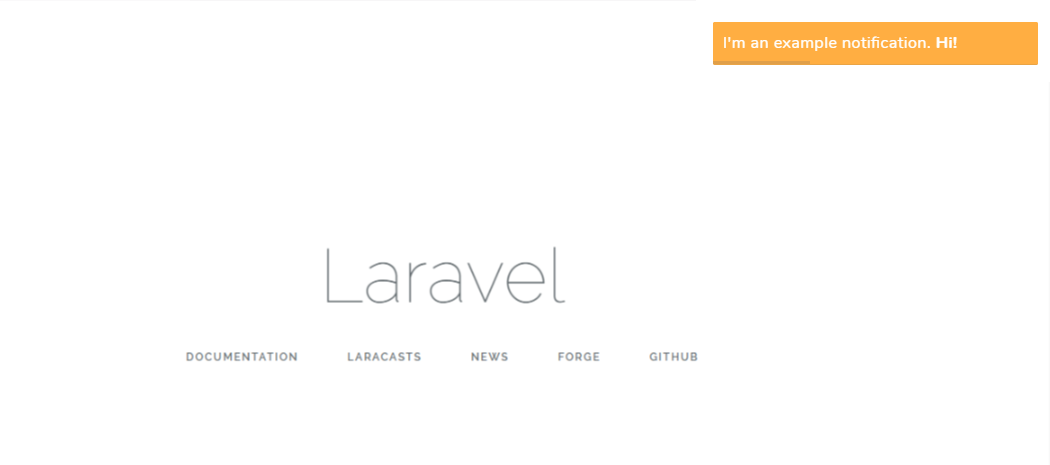
This package provides a wrapper of commands to Padosoft JS notifier, to display beautifull notifications with js plugin.
##Requires
You can install the package via composer:
$ composer require padosoft/laravel-notifier
No additional steps required because the service provider use new L5.5+ autodiscovery feature.
You must install this service provider.
// config/app.php
'provider' => [
    ...
    Padosoft\Laravel\Notification\Notifier\NotifierServiceProvider::class,
    ...
];
Call one of these methods in your controllers to insert a notification:
Notify::warning($message, $onlyNextRequest = false, $options = []) - add a warning notificationNotify::error($message, $onlyNextRequest = false, $options = []) - add an error notificationNotify::info($message, $onlyNextRequest = false, $options = []) - add an info notificationNotify::success($message, $onlyNextRequest = false, $options = []) - add a success notificationNotify::add($theme, $timeout, $type: warning|error|info|success, $layout, $text, $sounds = null, $soundsVolume = null) - add a notification
Notify::clear() - clear all current notificationIf you need to show the notification only if a particular condition is true, you can use these methods:
Notify::ifWarning($condition, $message, $onlyNextRequest = false, $options = []) - add a warning notification if $condition is trueNotify::ifError($condition, $message, $onlyNextRequest = false, $options = []) - add an error notification if $condition is trueNotify::ifInfo($condition, $message, $onlyNextRequest = false, $options = []) - add an info notification if $condition is trueNotify::ifSuccess($condition, $message, $onlyNextRequest = false, $options = []) - add a success notification if $condition is trueExample: instead of use this:
if($condition){
    Notify::success('You have an email!');
}
you can use this:
Notify::IfSuccess($condition, 'You have an email!');
{!! notify() !!}
Notify::info('You have an email!');
Please see CHANGELOG for more information what has changed recently.
$ composer test
Please see CONTRIBUTING for details.
If you discover any security related issues, please email instead of using the issue tracker.
Padosoft (https://www.padosoft.com) is a software house based in Florence, Italy. Specialized in E-commerce and web sites.
The MIT License (MIT). Please see License File for more information.