lshorz/luocaptcha is a Laravel package for laravel of luosimao captcha.
It currently has 6 GitHub stars and 267 downloads on Packagist (latest version 1.0).
Install it with composer require lshorz/luocaptcha.
Discover more Laravel packages by lshorz
or browse all Laravel packages to compare alternatives.
Last updated
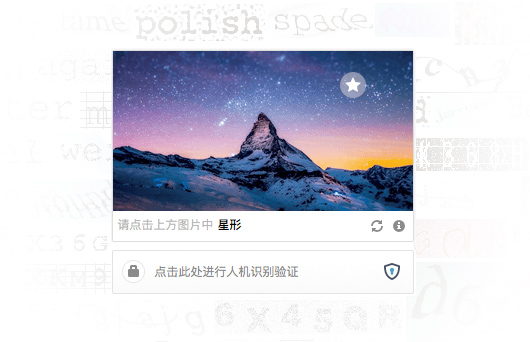
基于Luosimao免费人机验证的Laravel 5.x扩展
$ composer require "lshorz/luocaptcha":"dev-master"
如果是laravel<5.5 则修改config/app.php 增加
Lshorz\Luosimao\LCaptchaServiceProvider::class
增加aliases
'LCaptcha' => Lshorz\Luosimao\Facades\LCaptcha::class,
1.执行
$ php artisan vendor:publish --tag=lcaptcha
2.去官注册帐号并配置config/lcaptcha.php
在页面head等合适的地方加入
<script src="https://raw.githubusercontent.com/lshorz/luocaptcha/refs/heads/main//captcha.luosimao.com/static/js/api.js"></script>
在需要显示该验证组件的地方插入以下代码
/**
* @param string $width  组件宽度
* @param string $callback 客户端验证成功回调函数名称
*/
{!! LCaptcha::render('100%', 'callback') !!}
将会生成类似代html代码
<div class="l-captcha" data-width="200" data-site-key="xxxxxxxxxxxxxx" data-callback="callback"></div>
另外需要自己补充JS方法,例如将取得的response(默认参数名为:luotest_response)参数post到服务器进行远程验证,参考如下:
<script>
    function callback(resp){
        $.post('/check', {"luotest_response": resp}, function(res){
            console.log(res);
        });
    }
</script>
方法一:
$v = Validator::make($request->only('luotest_response'), ['luotest_response'=>'required|lcaptcha'],
 [
    'luotest_response.required' => '不得为空',
    'luotest_response.lcaptcha'=>'验证失败'
 ]);
if ($v->fails()) {
    return $v->errors();
} else {
    return 'ok';
}
方法二:
use Lshorz\Luocaptcha\Facades\LCaptcha;

...

$res = LCaptcha::verify($request->only('luotest_response'));
if ($res) {
    echo 'passed';
} else {
    echo 'fail';
}
其他请参考:


