Protect your site with a simple password form
drkmode/laravel-knock-knock is a Laravel package for protect your site with a simple password form.
It currently has 2 GitHub stars and 218 downloads on Packagist (latest version 1.2.2).
Install it with composer require drkmode/laravel-knock-knock.
Discover more Laravel packages by drkmode
or browse all Laravel packages to compare alternatives.
Last updated

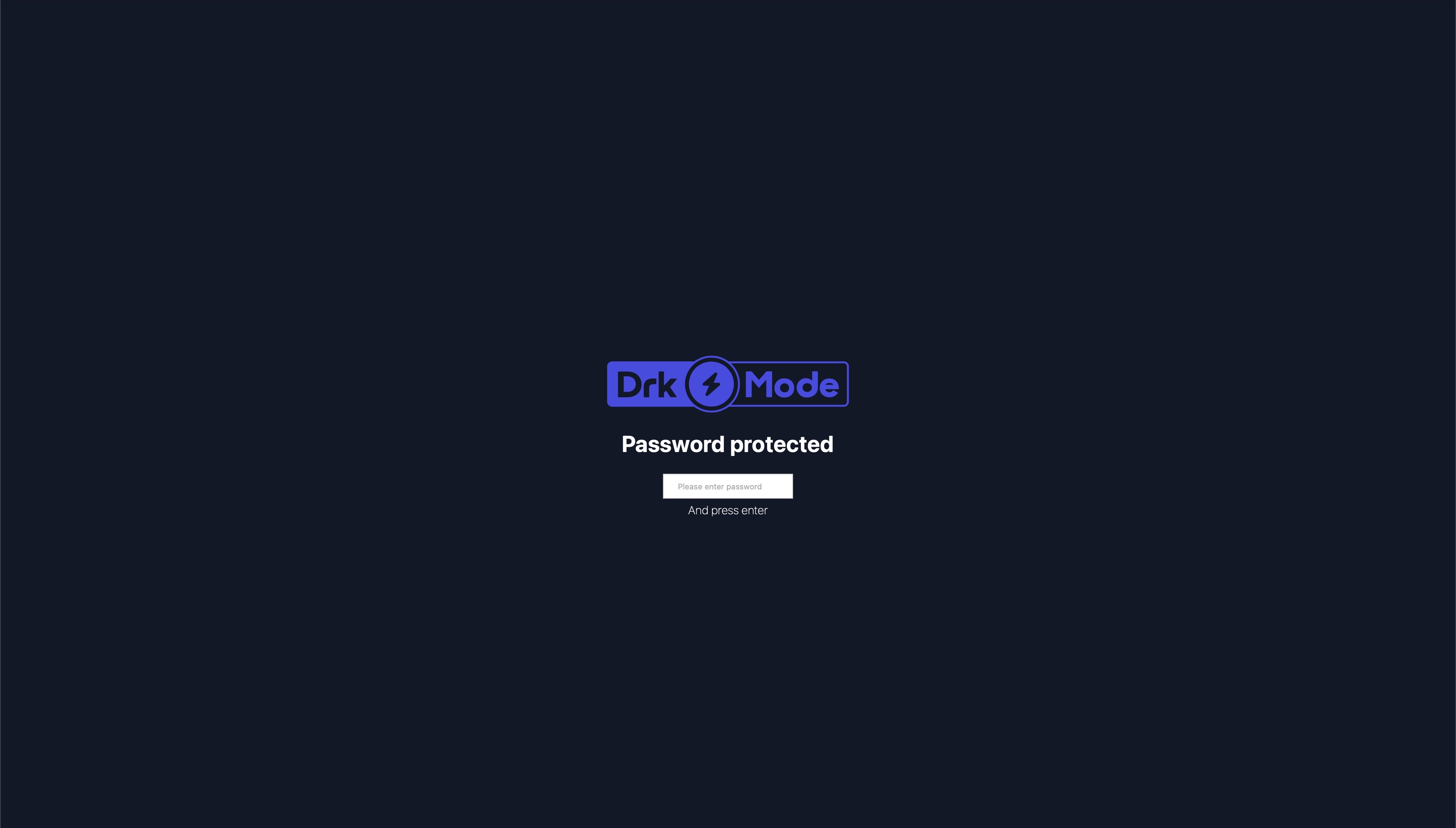
This will add a simple password form in front of your application to protected it from any access. The password is
specified using the .env file to protect your sites, commonly used for DEV or STAGE sites. You can use multiple
passwords for different user groups. Once the password is removed, the access is revoked.
You can use multiple passwords for different user groups. Once the password is removed, the access is revoked.
This does not protect any assets files like css or images.
Looks like
composer require drkmode/laravel-knock-knock
This package requires at least the Laravel Framework of version 5.2.
Add ServiceProvider to the providers array in app/config/app.php.
DrkMode\SiteProtection\SiteProtectionServiceProvider::class,
You don't need to add this package to your app/config/app.php since it supports auto discovery.
Add Middleware to app/Http/Kernel.php or specific routes you want to protect.
protected $middlewareGroups = [
    'web' => [
        ...
        \DrkMode\SiteProtection\Http\Middleware\SiteProtection::class,
    ],
    ...
];
Add Middleware to bootstrap/app.php or specific routes you want to protect.
->withMiddleware(function (Middleware $middleware) {
        $middleware->web(append: [
            ...
            \DrkMode\SiteProtection\Http\Middleware\SiteProtection::class,
        ]);
    })
Most configuration can be done using ENV variables by adding the following keys
to your .env file.
You can use multiple passwords separated by comma.
SITE_PROTECTION_PASSWORDS=password1,password2
To revoke access to your site simply change the password. This requires every user using the old password to re-enter a password.
You can exclude specific paths from protection. Add a comma seperated list of paths to your
.env file. You can use the * to exclude a group of paths.
SITE_PROTECTION_EXCEPT_PATHS=path1,path2,login*
You can protect only some paths. Add a comma seperated list of paths to your
.env file. You can use the * to protect a a group of paths.
SITE_PROTECTION_PROTECTED_ONLY_PATHS=path1,path2,admin*
You can change the look and feel of the password protection page by adding an uri to your main css file. The css file is appened to the existing css styles to keep basic alignments.
SITE_PROTECTION_CSS_FILE_URI=/assets/app.css
You can add your own company or project logo by setting this .env variable to the path of the image.
SITE_PROTECTION_LOGO_PATH=/assets/logo.png
In case you really need to. You can modify the view that handles password entry by publishing the views to your resource folder. This is not recommended and might cause problems on future updates. Try using the uri to a css file first.
Run the following command:
php artisan vendor:publish --provider="DrkMode\SiteProtection\SiteProtectionServiceProvider" --tag=views
You can now make the changes in resources/vendor/views/site-protection/site-protection-form.blade.php.