codercms/filament-value-range-filter is a Laravel package for filament country code field..
It currently has 0 GitHub stars and 26 downloads on Packagist (latest version 1.0.4).
Install it with composer require codercms/filament-value-range-filter.
Discover more Laravel packages by codercms
or browse all Laravel packages to compare alternatives.
Last updated




A value range filter for Filament table builder.
composer require tapp/filament-value-range-filter
Optionally, you can publish the translations files with:
php artisan vendor:publish --tag="filament-value-range-filter-translations"
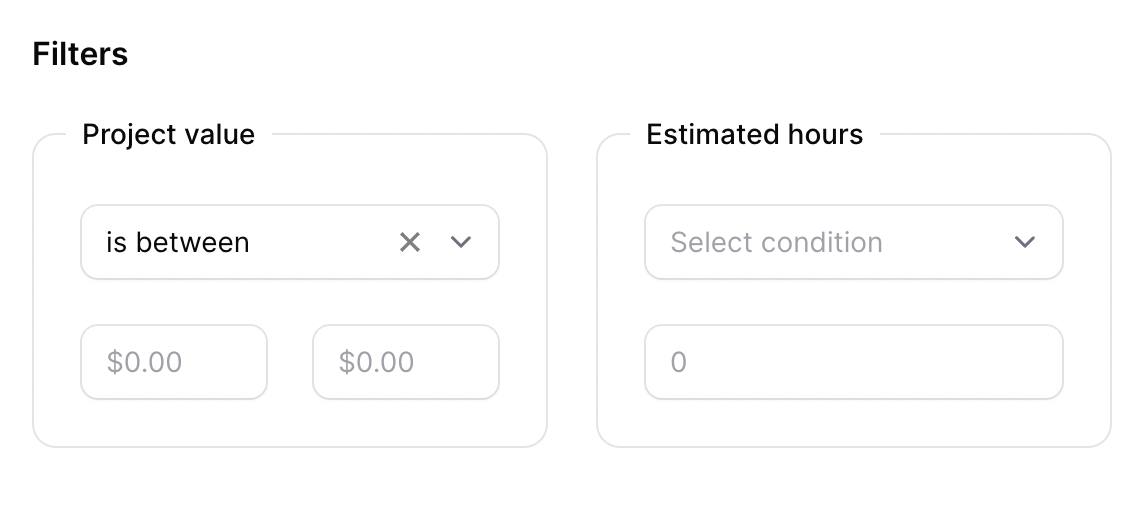
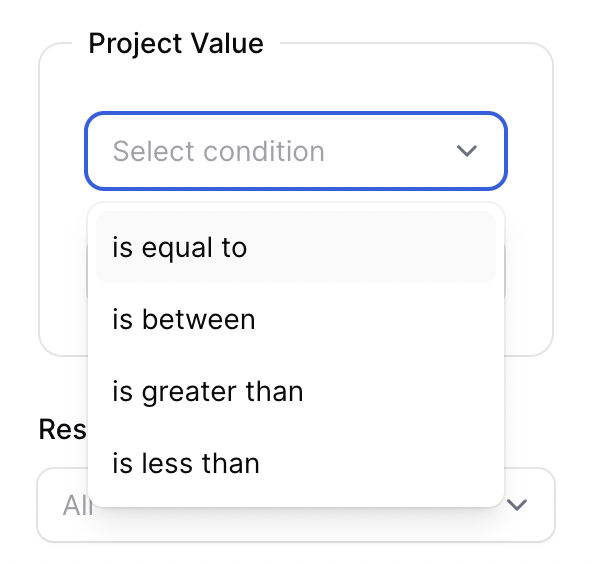
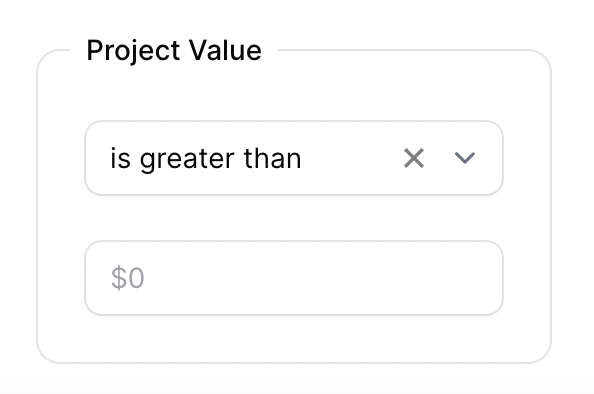
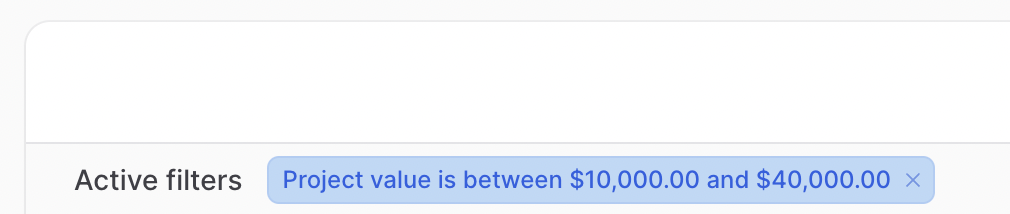
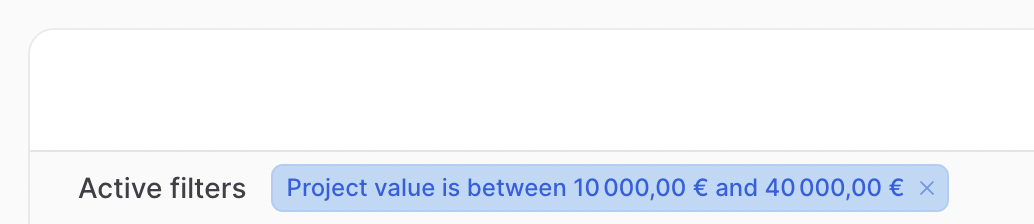
Filter Indicators

Add to your Filament resource:
use Tapp\FilamentValueRangeFilter\Filters\ValueRangeFilter;

public static function table(Table $table): Table
{
    return $table
        //...
        ->filters([
            ValueRangeFilter::make('project_value')
                    ->currency(),
            ValueRangeFilter::make('estimated_hours'),
            // ...
        ])
}
You may use the ->currency() method to format the values on placeholder and filter indicator as currency. The default currency format is USD.
ValueRangeFilter::make('project_value')
    ->currency(),
Change the currency format
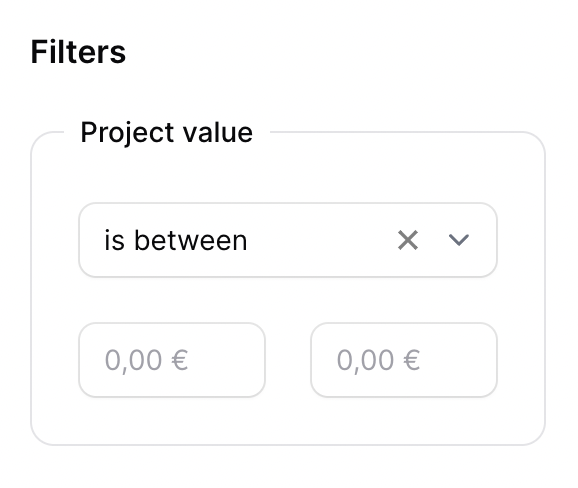
The ->currencyCode() and ->locale() methods can be used to change the currency format.
You can pass one of the ISO 4217 currency codes to the ->currencyCode() method.
ValueRangeFilter::make('project_value')
    ->currency()
    ->currencyCode('EUR')
    ->locale('fr'),
Currency value
When using currency values, the filter assumes that the value stored on database that will be compared with the provided value on filter is in the smallest unit of the currency (e.g., cents for USD). Therefore, the value provided in the filter is by default multiplied by 100 to be compared with the value stored in the database.
If the values stored in your database are not in the currency's smallest unit and you do not need the value provided in the filter to be multiplied by 100, pass 'false' to the ->currencyInSmallestUnit() method:
ValueRangeFilter::make('project_value')
    ->currency()
    ->currencyInSmallestUnit(false),
composer test
Please see CHANGELOG for more information on what has changed recently.
Please see CONTRIBUTING for details.
If you discover any security-related issues, please email [email protected].
The MIT License (MIT). Please see License File for more information.